Tool profile · Publisher documentation
The product points below come from publisher documentation. No common hands-on test is claimed. Documentary profile, sources checked October 7, 2026. LE LABO IA has not tested this product.
Uses
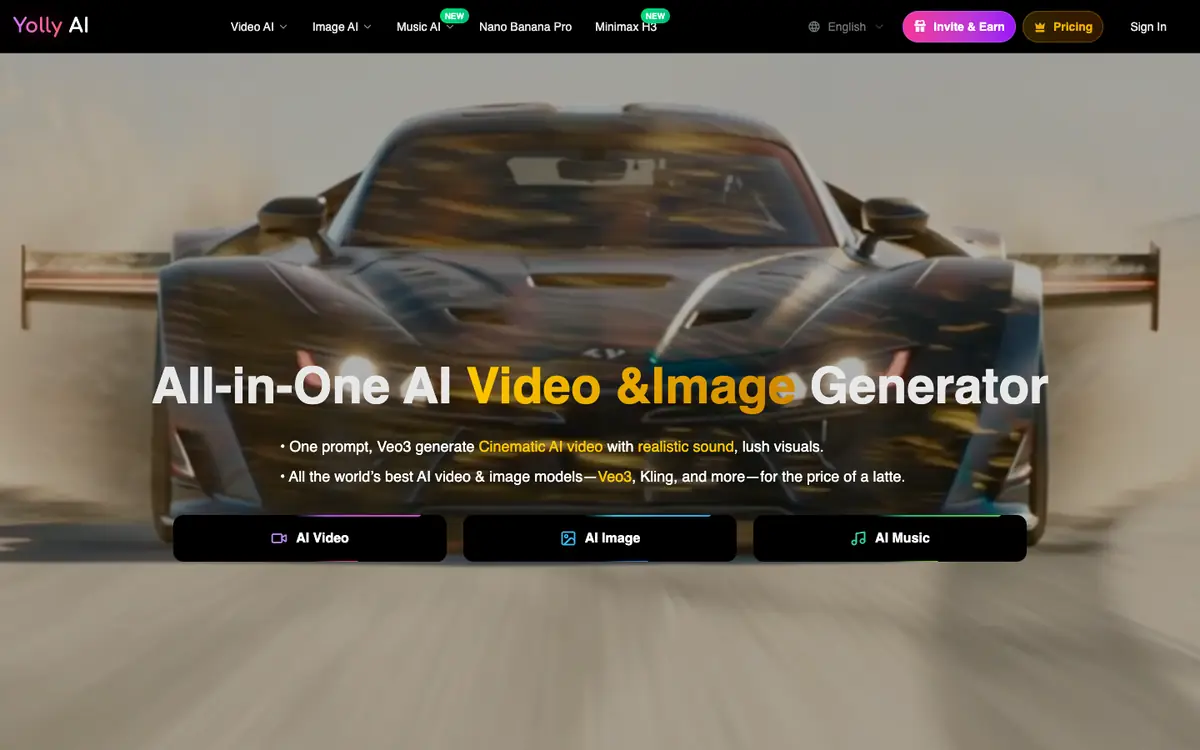
Generate short videos from a written prompt for social posts or concept exploration. Animate a still image into motion footage for quick visual mockups. Create images from text for illustrations, thumbnails or mood boards. Transform existing videos and images for style variations or corrections.
Offer and pricing
The supplier's public pricing lists a monthly view: Starter at 9.90 USD per month with 500 credits per month, Standard at 19.90 USD per month with 1200 credits per month, and Premium at 49.90 USD per month with 6000 credits per month. An annual view mentioning Save 50% and a one time purchase option are also mentioned without amounts. These prices, credit quotas and billing terms are points to check with the supplier, as they are not confirmed here.
Limits to check
LE LABO IA has not tested Yolly AI, so this profile reflects supplier documentation only. Credit quotas, territorial availability and usage terms are not confirmed and should be checked with the supplier. The monthly view is shown; the annual view and one time purchase option appear without amounts and are not confirmed.
What to check yourself
On the supplier site or in a trial, create one video and one image from comparable text prompts, then note the time each takes. Check the credit cost of each action and how far the included monthly credits go. Confirm whether animation and transformation features are available on the plan you would choose. Verify current prices, billing terms and availability in your country before committing.