Tool profile · Publisher documentation
The product points below come from publisher documentation. No common hands-on test is claimed. Documentary profile, sources checked October 7, 2026. LE LABO IA has not tested this product.
Uses
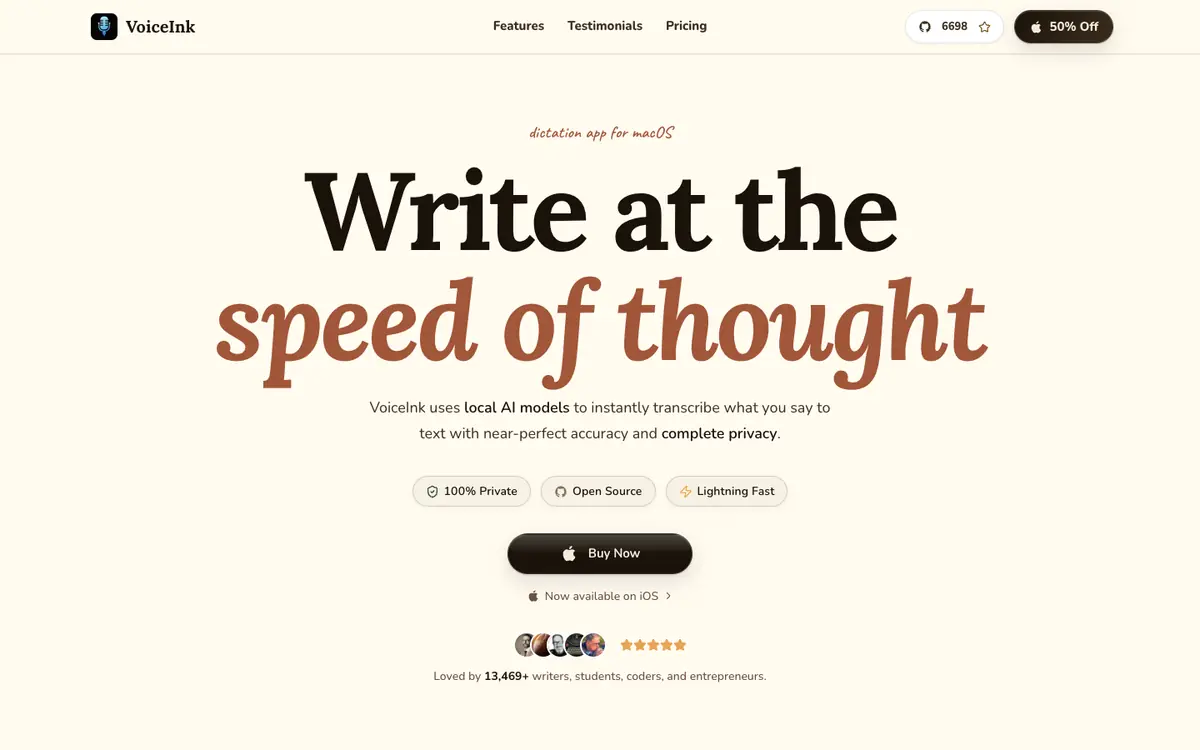
Dictate text by voice on macOS within any application, based on the supplier's documentary description. Use local AI models for speech-to-text so that dictation stays on the machine rather than relying on a remote service, as documented. Add custom words to a personal dictionary to improve recognition of names, jargon or specific vocabulary, as described. Apply smart replacements to automatically correct or expand recurring phrases while dictating, as documented by the supplier.
Offer and pricing
The exact price, billing period, quotas and free access are not confirmed. No amount, free tier or trial is guaranteed by the available documentation, so consult the supplier's current offer to check what applies.
Limits to check
The supplier documents the product for macOS, so other operating systems are not covered by the available documentation. Territorial availability is not confirmed and should be checked with the supplier. Exact prices, billing terms, quotas and legal usage conditions are not confirmed. Accuracy, performance and language coverage are presented by the supplier and have not been independently tested here.
What to check yourself
Visit the supplier site and check whether a free tier or trial exists, what it includes and how long it lasts. During any trial, dictate in several applications you actually use and verify how custom words and smart replacements behave. Look at the current pricing page to confirm amounts, billing periods and any usage limits, and check the system requirements for your macOS version. If privacy matters to you, confirm where speech processing happens and how your data is handled before committing.
- Pricing and billing terms are not confirmed.
- Quotas and free access are not confirmed.
- Territorial availability is not confirmed.
- Accuracy, performance and supported languages are unconfirmed.