Tool profile · Publisher documentation
The product points below come from publisher documentation. No common hands-on test is claimed. Documentary profile, sources checked October 7, 2026. LE LABO IA has not tested this product.
Uses
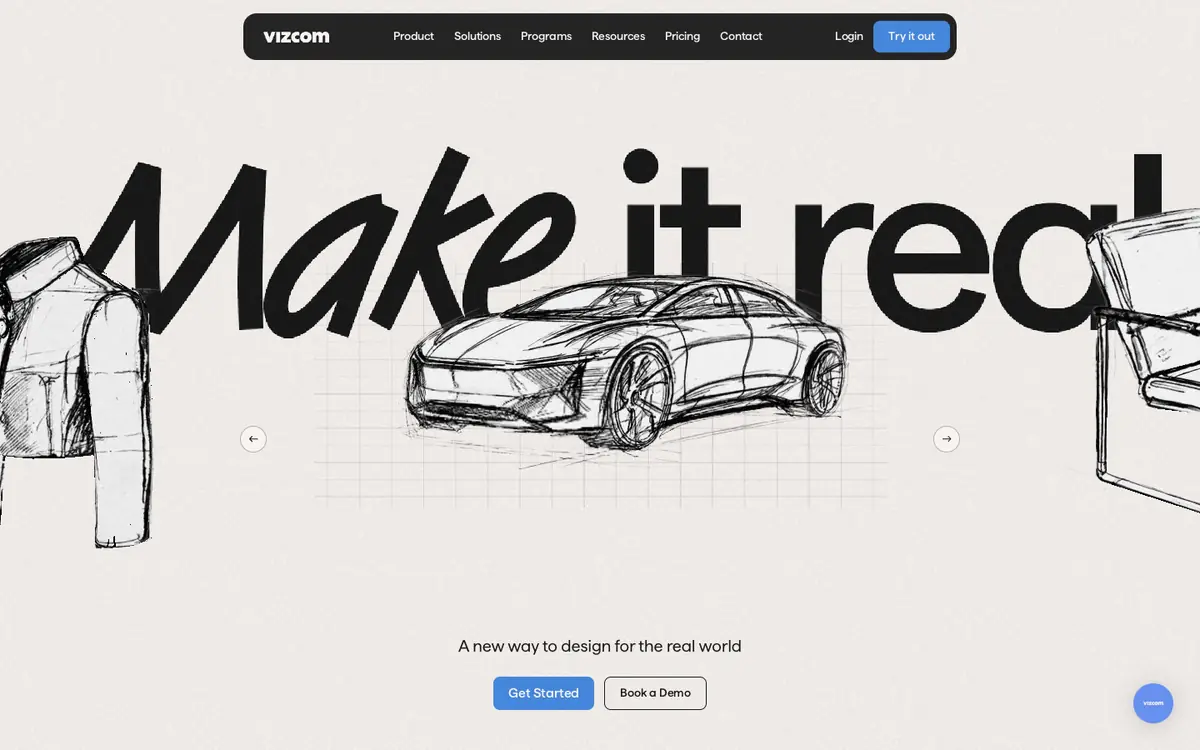
Turning sketches into photorealistic 3D renders for product design concepts. Iterating on product design concepts by generating shape and color variations. Animating design concepts to communicate ideas. Exporting design visuals in 4K for presentations or reviews.
Offer and pricing
Vizcom lists a free Starter tier at $0 per user per month with 800 credits, and a Professional tier at $49 per user per month with 20,000 credits. Enterprise pricing is on request. Teachers and students who qualify are listed at $0 per user per month with 15,000 credits. A monthly view is shown, and an annual option is mentioned with 30% savings, without an annual amount. These prices, quotas and eligibility terms are not confirmed here and should be checked with the supplier.
Limits to check
LE LABO IA has not tested the product, so this profile relies on the supplier's public documentation. Quotas, territorial availability and usage terms are not covered by the pricing summary and should be confirmed with the supplier. The pricing summary shows a monthly view. An annual option is mentioned with 30% savings, but no annual amount is given, so the annual cost is not confirmed. Credits are documented per tier, but what a credit covers in practice is not confirmed.
What to check yourself
Before committing, check the current pricing page on the supplier site and confirm which tier matches your usage. Test the free Starter tier with one real sketch to see how well the render matches your intent and how quickly credits are consumed. Check what a credit covers, what file exports are included on that tier, and whether your region and account type are eligible. Ask the supplier directly about any quota, availability or annual plan terms you need in writing, since those points are not confirmed here.
- The pricing summary shows a monthly view. An annual option is mentioned with 30% savings, but no annual amount is given, so the annual price is not confirmed.
- Quotas, territorial availability, eligibility for the Education tier and usage terms are not confirmed by the supplier documentation summarized here.