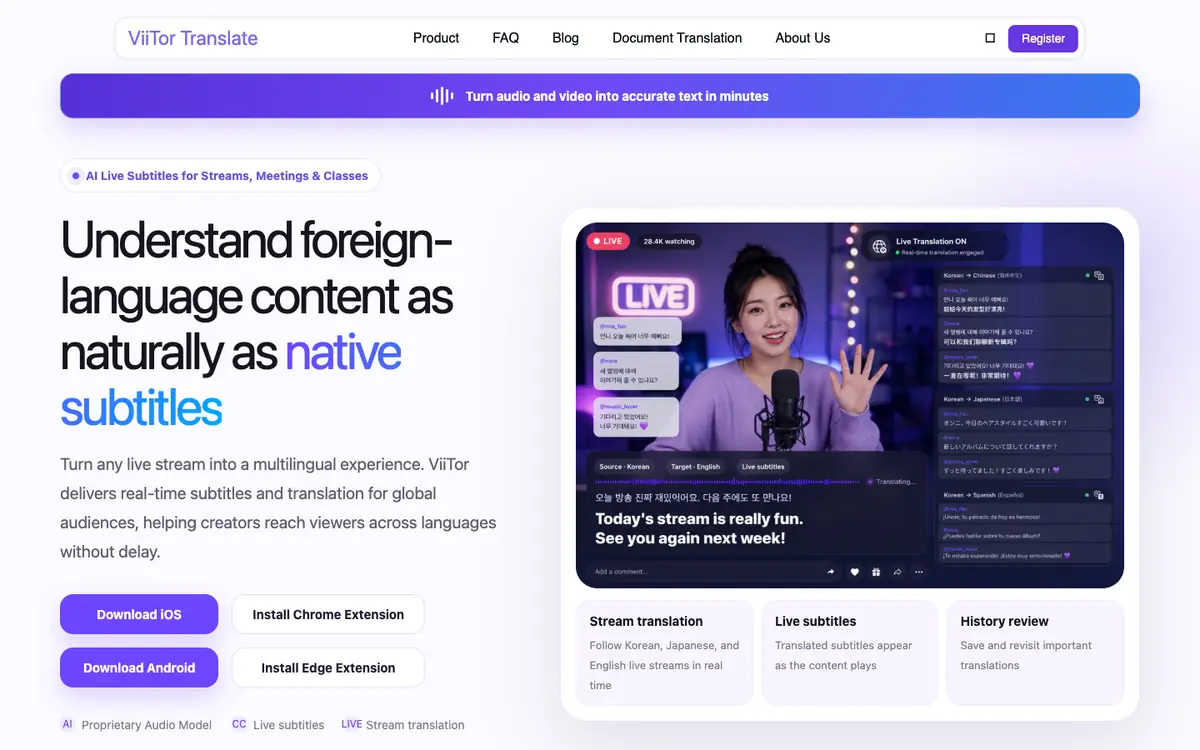
Tool profile · Publisher documentation
The product points below come from publisher documentation. No common hands-on test is claimed. Documentary profile, sources checked October 7, 2026. LE LABO IA has not tested this product.
Uses
Translating live audio and video streams into subtitles for multilingual audiences. Displaying translated subtitles during online meetings. Providing translated captions for classes and educational sessions. Helping creators reach viewers across languages in real time without delay.
Offer and pricing
The exact price, billing period, quotas, and free tier are not confirmed. Check the supplier's current offer directly. No amount or free trial is guaranteed.
Limits to check
The product has not been tested by LE LABO IA. Pricing, quotas, territorial availability, and exact usage terms are not confirmed and should be checked with the supplier.
What to check yourself
Visit the supplier site to check whether real-time subtitles and translation work for your language pairs and your streaming or meeting setup. Test the free tier or a trial if one is offered, and verify pricing, quotas, and availability for your country before committing. Confirm that the supported audio and video sources match how you plan to use the tool. Check the usage terms directly with the supplier, since they are not confirmed here.
- The exact pricing, billing period, quotas, and free tier are not confirmed.
- The availability of the product in different countries is not confirmed.
- The exact usage terms are not confirmed.