
Uses
Generate videos from text, images or videos with several AI models. Produce HD and 4K output for projects that need higher resolution. Create videos intended for commercial use under documented usage rights.

Tool profile · Publisher documentation
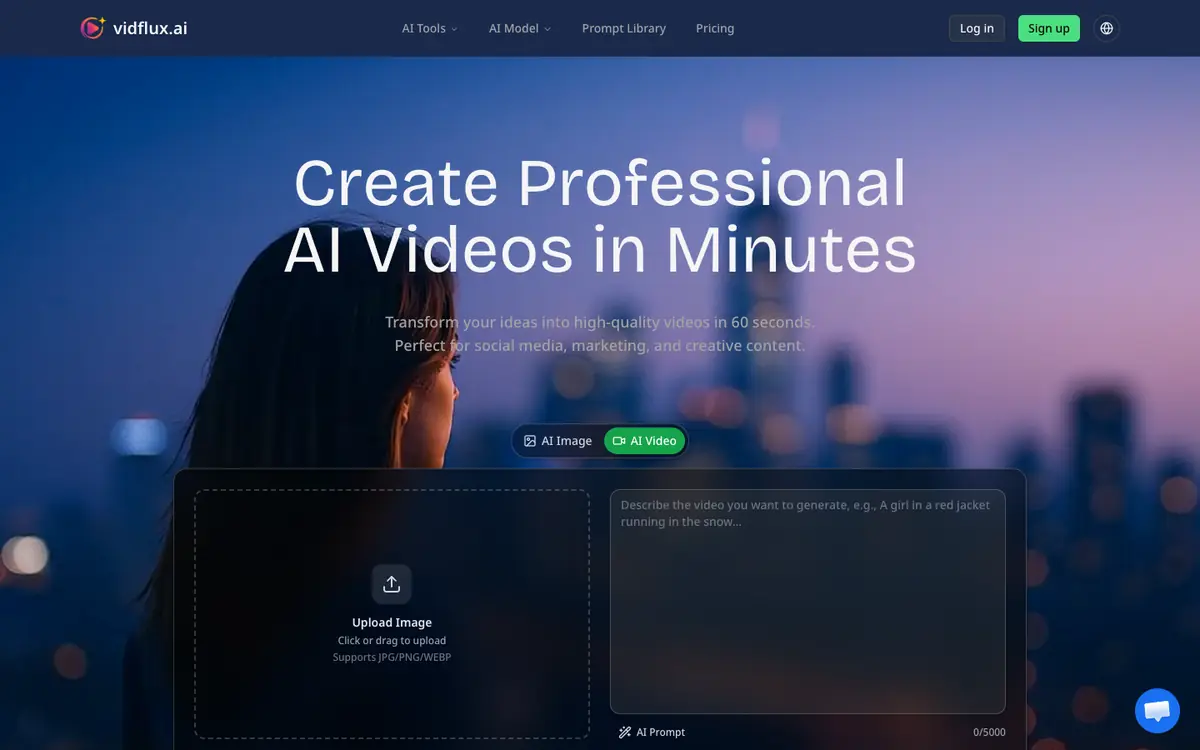
VidFlux AI is a video creation tool that generates videos from text, images or videos using several AI models, including Veo 3.1 and Kling. Its features list HD and 4K output plus commercial usage rights. LE LABO IA has not tested the product, and this profile relies on the public documentation of its supplier. Intended uses include turning written prompts, still images or existing clips into short videos. Pricing starts with Basic at 7.50 USD per month or 90 USD per year for 1,000 credits per month. Pro is 24.17 USD per month or 290 USD per year for 5,000 credits. Studio is 49.17 USD per month or 590 USD per year for 11,000 credits. Pay-as-you-go is also available. Some prices, quotas, availability and terms are not confirmed and should be checked with the supplier before you commit.
Tool profile · Publisher documentation
The product points below come from publisher documentation. No common hands-on test is claimed. Documentary profile, sources checked October 7, 2026. LE LABO IA has not tested this product.
Generate videos from text, images or videos with several AI models. Produce HD and 4K output for projects that need higher resolution. Create videos intended for commercial use under documented usage rights.
Basic is 7.50 USD per month or 90 USD per year for 1,000 credits per month. Pro is 24.17 USD per month or 290 USD per year for 5,000 credits. Studio is 49.17 USD per month or 590 USD per year for 11,000 credits. Pay-as-you-go is also available. The home page mentioned plans from 4.98 to 699 USD that differ from the pricing page, and the pricing page is authoritative. Some prices, quotas, availability and terms are not confirmed, so check them with the supplier before you commit.
LE LABO IA has not tested the product, and this profile relies on the public documentation of its supplier. Quotas, country availability and usage terms are not covered by the pricing summary and are not confirmed, so check them with the supplier. The home page mentioned plans from 4.98 to 699 USD that differ from the pricing page, and the pricing page is authoritative.
On the supplier site, check the current plans and credit costs for the models you want to use, and confirm how many credits each video consumes. During a trial, generate one video from text, one from an image and one from an existing clip, then verify the resolution, output format and rendering time. Also confirm whether commercial usage rights apply to your plan and whether country availability covers your location. Check current pricing and terms with the supplier before you commit.