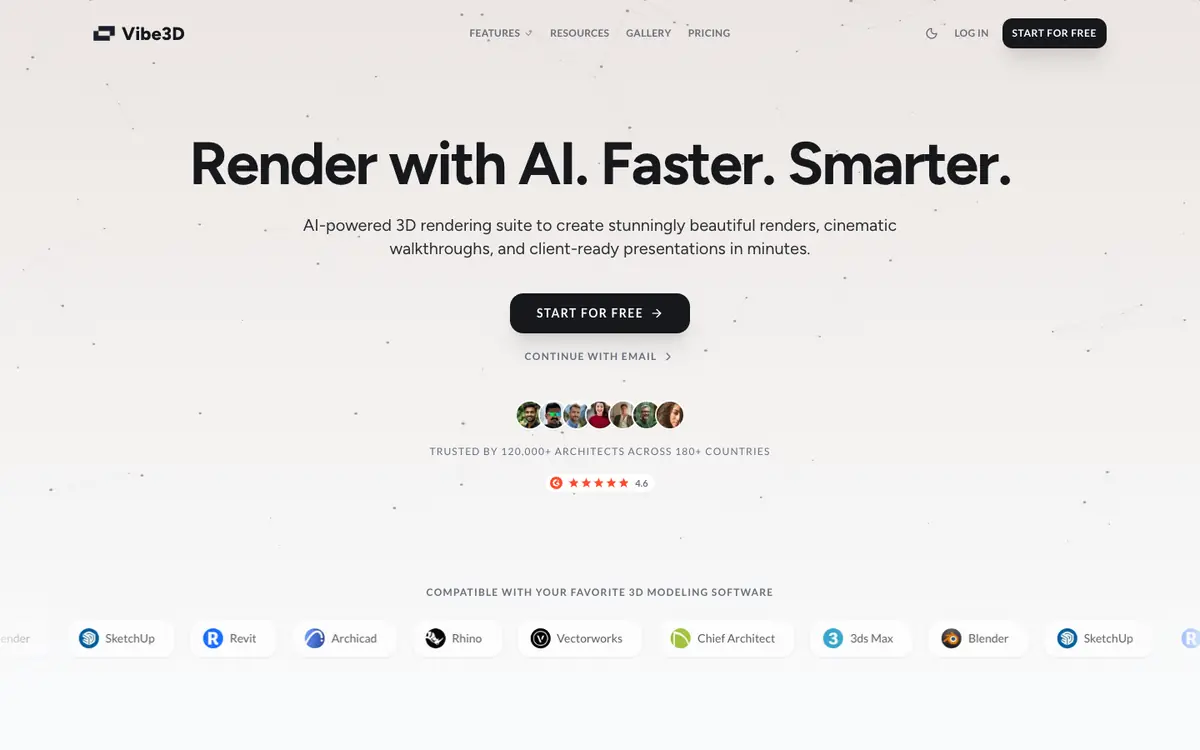
Tool profile · Publisher documentation
The product points below come from publisher documentation. No common hands-on test is claimed. Documentary profile, sources checked October 7, 2026. LE LABO IA has not tested this product.
Uses
Producing photorealistic architectural renders from 3D models, as the supplier documents. Creating cinematic walkthrough videos for a project or a client presentation. Preparing client-ready presentations from 3D models, per the supplier summary. Improving render output through upscaling, denoising, and HDR, and editing renders in one click, as the supplier lists.
Offer and pricing
The supplier lists a Trial at 19 USD as a one-time payment for 60 credits, a Pro plan at 59 USD discounted to 39 USD as a one-time payment for 200 credits, a Studio plan at 149 USD discounted to 99 USD as a one-time payment for 600 credits, and a Student plan at 9 USD for 50 credits, plus 3 free renders at signup. This spans roughly 9 USD to 149 USD before discount. The supplier presents these as one-time payments in a ONE TIME tab, with a time-limited launch discount of up to 39 percent; monthly plans are mentioned but no monthly amount is shown. Treat prices, credits, quotas, availability, and terms as not confirmed and check them with the supplier.
Limits to check
The product has not been tested, so behaviour, output quality, and compatibility are unknown beyond the supplier documentation. Territorial availability and usage terms are not covered by the pricing summary and remain not confirmed; check them with the supplier. The supplier lists one-time payments with a time-limited launch discount of up to 39 percent and mentions monthly plans with no amount, so pricing may change; check it with the supplier.
What to check yourself
Before committing, open the supplier's pricing page and check whether the listed prices are one-time or recurring, which applies to your case. Then run a single architectural model through the free renders offered at signup and compare the result with your usual output. Also verify credit consumption per render and the current duration of the launch discount directly with the supplier.
- The listed prices, including the 19 USD Trial, 39 USD to 59 USD Pro, 99 USD to 149 USD Studio, and 9 USD Student plans, are not confirmed and should be checked with the supplier.
- A launch discount of up to 39 percent is advertised as time-limited, and monthly plans are mentioned without a monthly amount, so the current offer should be checked with the supplier.
- Territorial availability, quotas, and usage terms remain not confirmed and should be checked with the supplier.