
Uses
Show garments on a range of models using the Switch Model feature (veesual:c1). Draw on look inspiration to guide styling choices (veesual:c1). Build interactive outfits by combining pieces with Mix&Match (veesual:c1).

Tool profile · Publisher documentation
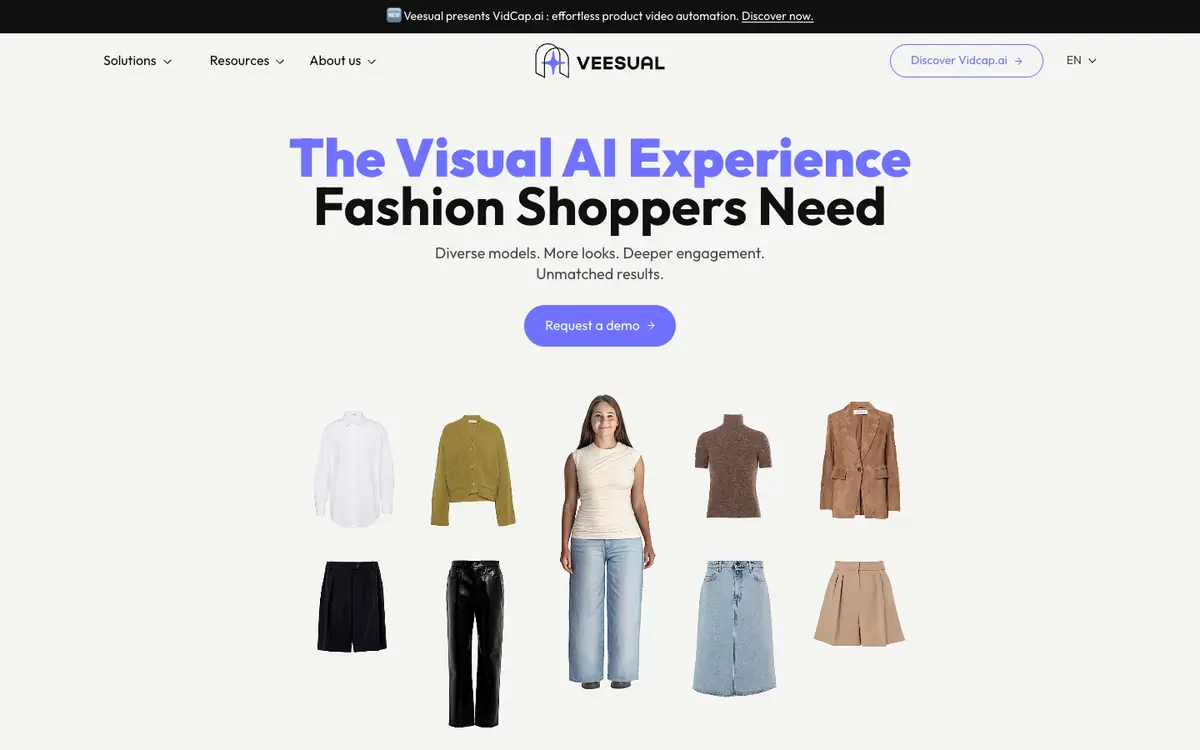
Veesual is a virtual try-on platform that lets teams show clothing on varied models and put together interactive outfits. According to the public documentation of its supplier, it offers model switching, look inspiration and mix-and-match outfit composition. LE LABO IA has not tested the product, and this profile relies only on the public documentation of its supplier. Veesual is aimed at uses such as presenting garments on different body types and combining pieces into complete looks that shoppers can explore. No public price list appears in the documentation reviewed on 2026-10-07; a demonstration is available on request. Territory availability, usage quotas and terms are not confirmed, so readers should check them with the supplier. The supplier's own root website displays a different product, VidCap AI, while the virtual try-on section corresponds to Veesual; this is a point to confirm before committing.
Tool profile · Publisher documentation
The product points below come from publisher documentation. No common hands-on test is claimed. Documentary profile, sources checked October 7, 2026. LE LABO IA has not tested this product.
Show garments on a range of models using the Switch Model feature (veesual:c1). Draw on look inspiration to guide styling choices (veesual:c1). Build interactive outfits by combining pieces with Mix&Match (veesual:c1).
No public pricing is given in the documentation reviewed on 2026-10-07. A demonstration is offered on request. The supplier's root website shows a different product, VidCap AI, while the virtual try-on section corresponds to Veesual. Prices and plan details are not confirmed, so check current terms with the supplier.
Quotas, territory availability and usage terms are not confirmed; check them with the supplier. Pricing may change; verify current prices and plan details with the supplier before committing. The supplier's root website displays a different product, VidCap AI, while the virtual try-on section corresponds to Veesual; confirm which page applies.
On the supplier site, first confirm that the virtual try-on section is the one you intend to use, since the root domain shows a different product. Then ask for a demonstration and check which features are included, such as model switching, look inspiration and mix-and-match. Before committing, ask about pricing, quotas, territory availability and usage terms.