Tool profile · Publisher documentation
The product points below come from publisher documentation. No common hands-on test is claimed. Documentary profile, sources checked October 7, 2026. LE LABO IA has not tested this product.
Uses
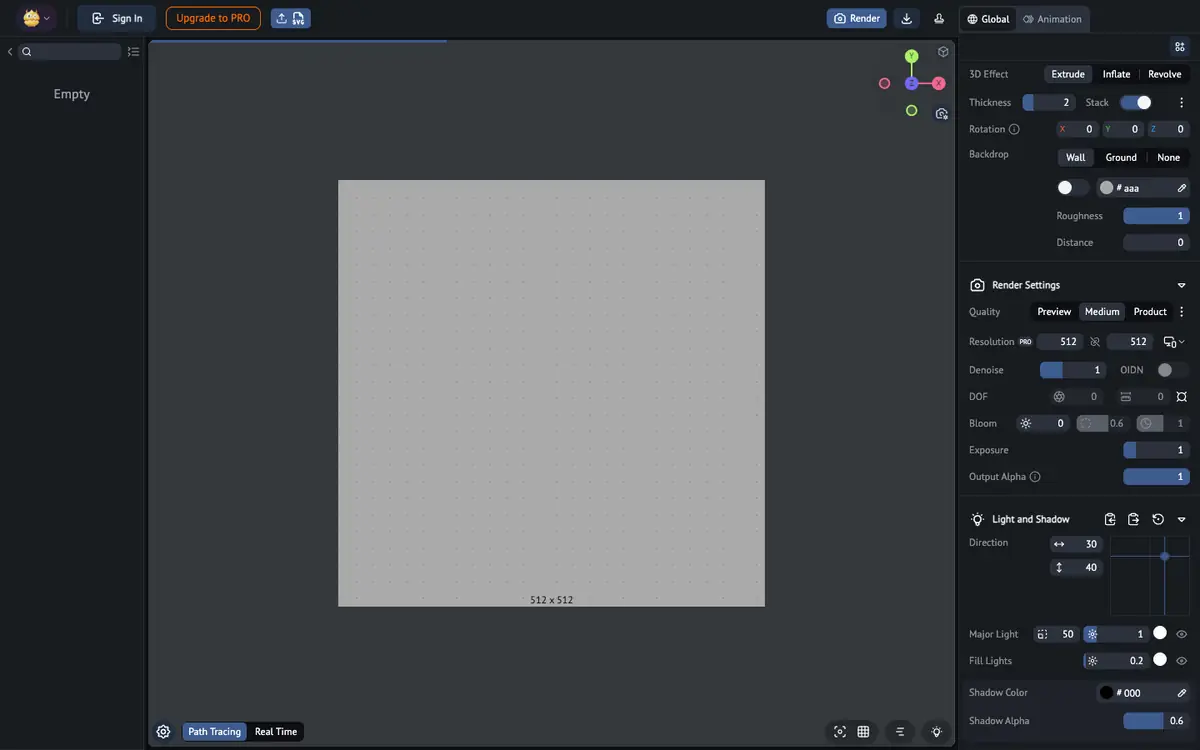
Give flat SVG artwork depth by extruding it into a 3D model before rendering. Turn a vector shape into a rounded object using the inflation approach. Create a revolved form from a suitable SVG profile. Produce a ray-traced image of a converted model to present its shape and materials.
Offer and pricing
Pricing is not confirmed. The supplier's public documentation does not provide an exact price, billing period, quota or free tier that can be stated here, and no amount or free trial is guaranteed. Check the supplier's current offer directly for the entry price, available plans and any usage limits before committing.
Limits to check
Only SVG-to-3D conversion and the related modeling, rendering and animation functions listed in the public documentation are covered here; other features are not confirmed. Exact prices, quotas, territorial availability and terms of use are not confirmed and should be verified with the supplier.
What to check yourself
Before committing, check the supplier site for SVG import and the modeling options you need, then confirm the current price, billing period and any usage quota. If a trial is available, convert one representative SVG, apply extrusion, inflation or revolution, and render it with the light and shadow settings to see whether the result meets your needs. Also verify whether commercial use and the required output formats are covered by the terms.
- Pricing, quotas, territorial availability and exact terms of use are not confirmed.