
Uses
Enhancing video and audio material with the suite's AI tools. Converting video or audio files between formats for compatibility. Modifying video and audio content as part of a montage workflow.

Tool profile · Publisher documentation
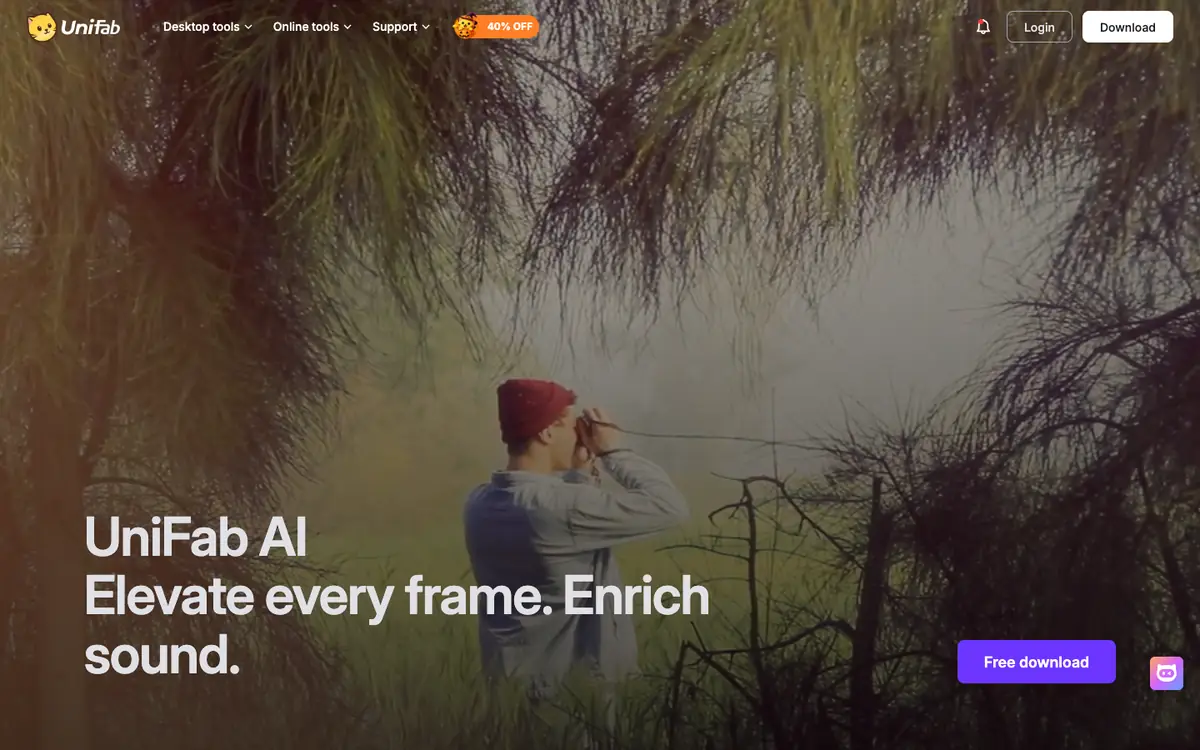
UniFab is presented as an AI-powered suite for enhancing, converting and modifying video and audio. LE LABO IA has not tested the product, and this profile relies on the public documentation of its supplier. According to that documentation, UniFab positions itself around video and audio challenges, offering enhancement, conversion and modification features. The intended uses include improving the quality of existing footage, changing formats and adjusting audio or video content. Exact pricing, billing period, quotas, free availability and territorial availability are not confirmed. Readers should check those points directly with the supplier. Legal rights over images, voices, music and identities are not guaranteed, and users should verify authorizations before any use. The profile covers documented capabilities and practical checks, without asserting performance, commercial rights or hands-on results.
Tool profile · Publisher documentation
The product points below come from publisher documentation. No common hands-on test is claimed. Documentary profile, sources checked October 6, 2026. LE LABO IA has not tested this product.
Enhancing video and audio material with the suite's AI tools. Converting video or audio files between formats for compatibility. Modifying video and audio content as part of a montage workflow.
Pricing, billing period, quotas and free availability are not confirmed. Readers should consult the supplier's current offer for exact amounts and any trial conditions. No price, free tier or quota is guaranteed here.
Pricing, quotas, territorial availability and exact terms of use are not confirmed and should be checked with the supplier. Users should verify authorizations for images, voices, music and identities before use; no commercial rights are guaranteed.
Before committing, check the supplier's current pricing page for the exact plan, billing period and any quota limits. Look for any free trial or free tier and note what it includes and excludes. During a trial, run one short clip through enhancement, conversion and modification to see whether the output matches your material. Also confirm territorial availability and the terms that apply to your intended use.