
Uses
Produire une narration audio à partir d'un texte écrit. Préparer une version parlée d'un contenu rédigé. Générer de courts extraits audio pour des projets personnels.

Tool profile · Publisher documentation
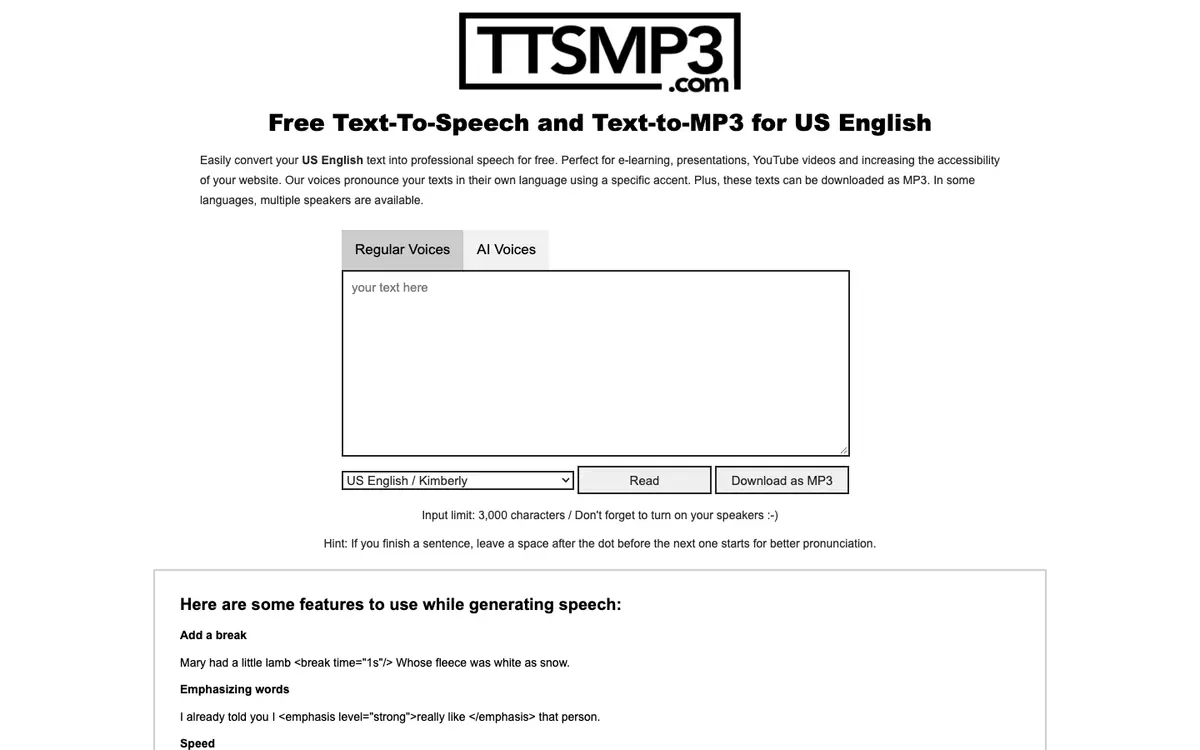
ttsMP3.com is a browser based text to speech tool for turning written text into synthetic voice and saving it as an audio file. According to the supplier's public documentation, it converts text into speech in more than 28 languages and lets you download the result as an MP3. The documented feature set also mentions voice and accent selection, SSML tags for pauses, speed, pitch and whispering, and conversations between several voices. LE LABO IA has not tested the product, and this profile relies on the public documentation of its supplier. Prices, quotas, territorial availability and exact terms are not confirmed, so check them with the supplier before you commit. Typical uses include narrating a text, preparing a spoken version of written content, or producing short audio snippets for personal projects. Some voices or languages may behave differently, and the free or paid conditions attached to downloads are not confirmed.
Tool profile · Publisher documentation
The product points below come from publisher documentation. No common hands-on test is claimed. Documentary profile, sources checked October 7, 2026. LE LABO IA has not tested this product.
Produire une narration audio à partir d'un texte écrit. Préparer une version parlée d'un contenu rédigé. Générer de courts extraits audio pour des projets personnels.
Pricing is not confirmed. The supplier's current offer, billing period, free access, quotas and included features should be checked directly on the supplier site. No amount and no free trial are guaranteed here.
The exact prices, quotas, territorial availability and terms of use are not confirmed. Some voices, accents or languages may behave differently, and the conditions attached to MP3 downloads are not confirmed.
Before committing, open the supplier site and test a short text in the language you need, then listen to the generated voice and check the MP3 download. Try several voices or accents to see whether the rendering matches your expectations. While you are there, look for the current pricing, quotas and terms of use, since these points are not confirmed in this profile.