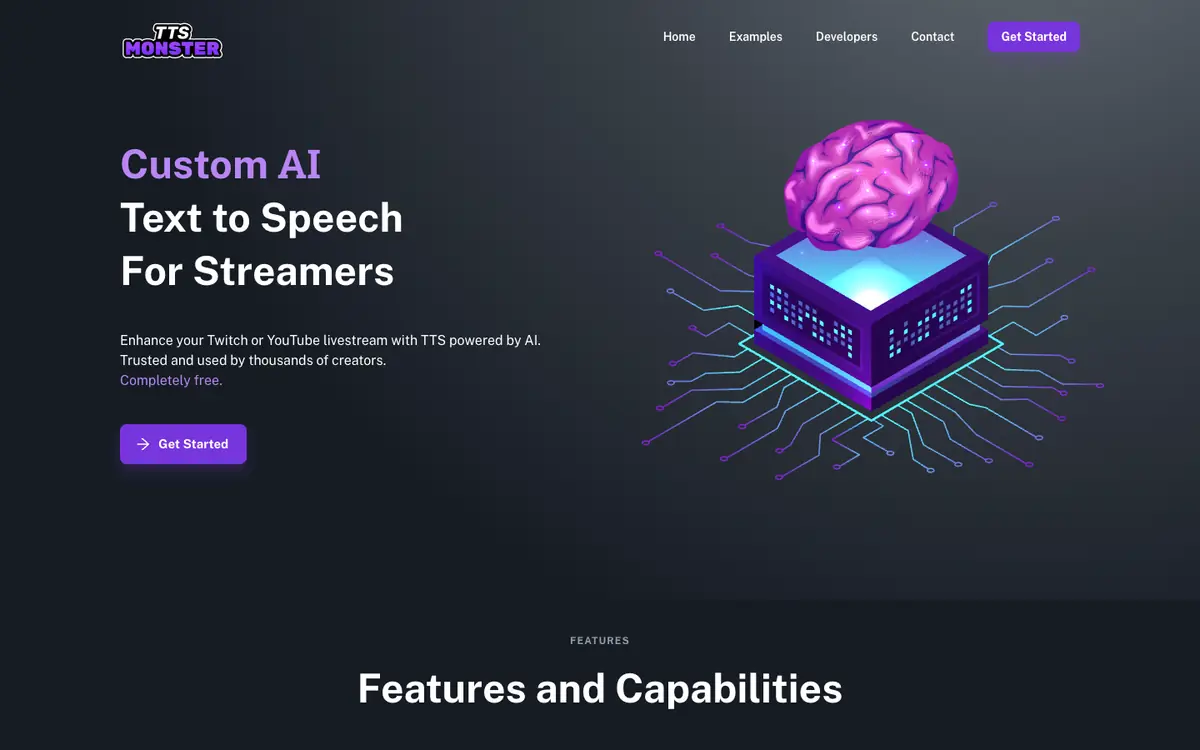
Tool profile · Publisher documentation
The product points below come from publisher documentation. No common hands-on test is claimed. Documentary profile, sources checked October 7, 2026. LE LABO IA has not tested this product.
Uses
Generate AI text-to-speech voice alerts to animate a Twitch or YouTube livestream (documented). Choose among more than 100 AI voices to vary the tone of stream alerts. Use more than 100 sound clips to enrich alerts and on-stream reactions. Connect the service to StreamElements, StreamLabs or Ko-fi to trigger alerts from those platforms.
Offer and pricing
The supplier indicates the service is completely free and charges no commission on revenue. No specific amount is displayed on the home page, only free access. Prices, quotas and conditions are not confirmed and may change, so check the current terms with the supplier before committing.
Limits to check
Quotas, territorial availability and terms of use are not confirmed; check them with the supplier before relying on the service. The pricing summary only covers free access; no amount is displayed, so any price change is not confirmed. Integration behavior may depend on the connected platform, and the supplier documentation is the only source available here.
What to check yourself
On the supplier site, create a short alert message and listen to the result to judge voice quality and latency for yourself. Try the StreamElements, StreamLabs or Ko-fi connection you plan to use and confirm that alerts fire as expected. Before committing, check the current quotas, availability in your region and terms of use with the supplier.
- Quotas, territorial availability and terms of use are not confirmed.
- No specific price amount is displayed; only free access is mentioned.