Tool profile · Publisher documentation
The product points below come from publisher documentation. No common hands-on test is claimed. Documentary profile, sources checked October 7, 2026. LE LABO IA has not tested this product.
Uses
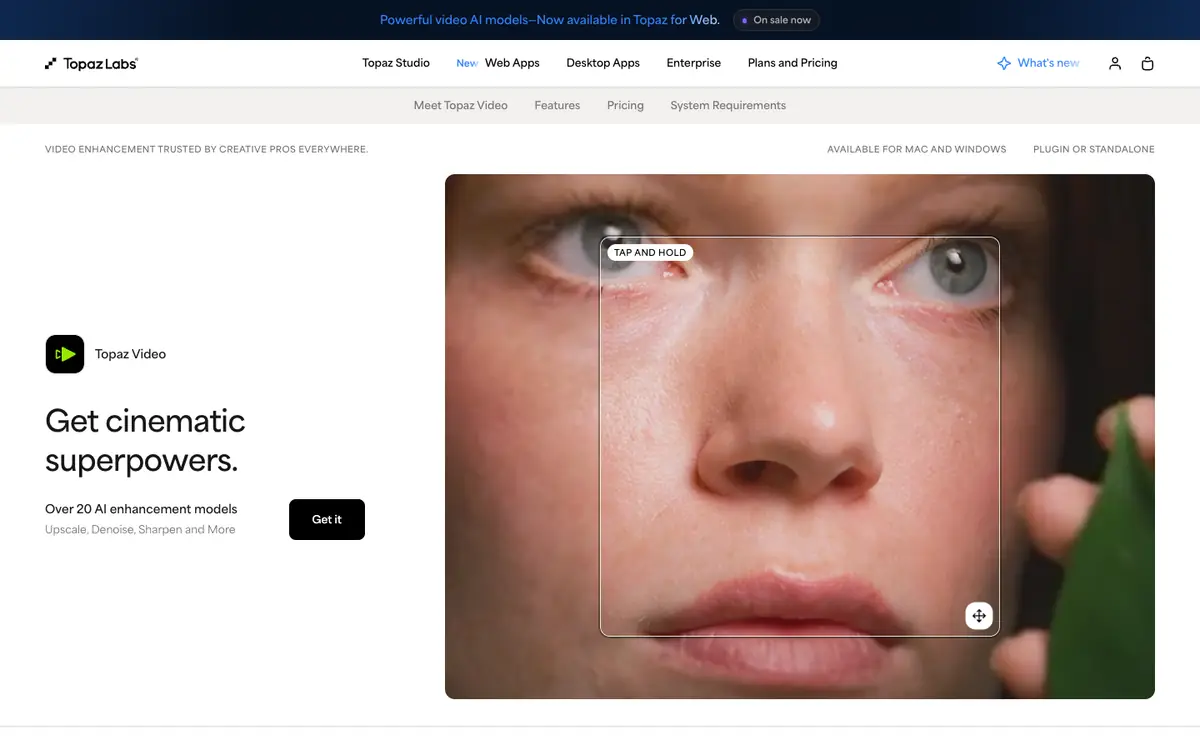
Upscaling lower-resolution video to a higher resolution with AI models, as described in the supplier's documentation. Denoising noisy footage to reduce visible grain or sensor noise, based on documented AI enhancement functions. Interpolating frames to create smoother motion, a feature listed in the supplier's public description. Stabilizing shaky footage, one of the documented stabilization capabilities of the product.
Offer and pricing
The supplier's exact price, billing period, quotas, free tier and trial availability are not confirmed. No amount or free-access guarantee is presented here. Check the current offer and terms directly with the supplier before relying on any price or quota. This profile does not assert a specific entry price or range because those details are unconfirmed in the public documentation reviewed.
Limits to check
LE LABO IA has not tested the product, so this profile relies on the supplier's public documentation and does not report measured performance. Exact pricing, quotas, free access and territorial availability are not confirmed and should be checked with the supplier. The presence of After Effects and DaVinci Resolve plugins is documented, but compatibility with specific versions is not confirmed here. Rights and terms of use for processed footage remain unconfirmed and should be reviewed with the supplier.
What to check yourself
Before committing, check the supplier's current plan details, billing period and any quota on processing or exports directly on the product page. During a trial, process a short clip with upscaling, denoising and stabilization enabled, then inspect the result for artifacts, audio handling and export options. Confirm which host application versions support the documented After Effects and DaVinci Resolve plugins. Also verify whether a free tier exists and what territorial restrictions apply to your account.
- Exact price, billing period, quotas and free access are not confirmed.
- Territorial availability is not confirmed.
- Compatibility with specific host application versions is not confirmed.
- Rights and terms of use for processed video are not confirmed.