Tool profile · Publisher documentation
The product points below come from publisher documentation. No common hands-on test is claimed. Documentary profile, sources checked October 7, 2026. LE LABO IA has not tested this product.
Uses
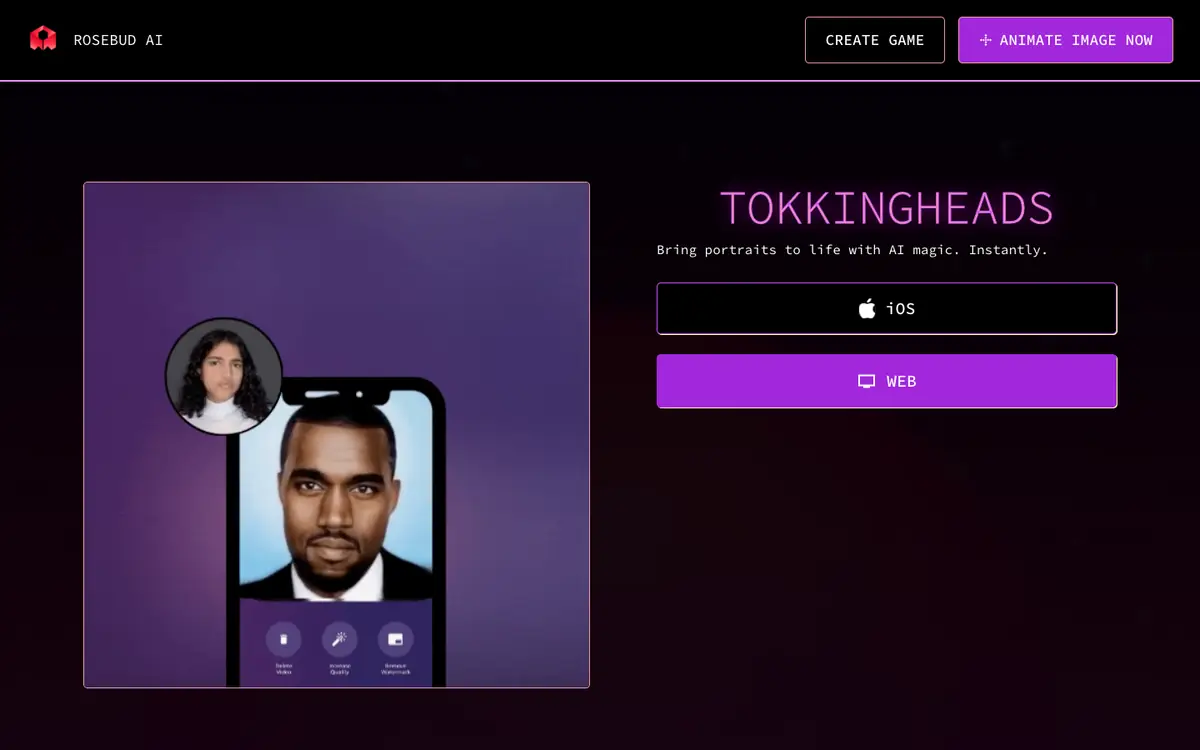
Animate a portrait from a single image when you need a moving face without a filming setup. Animate an avatar from one image for a short visual sequence. Use the iOS application for portrait animation on a phone. Use the web application for portrait animation in a browser.
Offer and pricing
The exact prices, billing period, quotas and free availability are not confirmed. Check the supplier's current offer directly. No amount and no free trial is guaranteed here.
Limits to check
The profile is based on the supplier's public documentation, and the product has not been tested by LE LABO IA. Exact prices, quotas, territorial availability and the precise terms of use are not confirmed and should be checked with the supplier.
What to check yourself
On the supplier site, check whether a free option or trial exists and how many generations it includes. If you can run the tool, try one portrait and one avatar image to see whether the results look usable for your purpose. Ask the supplier which languages, countries and devices are supported before you commit. Keep pricing, quotas and usage rights unconfirmed until the supplier answers.
- Exact prices, billing period and free availability are not confirmed.
- Quotas, territorial availability and exact usage terms are not confirmed.