Tool profile · Publisher documentation
The product points below come from publisher documentation. No common hands-on test is claimed. Documentary profile, sources checked October 7, 2026. LE LABO IA has not tested this product.
Uses
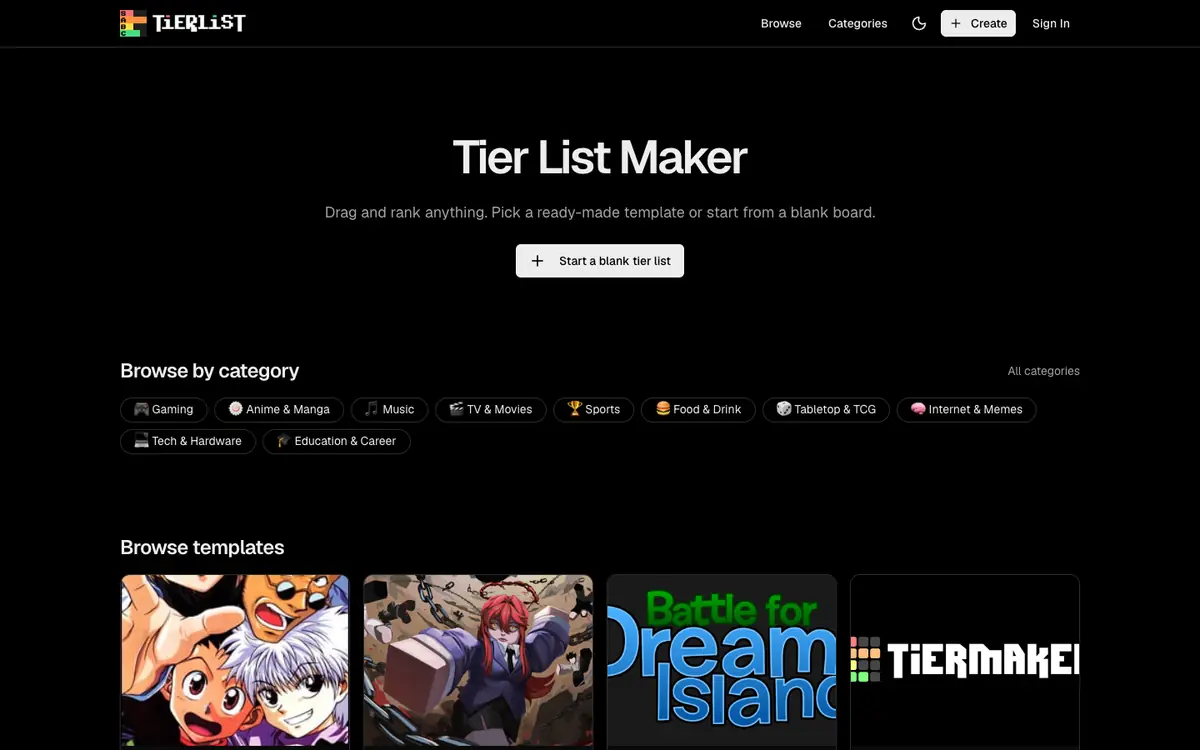
Ranking images into ordered tiers from S to F for a topic you want to compare visually. Starting from a ready-made template when you do not want to build a board from a blank canvas. Organizing visual elements by dragging and dropping them into the positions you choose. Sharing a finished board with other people by sending a link rather than an attachment.
Offer and pricing
The exact pricing is not confirmed. The public documentation of the supplier does not establish a free tier, an entry price, a subscription range, a billing period or any quota. Check the current offer on the supplier site before you rely on a free plan or a specific amount.
Limits to check
LE LABO IA has not tested the product, so this profile rests only on the public documentation of its supplier. Prices, quotas, territorial availability and exact terms of use are not confirmed and should be checked with the supplier. Free access or a free tier is not confirmed.
What to check yourself
Visit the supplier site and try the tier list editor before you commit. Check whether you can drag and rank images, use a ready-made template and start from a blank board. Then check how sharing by link and downloading as an image work, and confirm the current price and any quota directly with the supplier. If a free tier matters to you, ask the supplier whether one exists and what it includes.
- Prices, billing periods, quotas, free access and territorial availability are not confirmed.
- The exact terms of use are not confirmed.
- The existence of a free tier is not confirmed.