Tool profile · Publisher documentation
The product points below come from publisher documentation. No common hands-on test is claimed. Documentary profile, sources checked October 7, 2026. LE LABO IA has not tested this product.
Uses
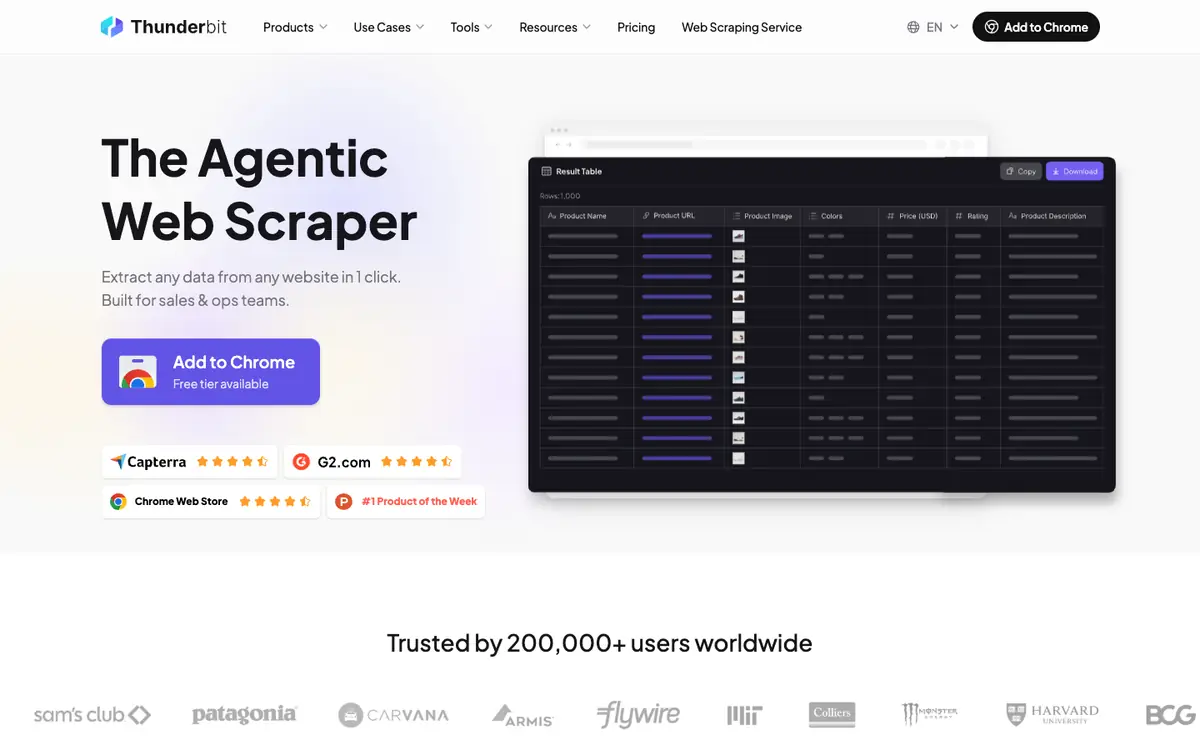
Extract data from websites in one click with a natural-language AI web scraper. Collect public web data for sales and operations workflows. Use ready-made models to start a scraping task faster. Export extracted data to Google Sheets, Airtable or Notion.
Offer and pricing
Pricing, billing period, quotas and free access are not confirmed. No amount or free trial is guaranteed here. Check the supplier's current offer directly before committing.
Limits to check
LE LABO IA has not tested the product. Prices, quotas, territorial availability and exact terms of use are not confirmed and should be checked with the supplier. Exports are documented for Google Sheets, Airtable and Notion, but other destinations are not confirmed.
What to check yourself
Visit the supplier site and check the current plans, billing period, quotas and whether a free option exists before you commit. Try one simple extraction on a public page and see whether the natural-language instructions work as described. Test an export to Google Sheets, Airtable or Notion to confirm the documented destinations behave as expected. If your work depends on pricing or availability in your country, confirm those points with the supplier first.
- Exact prices, billing period, quotas and free access are not confirmed.
- Territorial availability and exact terms of use are not confirmed.
- The product has not been tested by LE LABO IA.