
Uses
Create and test YouTube thumbnails from a video title. Use templates and AI tools to explore thumbnail options for a video. Insert a face into the scene to personalize a thumbnail. Apply layout recipes to structure a thumbnail quickly.

Tool profile · Publisher documentation
Thumio is a tool that turns your video title into ready-to-post thumbnails and tests them on your real videos to find what gets clicks. It is built for creators who want to create and test YouTube thumbnails from a video title using templates and AI tools. The product also offers AI thumbnail generation, face insertion into the scene, layout recipes, thumbnail scoring, AI titles and multiple social formats. LE LABO IA has not tested the product; this profile relies on the public documentation of its supplier. Prices, quotas, availability and terms are unconfirmed and should be checked with the supplier before you commit.
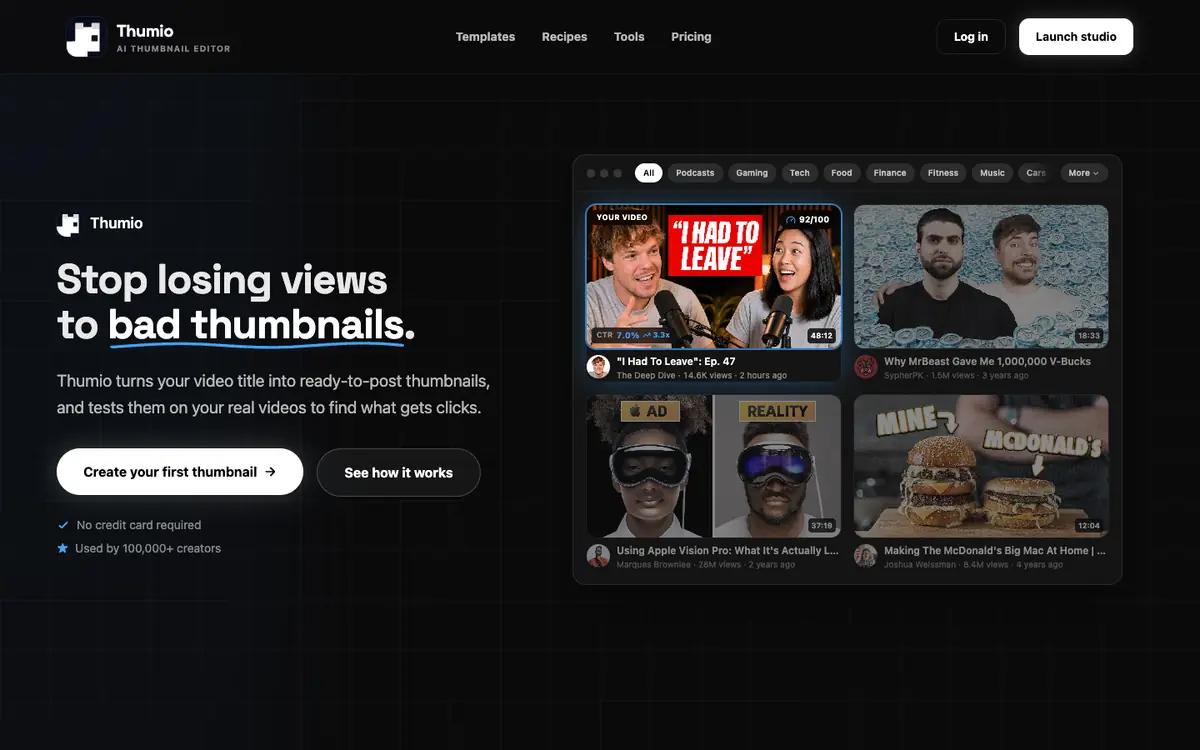
Tool profile · Publisher documentation
The product points below come from publisher documentation. No common hands-on test is claimed. Documentary profile, sources checked October 7, 2026. LE LABO IA has not tested this product.
Create and test YouTube thumbnails from a video title. Use templates and AI tools to explore thumbnail options for a video. Insert a face into the scene to personalize a thumbnail. Apply layout recipes to structure a thumbnail quickly.
Hobby is free, with credits starting at $2.99. Starter is $8 per month for 60 credits per month and up to 15 thumbnails per month. Creator is $19 per month for 400 credits per month and up to 100 thumbnails per month. Creator+ is $59 per month for 1,200 credits per month and up to 300 thumbnails per month. An annual billing plan with a 20% discount is mentioned for Creator+. These amounts come from the homepage only and are not confirmed; check current prices, credits and billing terms with the supplier.
LE LABO IA has not tested the product, and the profile relies on the supplier's public documentation. Quotas, territorial availability and terms of use are not covered by the pricing summary and remain unconfirmed. Pricing amounts were read from the homepage only; check them with the supplier on the day you subscribe. Annual billing with a 20% discount is mentioned for Creator+ but is not confirmed.
Before committing, check the supplier site for the current free tier and what credits allow you to do. During a trial, turn one of your own video titles into thumbnails and use the thumbnail score to see how the results feel. Also test face insertion and layout recipes on a real video, then review the actual quotas and billing terms on the site.