Tool profile · Publisher documentation
The product points below come from publisher documentation. No common hands-on test is claimed. Documentary profile, sources checked October 7, 2026. LE LABO IA has not tested this product.
Uses
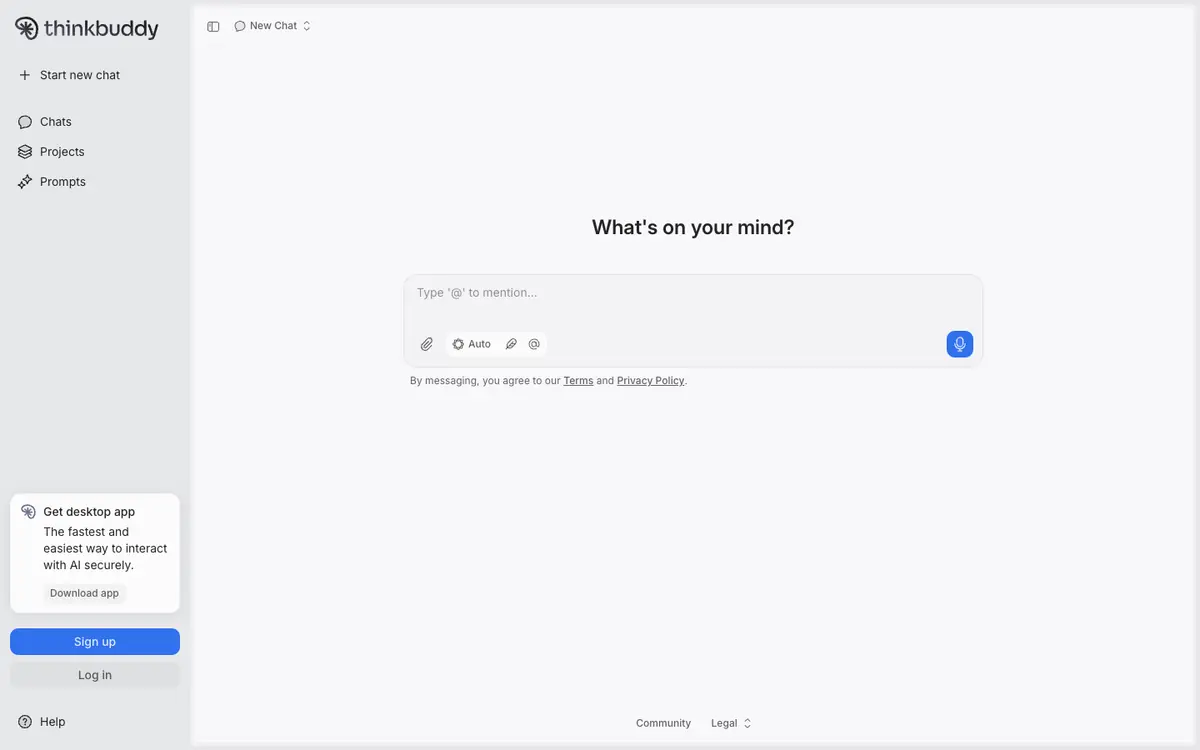
Compare answers from several AI models inside the same interface instead of switching between separate tools. Organise ongoing conversations and reusable requests with the projects and prompts features. Dictate or speak a request when voice interaction suits the moment better than typing.
Offer and pricing
Thinkbuddy prices are not confirmed. The billing period, any free tier, usage quotas and the full plan range are not verified, and no amount or free trial is guaranteed here. Check the supplier's current offer for the exact price, what each plan includes and the conditions attached to it.
Limits to check
The exact prices, billing terms, quotas, territorial availability and conditions of use are not confirmed and should be checked with the supplier. LE LABO IA has not tested Thinkbuddy, so how the interface, the models and the desktop application behave in practice remains to be seen.
What to check yourself
Before committing, open Thinkbuddy's own site and check which AI models the interface actually routes to, and whether the projects and prompts features exist in the plan you are considering. Look for the current price, the billing period, any included quota and whether a free tier exists, since none of that is confirmed here. If you can start a trial, send the same request to two different models and compare the answers, then test voice interaction and the desktop application on your own machine. Note the limits you hit and how the supplier handles data, because those terms are the ones you will live with.
- The supplier's pricing, quotas, territorial availability and exact terms of use are not confirmed.
- LE LABO IA has not tested Thinkbuddy.