Tool profile · Publisher documentation
The product points below come from publisher documentation. No common hands-on test is claimed. Documentary profile, sources checked October 7, 2026. LE LABO IA has not tested this product.
Uses
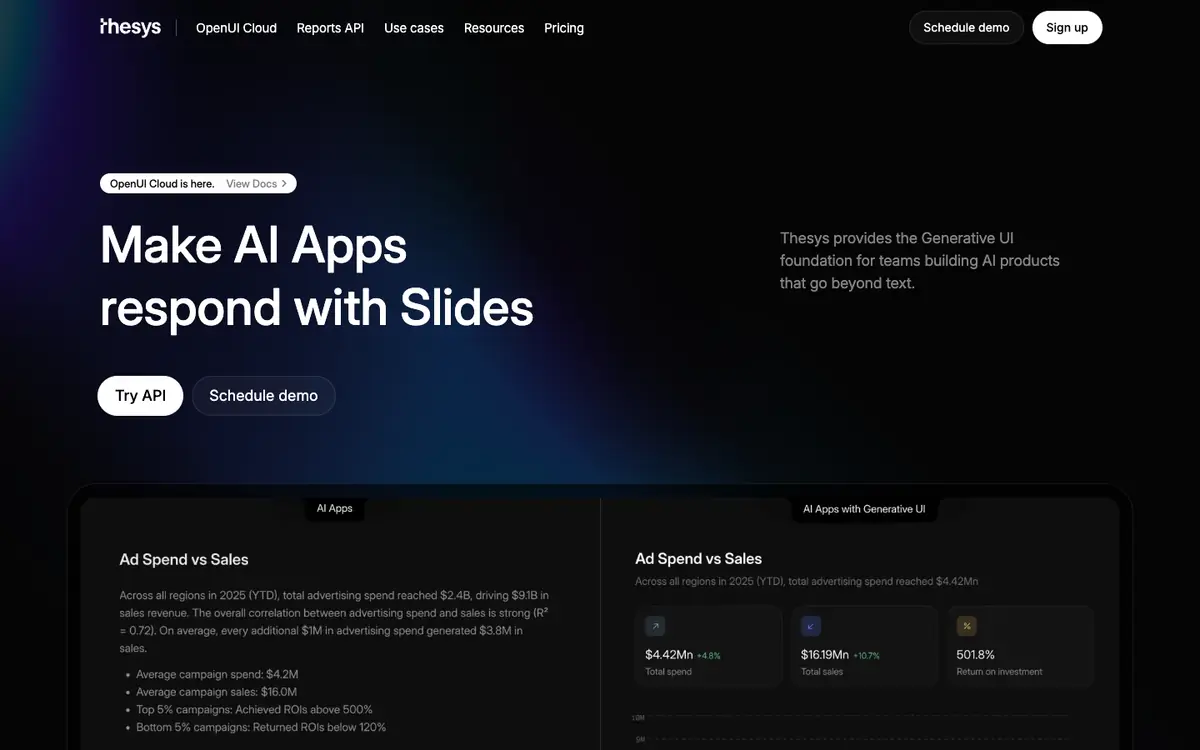
Generating charts inside an AI product so answers can include visual comparisons. Building dashboards that update from data handled by an AI application. Creating forms that adapt to the context of a conversation or workflow. Producing slides and reports as generated interface outputs for AI products.
Offer and pricing
Pricing is not confirmed. The public documentation does not establish an exact price, billing period, quota, or free tier, so no amount should be assumed. Check the supplier's current offer directly for the available plans and terms.
Limits to check
LE LABO IA has not tested the product, so performance and integration experience remain unconfirmed. Prices, quotas, territorial availability, and exact usage terms are not confirmed and should be checked with the supplier.
What to check yourself
Before committing, visit the supplier site and check whether a trial or free tier is available for your case. Confirm the current pricing, quota, and territorial availability directly with the supplier. Ask how charts, dashboards, forms, slides, and reports are generated in a real project. Also review the usage terms for commercial and production deployments.
- Exact pricing, billing period, quotas, and free tier are not confirmed.
- Territorial availability and exact usage terms should be checked with the supplier.