Tool profile · Publisher documentation
The product points below come from publisher documentation. No common hands-on test is claimed. Documentary profile, sources checked October 7, 2026. LE LABO IA has not tested this product.
Uses
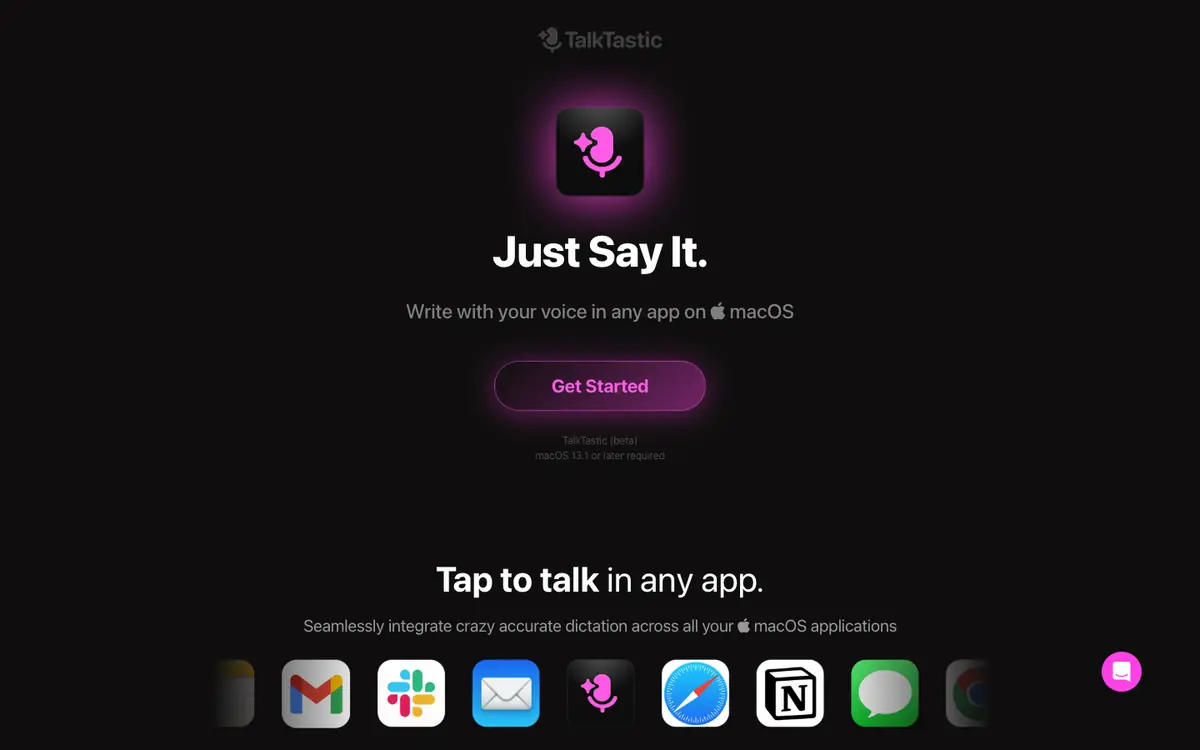
Dictate text by voice inside any macOS application, as described in the supplier's public documentation. Capture text by speaking instead of typing when you are working across several apps on the same Mac. Run AI transcriptions of spoken material, one of the features listed by the supplier. Apply rewrites that follow your own writing style, a feature the supplier lists alongside dictation.
Offer and pricing
According to the supplier's documentation, 100 percent free during the beta phase, with macOS 13.1 or later required. No amount is stated in that documentation, so whether paid tiers exist later is not confirmed.
Limits to check
Quotas, territorial availability and terms of use are not covered by the pricing summary and are not confirmed, so check them with the supplier. The free beta terms are the only pricing state documented here; any price shown elsewhere should be treated as not confirmed until the supplier restates it.
What to check yourself
On the supplier's site, check which macOS version is required and which apps dictation works in before you install anything. Confirm the current beta terms and any quota or condition attached to them with the supplier. Then try dictating a short paragraph into two or three apps you use daily, and see whether the transcriptions and rewrites match what you actually said.
- Prices, quotas, availability and terms of use are not confirmed; check them with the supplier.
- No hands-on test of the product has been performed.