Tool profile · Publisher documentation
The product points below come from publisher documentation. No common hands-on test is claimed. Documentary profile, sources checked October 7, 2026. LE LABO IA has not tested this product.
Uses
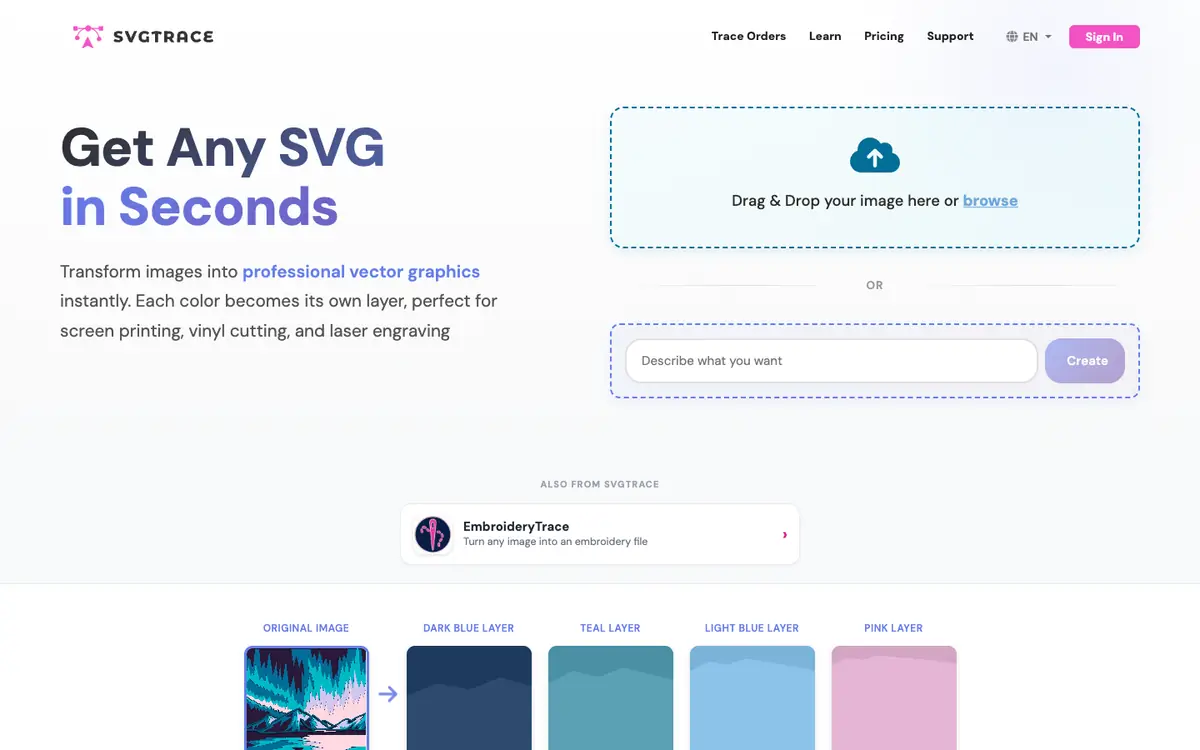
Convert JPG or PNG images into multi-layer vector SVG files. Separate an image into colour-based layers for screen printing work. Prepare cut-ready vector files for vinyl cutting. Adjust individual layers in the built-in manual SVG editor before export.
Offer and pricing
Prices, billing period, quotas and the existence of a free tier are not confirmed. The supplier's current offer should be checked directly, since no amount and no free trial can be assumed.
Limits to check
Exact prices, quotas, territorial availability and terms of use are not confirmed and should be checked with the supplier. AI upscaling and multi-format export are documented as features, but their precise scope and any associated limits are not confirmed.
What to check yourself
Open the supplier site and run one of your own JPG or PNG images through the converter. Check that each colour becomes a separate layer and that manual editing works as described. Export the result in your target format and inspect the SVG in your usual cutting or engraving software. Before committing, confirm the current price, any quota and the terms that apply to your use.
- Exact prices, billing period, quotas and the existence of a free tier are not confirmed.
- Territorial availability and exact terms of use are not confirmed.