Tool profile · Publisher documentation
The product points below come from publisher documentation. No common hands-on test is claimed. Documentary profile, sources checked October 7, 2026. LE LABO IA has not tested this product.
Uses
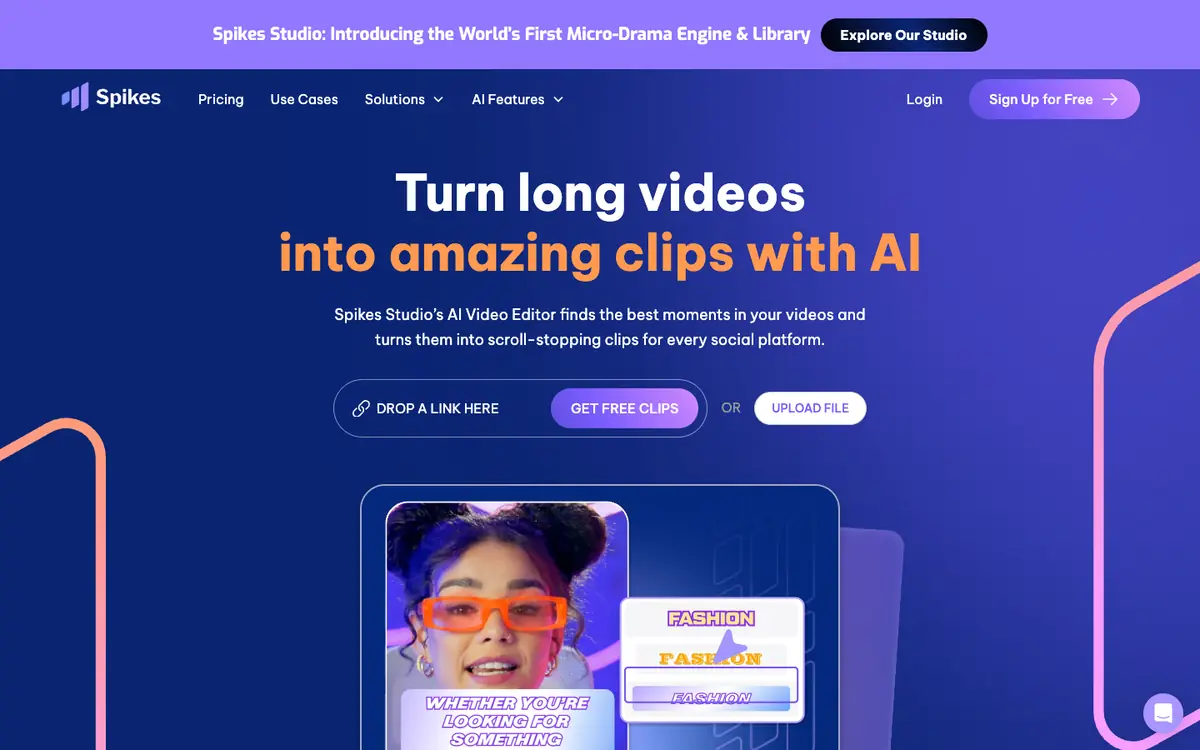
Turning long videos into short social clips, as described in the supplier's public documentation. Detecting highlight moments automatically to speed up clip selection. Exporting clips in multiple formats for different social platforms. Adding animated subtitles to short clips for social viewing.
Offer and pricing
Pricing is not confirmed. The supplier's current offer should be checked for plan tiers, exact amounts, billing period, quotas and free access. No amount, free tier or trial is guaranteed here.
Limits to check
LE LABO IA has not tested Spikes Studio, and this profile relies on the supplier's public documentation only. Exact prices, quotas, territorial availability and exact terms of use are not confirmed and should be checked with the supplier.
What to check yourself
Before committing, check the supplier site for the current plan limits, export options and subtitle features. During any trial, upload one long video and see how many clips are produced and how editable they are. Also confirm the terms of use, territorial availability and billing period directly with the supplier. These points remain unconfirmed until the supplier states them.
- Exact prices, billing period, quotas and free access are not confirmed.
- Territorial availability is not confirmed.
- Exact usage conditions are not confirmed.