Tool profile · Publisher documentation
The product points below come from publisher documentation. No common hands-on test is claimed. Documentary profile, sources checked October 7, 2026. LE LABO IA has not tested this product.
Uses
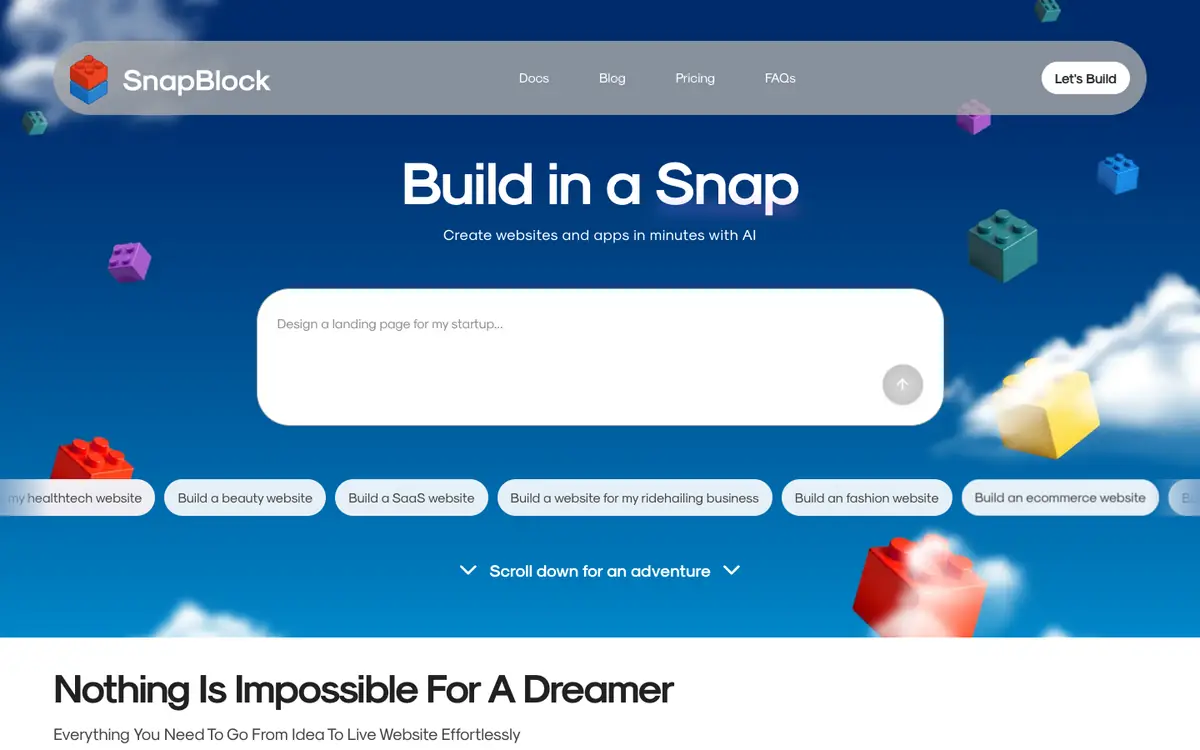
Build and launch a website or web application from written prompts without writing code, as described in the supplier guide. Generate a project in draft, edit its design, then export the result as HTML, CSS, React or Next.js. Host a finished project with SSL and CDN through the platform's own hosting. Use the catalogue of more than 1,000 creative tools for supporting design work.
Offer and pricing
The supplier lists a free plan at $0 with 15 credits and open projects for generating and editing, and a Pro plan at $270 per year with 100 credits, Starter features, credit rollover, custom templates and priority support. Those amounts come from the supplier's home page only and are not confirmed for every country, billing period or plan; no monthly price is shown. Check current prices, quotas and terms with the supplier before committing.
Limits to check
The supplier documentation summarises quotas, country availability and terms, but those points are not confirmed and should be checked on the supplier site. Prices were read from the supplier home page only; the Pro price appears as an annual figure with a 10% saving claim and no monthly amount is given. The available records do not show a hands-on test, territorial availability or contractual conditions beyond the supplier documentation.
What to check yourself
On the supplier site, check the free plan limits, the current price of the paid plan and the countries it serves before you commit. During a possible trial, create one small project from a prompt, edit its design and try an export to see if the workflow fits your needs. Also confirm how credits are consumed and whether rollover or support terms apply to your account.
- Country availability and usage terms are not confirmed by the supplier documentation.
- The Pro price appears as an annual figure from the home page and no monthly price is shown.
- No hands-on test result is available for SnapBlock.