Tool profile · Publisher documentation
The product points below come from publisher documentation. No common hands-on test is claimed. Documentary profile, sources checked October 7, 2026. LE LABO IA has not tested this product.
Uses
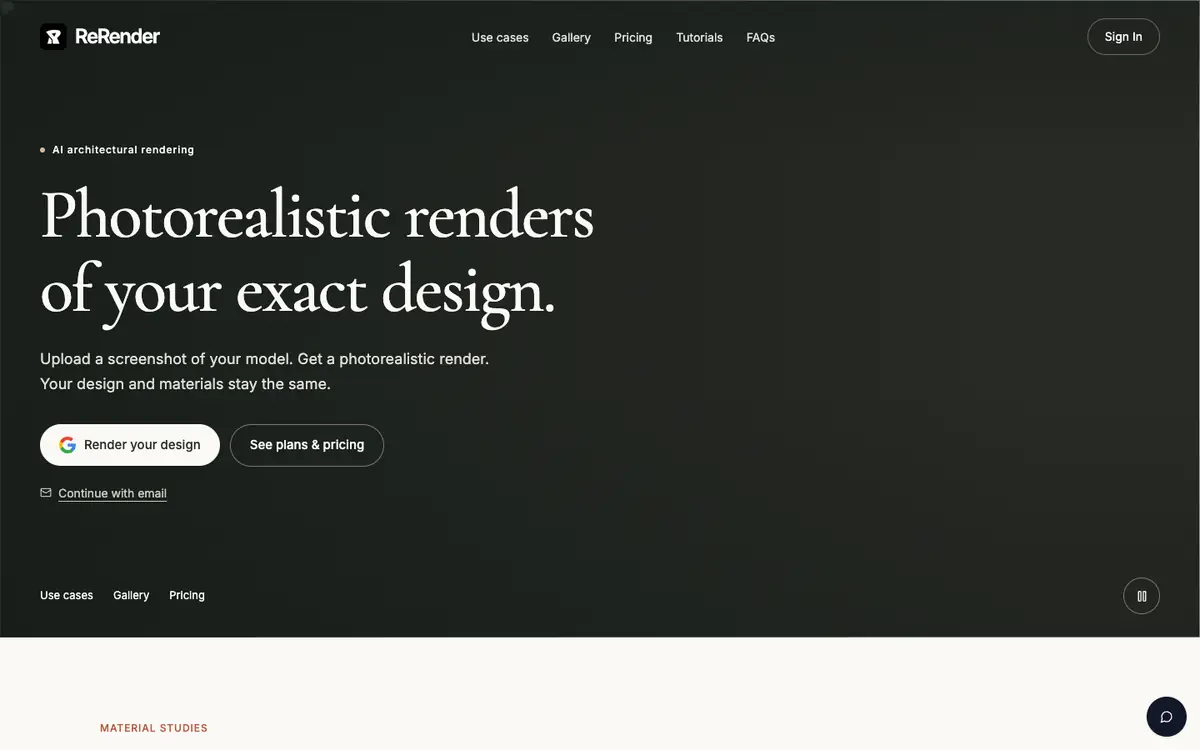
Produce a photorealistic architectural render from a screenshot of an existing 3D model. Turn a hand sketch into a photorealistic render for early design communication. Create a photorealistic render from a photo when no 3D model is available. Use moodboards to explore a visual direction before producing a final render.
Offer and pricing
Pricing is not confirmed. The exact price, billing period, quotas and whether a free tier exists are not confirmed, so no amount or free tier is guaranteed here. Check the supplier's current offer before committing.
Limits to check
LE LABO IA has not tested ReRender, so the profile relies on the supplier's public documentation. Exact prices, billing terms, quotas and free-tier conditions are not confirmed and should be checked with the supplier.
What to check yourself
Open the supplier's site and check whether a free tier, trial or demo is available before you commit. Confirm the current price, billing period and any quota attached to a paid plan. If you can run a trial, upload one screenshot of a 3D model and compare the result with your original materials. Also review the current territorial availability and usage terms, because they are not confirmed.
- Pricing, billing period, quotas and free-tier availability are not confirmed.
- Territorial availability and exact usage terms are not confirmed.
- No independent or hands-on test of ReRender has been recorded.