Tool profile · Publisher documentation
The product points below come from publisher documentation. No common hands-on test is claimed. Documentary profile, sources checked October 7, 2026. LE LABO IA has not tested this product.
Uses
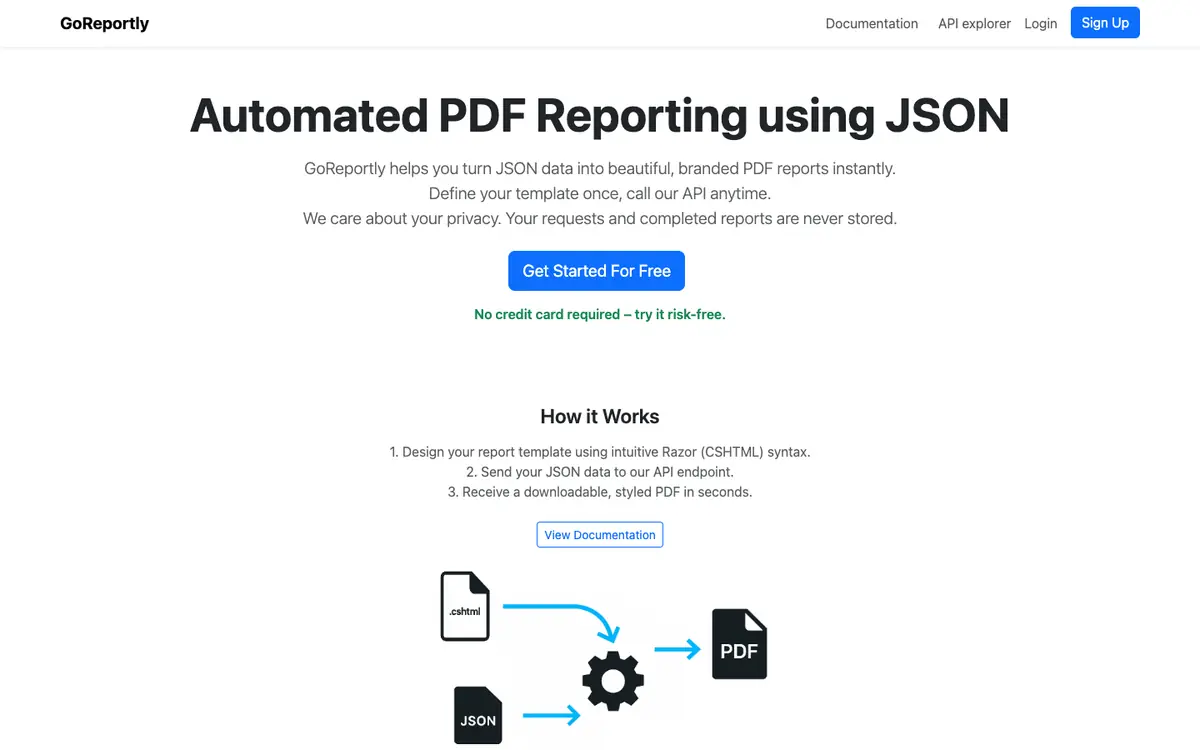
Generating styled, branded PDF reports from JSON data through the API. Designing reusable report layouts with Razor templates in CSHTML. Converting existing report templates instead of rebuilding layouts from scratch. Producing multiple reports at once through batch generation.
Offer and pricing
The supplier lists 9,99 USD per month with 1 000 reports per month, 20 custom templates, batch runs of up to 25 simultaneous reports, error support and conversion of existing templates, and 99,99 USD per year with the same inclusions. A 10-day free trial is listed. These amounts come from the pricing section of the homepage. Quotas, availability and terms are not confirmed, and a custom plan is offered by quotation through email, so check the current terms with the supplier.
Limits to check
LE LABO IA has not tested the product, so the description relies on the public documentation of its supplier. Quotas, geographic availability and terms of use are not confirmed; check them with the supplier. Prices come from the supplier's homepage pricing section and are not confirmed; a custom plan is offered by quotation through email, and rates should be checked with the supplier.
What to check yourself
Before committing, check on the supplier's site whether a JSON API call plus a Razor CSHTML template produces the PDF layout you need, and confirm the current monthly and yearly amounts. During the free trial, verify the listed quotas, such as 1 000 reports per month and batch runs of up to 25 simultaneous reports, and confirm geographic availability and terms with the supplier. Also ask how template conversion works for an existing report. Check every unconfirmed price, quota and condition with the supplier before you decide.
- Quotas, geographic availability and terms of use are not confirmed.
- Prices are not confirmed and should be checked with the supplier; a custom plan is offered by quotation through email.