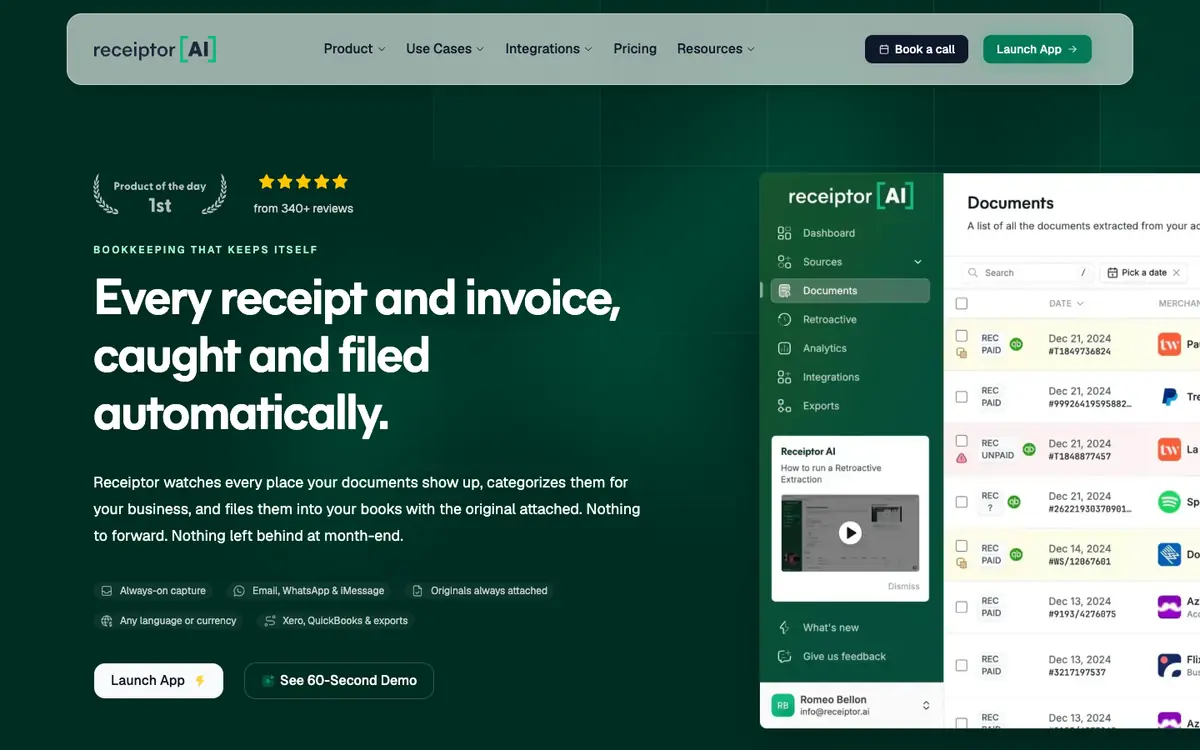
Tool profile · Publisher documentation
The product points below come from publisher documentation. No common hands-on test is claimed. Documentary profile, sources checked October 7, 2026. LE LABO IA has not tested this product.
Uses
Retrieve receipts and invoices scattered across a mailbox without sorting them by hand first. Categorize purchase documents so that bookkeeping entries are more consistent. Look back through older email to recover receipts that were never filed. Synchronize extracted documents with QuickBooks or Xero after review.
Offer and pricing
Exact prices, billing period, quotas and any free tier are not confirmed. The supplier documentation is the only public basis available here. Check the current offer directly with the supplier and treat any figure as unconfirmed until then.
Limits to check
Prices, quotas, regional availability and exact terms of use are not confirmed and should be checked with the supplier. Automated extraction and categorization can still require review, and the supplied documentation does not state the error rate.
What to check yourself
Visit the supplier page and confirm the current price, billing period and whether a free tier exists. Check if your mailbox provider and your accounting software are listed as supported connections. During a trial, send a set of known receipts and compare what lands in QuickBooks or Xero against the originals. Try older mail too, to see whether retrospective retrieval reaches the period you need.
- Pricing, quotas and regional availability are not confirmed.
- No hands-on test of Receiptor AI was performed by LE LABO IA; only supplier documentation was used.
- Exact terms of use and any free trial remain unknown.