
Uses
Create text, images and designs, and convert files with a free online toolkit. Generate text for short creative or social posts. Create or preview custom fonts and explore emoji options. Produce a profile photo or an image caption quickly.

Tool profile · Publisher documentation
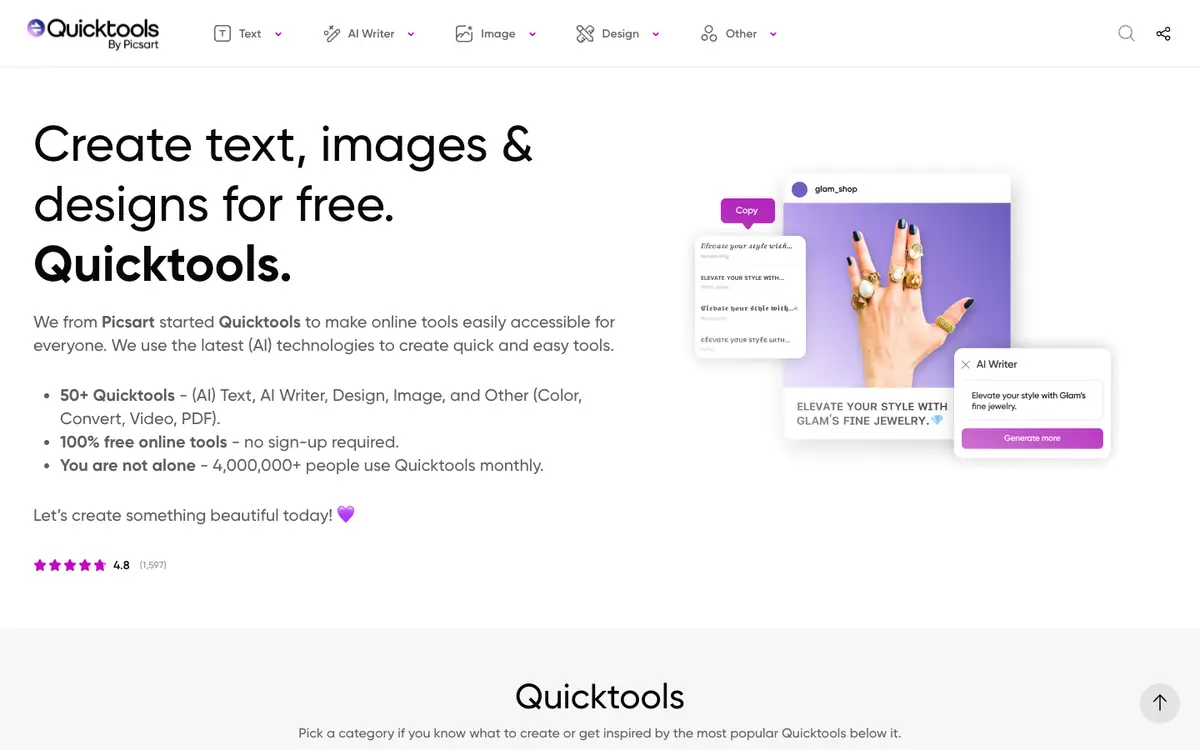
Quicktools is a free online toolkit that lets you create text, images and designs and convert files through more than 50 tools. It groups a text generator, a font generator, an emoji search, a profile photo creator and an image caption generator in one place. LE LABO IA has not tested Quicktools; this profile relies on the public documentation of its supplier. That documentation states the service is free and needs no account, but prices, quotas, availability and terms are not confirmed and should be checked with the supplier. The product suits quick, everyday creative and conversion tasks rather than deep professional editing. Anyone working with social posts, captions, fonts or simple file conversions may find the free toolkit convenient. Because the range of tools is broad, exact capabilities per tool and any usage limits vary and remain unconfirmed. Treat the free label as a starting point for your own check, not as a guarantee.
Tool profile · Publisher documentation
The product points below come from publisher documentation. No common hands-on test is claimed. Documentary profile, sources checked October 7, 2026. LE LABO IA has not tested this product.
Create text, images and designs, and convert files with a free online toolkit. Generate text for short creative or social posts. Create or preview custom fonts and explore emoji options. Produce a profile photo or an image caption quickly.
The supplier documentation describes the service as free: 100 percent of the online tools, without sign-up. No pricing page was read, so prices and any paid tiers are not confirmed. Check the supplier site for current prices, quotas and terms before committing.
LE LABO IA has not tested the product; this profile relies on the public documentation of its supplier. Quotas, territorial availability and terms of use are not confirmed and should be checked with the supplier. The free label comes from the supplier home page; no pricing page was read, so prices are not confirmed.
Before committing, open the supplier site and try two or three of the tools you need most, such as the text generator or a file conversion. Check whether an account is required and whether any daily limit appears during use. Try generating one image and converting one file from start to finish to see whether the output is usable. Note any message about paid features, quotas or regional limits, then confirm the current terms with the supplier.