Tool profile · Publisher documentation
The product points below come from publisher documentation. No common hands-on test is claimed. Documentary profile, sources checked October 7, 2026. LE LABO IA has not tested this product.
Uses
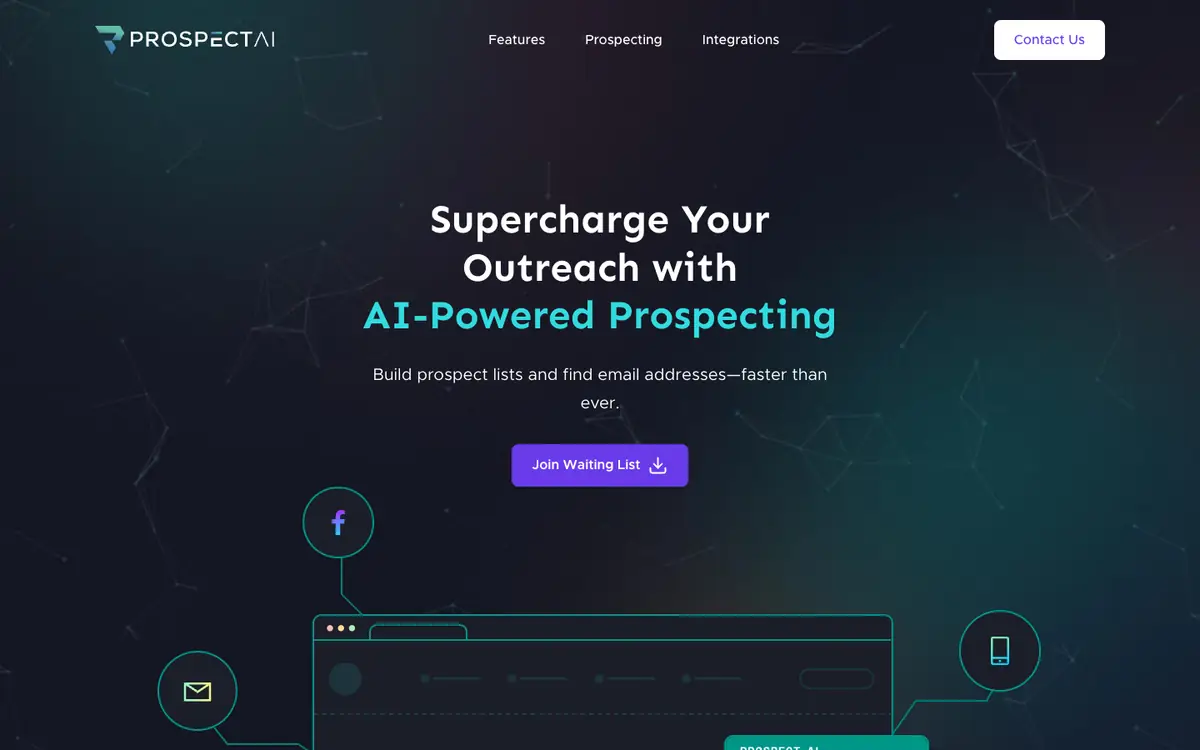
Build a prospect list for a sales, marketing, or PR campaign by searching for companies you want to reach. Find an email address for a contact you have identified and check it before you send a message. Sync the contacts you gather with your CRM so the records stay in your system rather than in a browser tab.
Offer and pricing
The supplier's public documentation says the service is free for now: no fee is charged at this time. The same documentation shows the amount and any plans only in the FAQ on the home page, and no pricing page was read, so the pricing picture is not confirmed. Do not treat free access as permanent: quotas, paid tiers, and billing terms may exist without being documented here. Confirm the current price, any plan limits, and the conditions of use with the supplier before you rely on them.
Limits to check
LE LABO IA has not tested the product, so no direct observation supports the supplier's description. Quotas, territorial availability, and terms of use are not covered by the pricing summary and are not confirmed. The price and any plans appear only in the FAQ on the home page; verify the pricing with the supplier before you commit.
What to check yourself
Go to the supplier site, install the Chrome plugin, and try two or three of the tasks it advertises: searching a domain, finding an email, and verifying one address. Check what the free service actually allows per account and per day, and whether any limit appears after a few searches. Then try the CRM synchronization with a test contact to see which systems are supported and what data is written. Finally, read the FAQ on the home page to confirm the current price and any plan conditions before you commit.
- The price and any plans are shown only in the FAQ on the home page; the amount is not confirmed.
- Quotas, territorial availability, and terms of use are not confirmed.
- The product has not been tested, so the supplier's description is the only basis for this profile.