Tool profile · Publisher documentation
The product points below come from publisher documentation. No common hands-on test is claimed. Documentary profile, sources checked October 7, 2026. LE LABO IA has not tested this product.
Uses
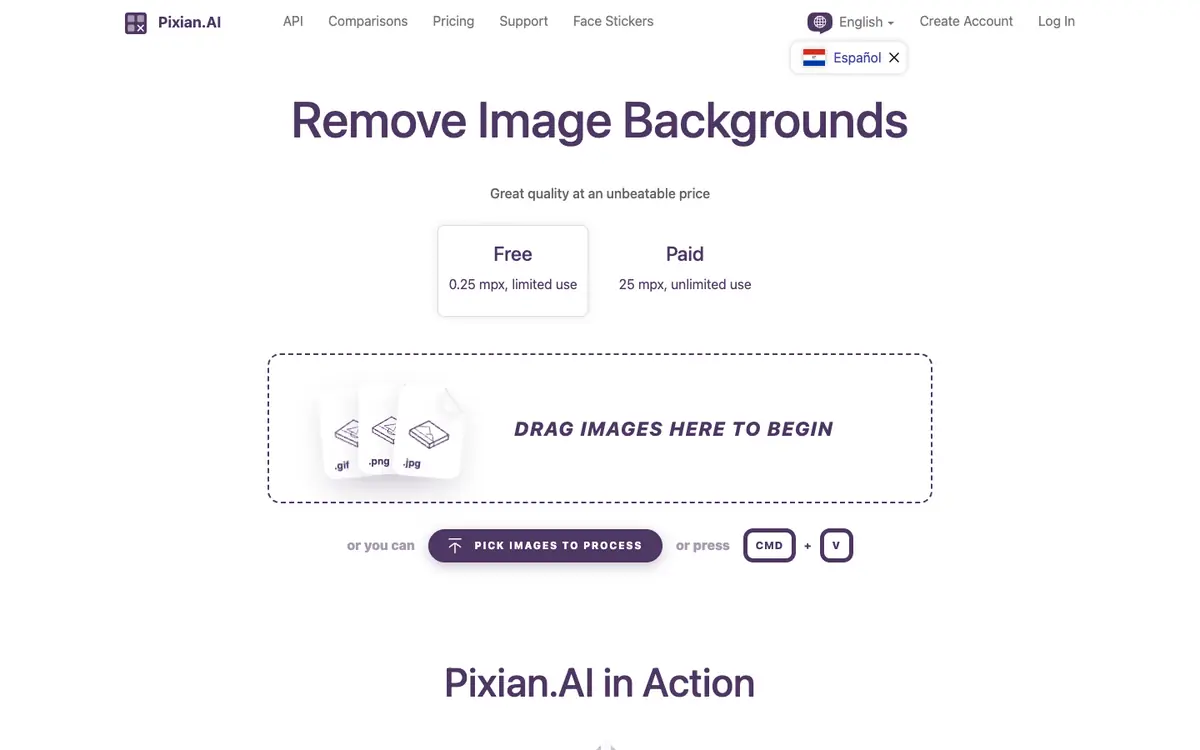
Remove the background from an image automatically using the website, based on the supplier's documented feature. Process images through the API to produce transparent PNG output, as described in the supplier documentation. Use credit packs billed per megapixel, with credits that do not expire but require a purchase within the last two years.
Offer and pricing
The supplier documents a free tier with a 0.25 megapixel limit, restricted usage and website only. Pay-as-you-go credit packs are listed at 5.00 USD for 250 credits, 9.50 USD for 500, 18.60 USD for 1,000, 45.00 USD for 2,500 and 85.00 USD for 5,000, with no monthly fee or minimum. Prices are shown in USD and are not confirmed; check them with the supplier. Credits do not expire but require a purchase within the last two years.
Limits to check
LE LABO IA has not tested Pixian.AI, so the profile relies only on the supplier's public documentation. Quotas, territorial availability and terms of use are not confirmed; check them with the supplier. Prices are shown in USD and are not confirmed; check the current pricing on the day you commit.
What to check yourself
Before committing, check the supplier site for the current free tier and its 0.25 megapixel limit. If you plan to use the API, verify the credit cost per megapixel and how credits remain valid after two years without a purchase. During a trial, confirm that a transparent PNG output is produced and that the result matches your use case. Prices and availability are not confirmed, so ask the supplier directly before relying on them.
- Quotas, territorial availability and terms of use are not confirmed and should be checked with the supplier.
- Prices shown in USD are not confirmed and should be checked on the day you commit.