Tool profile · Publisher documentation
The product points below come from publisher documentation. No common hands-on test is claimed. Documentary profile, sources checked October 7, 2026. LE LABO IA has not tested this product.
Uses
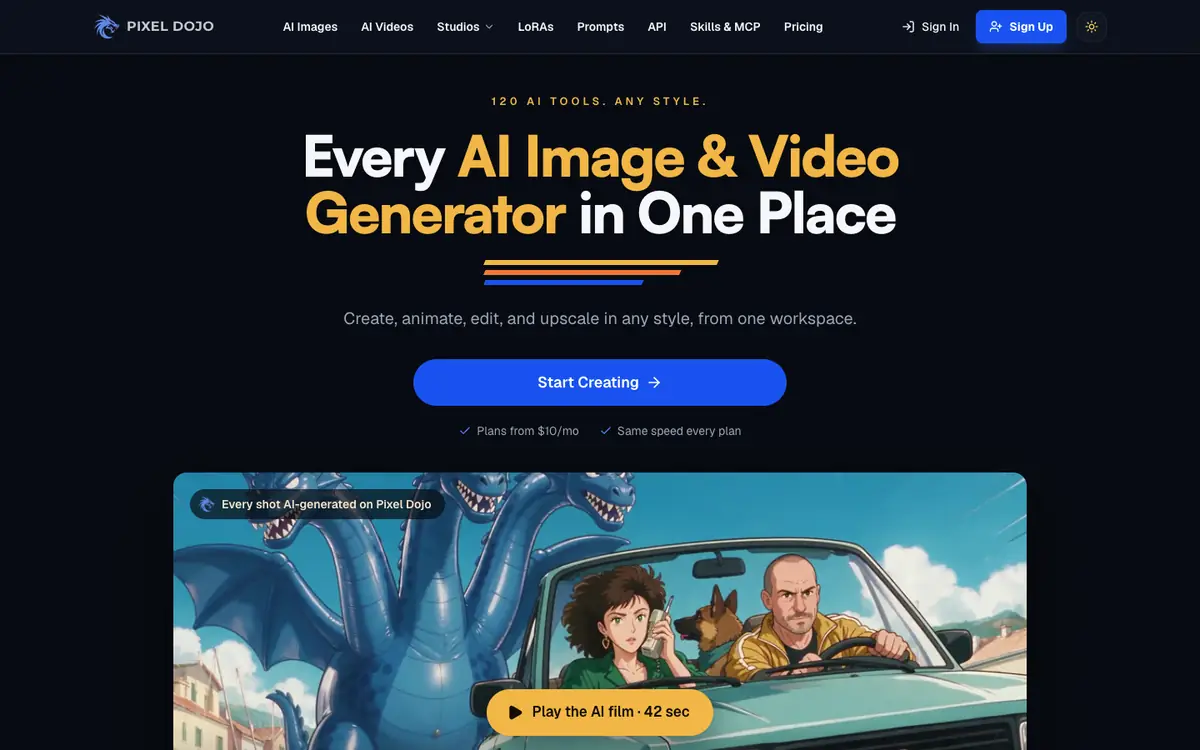
Generate still images from text prompts using an AI image generation tool. Produce short AI-generated video clips for creative projects. Improve existing photos through upscaling and retouching features. Train a custom LoRA model to support a recurring visual style or subject.
Offer and pricing
The supplier documents three public monthly tiers: Lite at 10 USD per month for 160 credits, Pro at 25 USD per month for 500 credits, and Pro Max at 50 USD per month for 1,100 credits. Longer commitments are listed at 135 USD for six months of Pro or 570 USD for one year of Pro Max. These amounts come from a pricing page read on 2026-10-07. They are not confirmed and may change; check current prices, credit costs and terms with the supplier.
Limits to check
Quotas, territorial availability and usage terms are not confirmed and should be checked with the supplier. Prices were read from a pricing page read on 2026-10-07; per-generation prices are listed as catalogue rates before current promotions, so verify them on the supplier site. The supplier documents LoRA training and studio features, but the quality, limits and output rights of those features are not confirmed.
What to check yourself
Before committing, open the supplier pricing page and confirm the current monthly prices, credit amounts and per-generation costs. If a trial is available, generate one image, one short video and one upscale to compare credit consumption with your expected use. Check the training and studio features you need, and confirm usage rights and territorial availability with the supplier.
- Quotas, territorial availability and usage terms are not confirmed and must be checked with the supplier.
- The listed prices and promotions are not confirmed and may change after the page was read on 2026-10-07.
- Feature quality and conditions for LoRA training and the studios are not confirmed.