Tool profile · Publisher documentation
The product points below come from publisher documentation. No common hands-on test is claimed. Documentary profile, sources checked October 6, 2026. LE LABO IA has not tested this product.
Uses
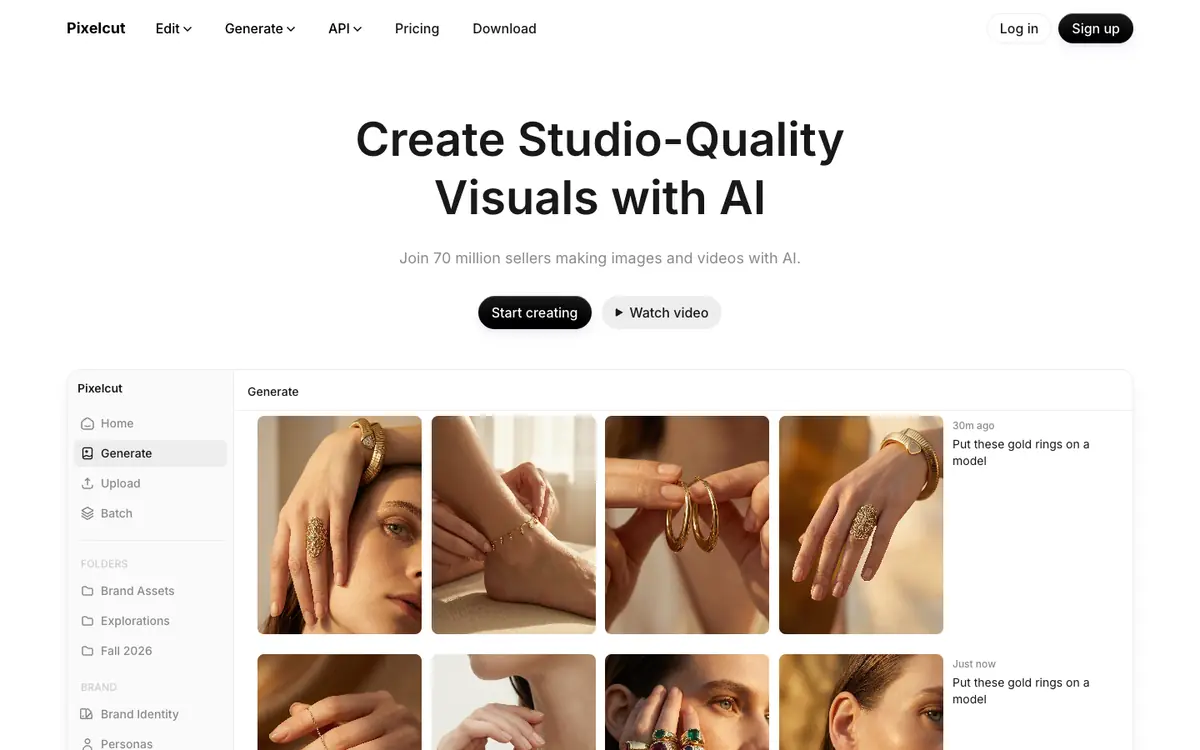
Create and edit images and videos, including product visuals, with one tool. Remove backgrounds to isolate subjects for catalog or e-commerce visuals. Retouch photos and use creative workflows documented by the supplier. Apply generation and editing features to visual content as described in the public documentation.
Offer and pricing
The documented pricing lists a Free tier at 0 USD with limited features, Pro at 10 USD per month or 8 USD per month billed annually with 600 AI credits per month for 3 people, and Business at 30 USD per month or 24 USD annually with 3,600 AI credits per month for 10 people. Confirm this pricing and plan details with the supplier, as prices can change.
Limits to check
LE LABO IA has not tested the product, and this profile relies on the public documentation of its supplier. Quotas, territorial availability and usage conditions are not confirmed and should be checked with the supplier. Check permissions for images, voices, music and identities before use, since no commercial rights are guaranteed.
What to check yourself
Before committing, check the supplier site for current pricing, plan quotas and territorial availability, which are not confirmed here. During a trial, edit one image with background removal and retouching to see if the result matches your workflow. Also confirm that you have the necessary permissions for the images and identities you use. This will help you decide if Pixelcut fits your needs.
- Pricing, quotas, availability and terms are not confirmed and should be checked with the supplier.
- The product has not been tested by LE LABO IA.