
Uses
Improving the quality of ordinary photos with an AI tool. Restoring old photos through a documented restoration function. Swapping faces between images with the face swap tool. Generating professional portraits for presentation or profile uses.

Tool profile · Publisher documentation
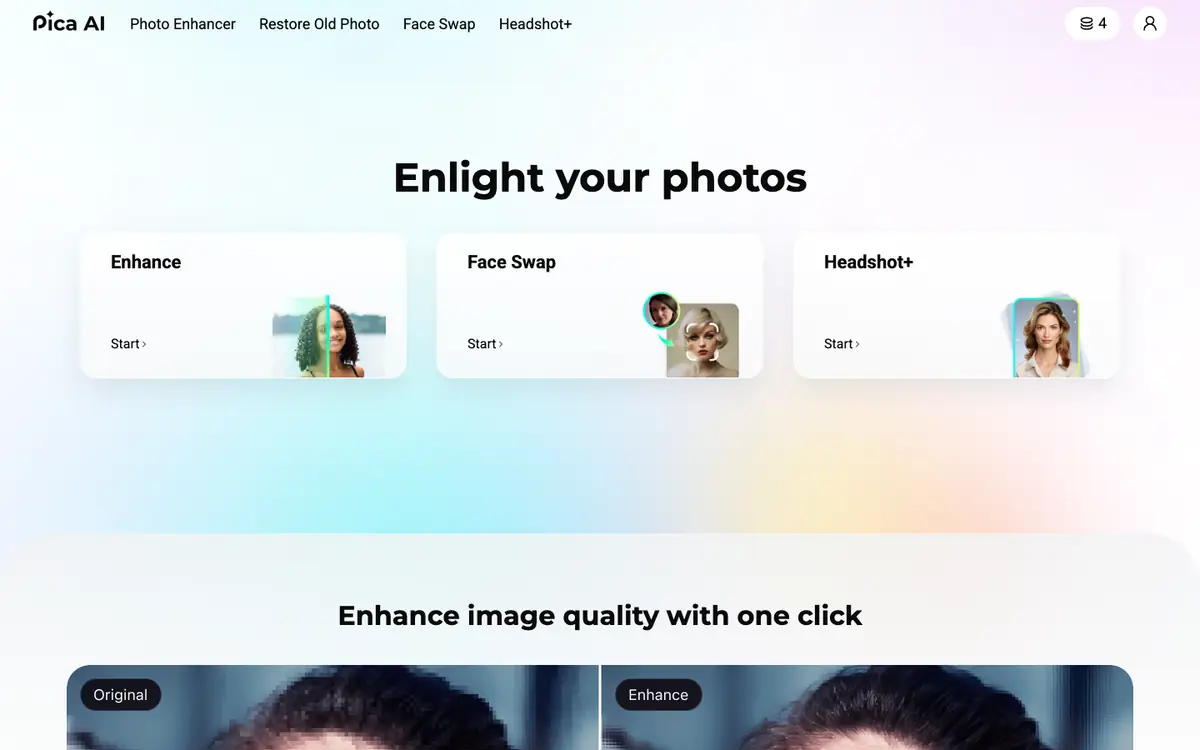
Pica AI is a tool for improving the quality of photos, swapping faces and generating professional portraits with AI tools. Its public documentation lists four main functions: photo enhancement, restoration of old photos, face swapping and the generation of professional portraits. This profile describes only these established functions, intended uses and the limits to check. LE LABO IA has not tested the product, and the profile relies on the public documentation of its supplier. Exact prices, billing periods, quotas, free access and territorial availability are not confirmed, so these points should be checked with the supplier before any commitment. No performance claim, statistic or price is presented here. Anyone considering the tool can use the proposed test below to check on the supplier site or during a trial what matters for their own use case.
Tool profile · Publisher documentation
The product points below come from publisher documentation. No common hands-on test is claimed. Documentary profile, sources checked October 7, 2026. LE LABO IA has not tested this product.
Improving the quality of ordinary photos with an AI tool. Restoring old photos through a documented restoration function. Swapping faces between images with the face swap tool. Generating professional portraits for presentation or profile uses.
Pricing is not confirmed. The exact prices, billing period, quotas and whether a free tier exists are points to check with the supplier. No amount or free trial is guaranteed in this profile. The supplier's current offer is the only reliable place to confirm the entry price, the possible free tier and the full range.
The exact prices, quotas, territorial availability and terms of use are not confirmed and should be checked with the supplier. No independent test or performance measurement is presented, so results depend on the supplier's documentation.
Before committing, open the supplier site and check the exact price, the billing period and the quota attached to each plan. If a free tier or trial exists, use it to test photo enhancement, face swapping and portrait generation on your own images. Also check the terms of use, especially for faces and personal data, and confirm which countries are supported. Keep notes on the output quality and limits you observe before deciding.