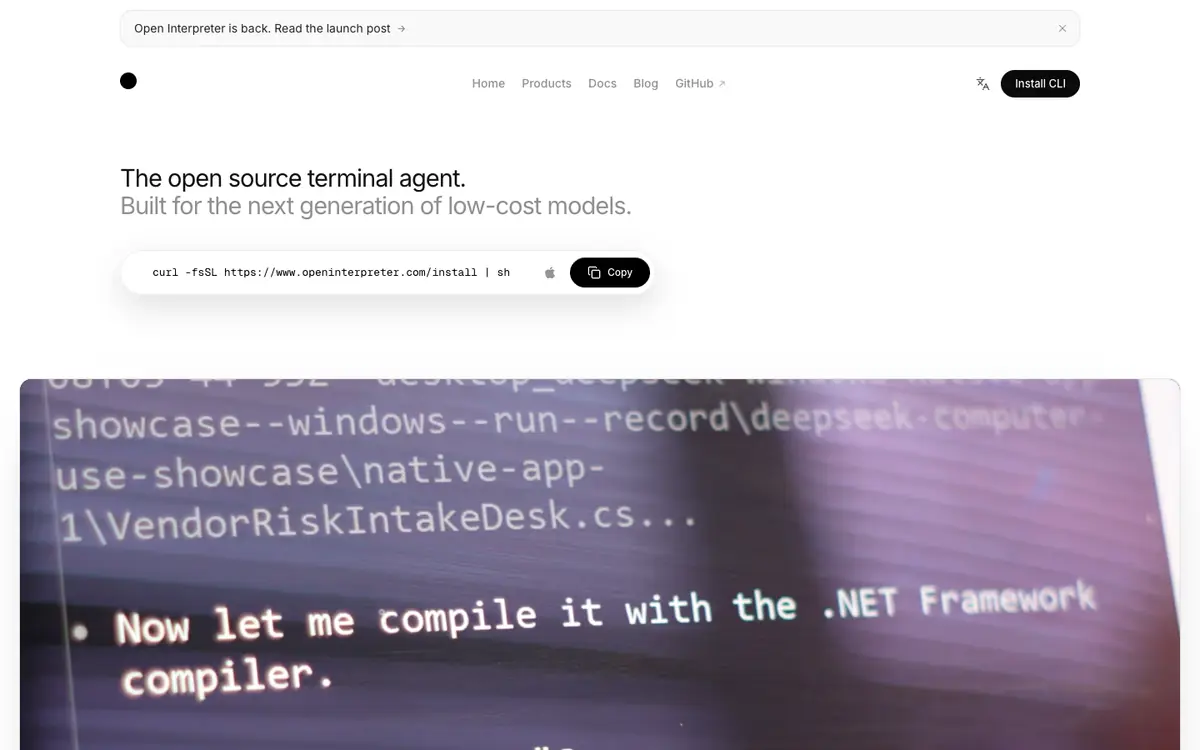
Tool profile · Publisher documentation
The product points below come from publisher documentation. No common hands-on test is claimed. Documentary profile, sources checked October 7, 2026. LE LABO IA has not tested this product.
Uses
Working on a project from the terminal, where the agent can read files and suggest or apply code edits. Running commands through the agent while it asks before escalating beyond the current sandbox. Experimenting with open models, skills, MCP servers and multiple sessions as documented by the supplier.
Offer and pricing
Pricing is not confirmed. The exact amounts, billing period, quotas and whether any free tier exists were not confirmed from the supplier documentation. Check the current offer on the supplier site before committing, and do not assume a free trial or a specific price.
Limits to check
LE LABO IA has not tested the product; only public supplier documentation was reviewed. Exact prices, quotas, country availability and terms of use are not confirmed.
What to check yourself
Before you commit, open the supplier site and check the current documentation for the terminal coding agent, sandbox behaviour and model support. Verify any price, billing period, quota or free tier directly with the supplier, because those details are not confirmed here. If a trial is available, run the agent on a small test project and note when it asks before acting outside the sandbox. Also check the availability and terms that apply in your country.
- Prices, billing period, quotas and free access are not confirmed.
- Country availability and exact terms of use are not confirmed.