Tool profile · Publisher documentation
The product points below come from publisher documentation. No common hands-on test is claimed. Documentary profile, sources checked October 7, 2026. LE LABO IA has not tested this product.
Uses
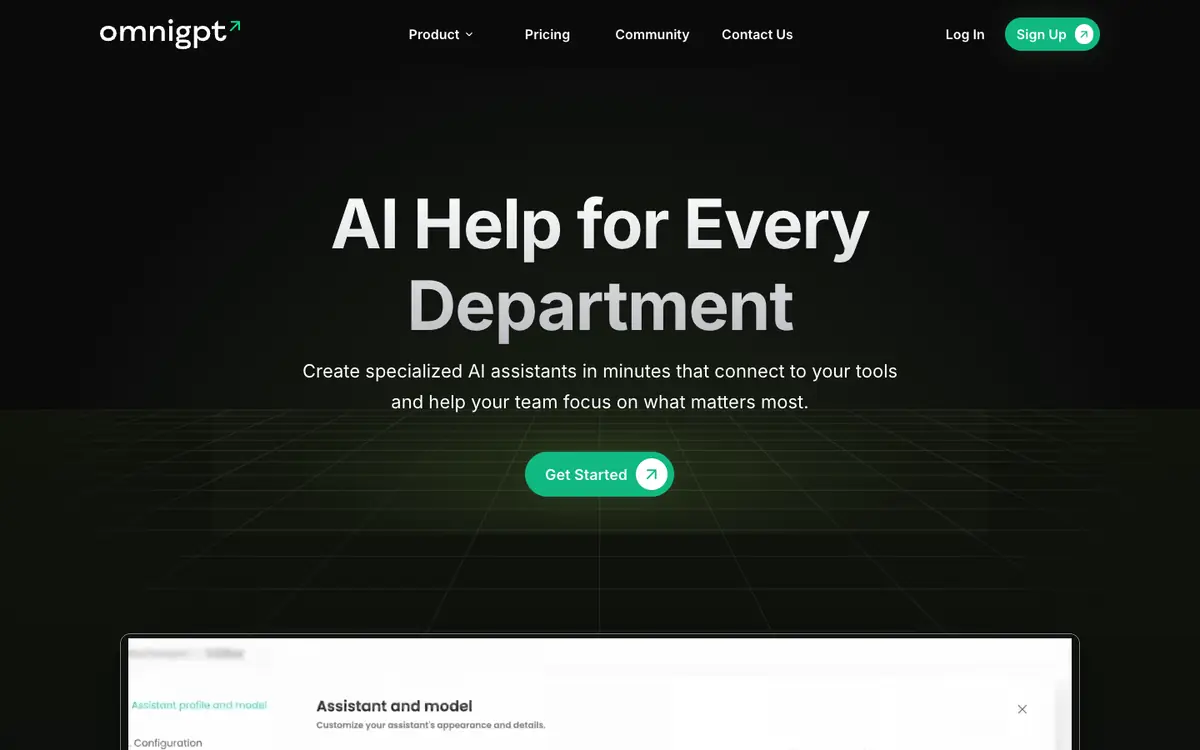
Create specialized assistants connected to your tools to automate recurring tasks by department, as described in the supplier documentation. Set up assistants in natural language so team members can describe what they need instead of writing code. Use ready to use assistants when a common workflow does not need a custom build. Connect Notion and Google Drive so assistants can work with content held in those tools, as listed by the supplier.
Offer and pricing
The exact price, billing period, quotas and free access are not confirmed. Check the supplier's current offer directly. No amount and no free trial are guaranteed here, so ask about what is included before you rely on any figure.
Limits to check
LE LABO IA has not tested the product, so everything here rests on the supplier's public documentation. Prices, quotas, country availability and exact terms of use are not confirmed and should be checked with the supplier. The documentation names ChatGPT, Claude and Gemini, but the depth and terms of that access are not confirmed.
What to check yourself
Open the supplier site and walk through creating one assistant for a department you know well. Check which tools you can connect, especially Notion and Google Drive, and try the ready to use assistants to see how far they fit your workflow. Before you commit, ask the supplier in writing what the current plan costs, what quotas apply and whether your country is served. Confirm exactly what access to ChatGPT, Claude and Gemini you would receive.
- Exact prices and billing period are not confirmed.
- Quotas, free access and trial conditions are not confirmed.
- Country availability and terms of use are not confirmed.