
Uses
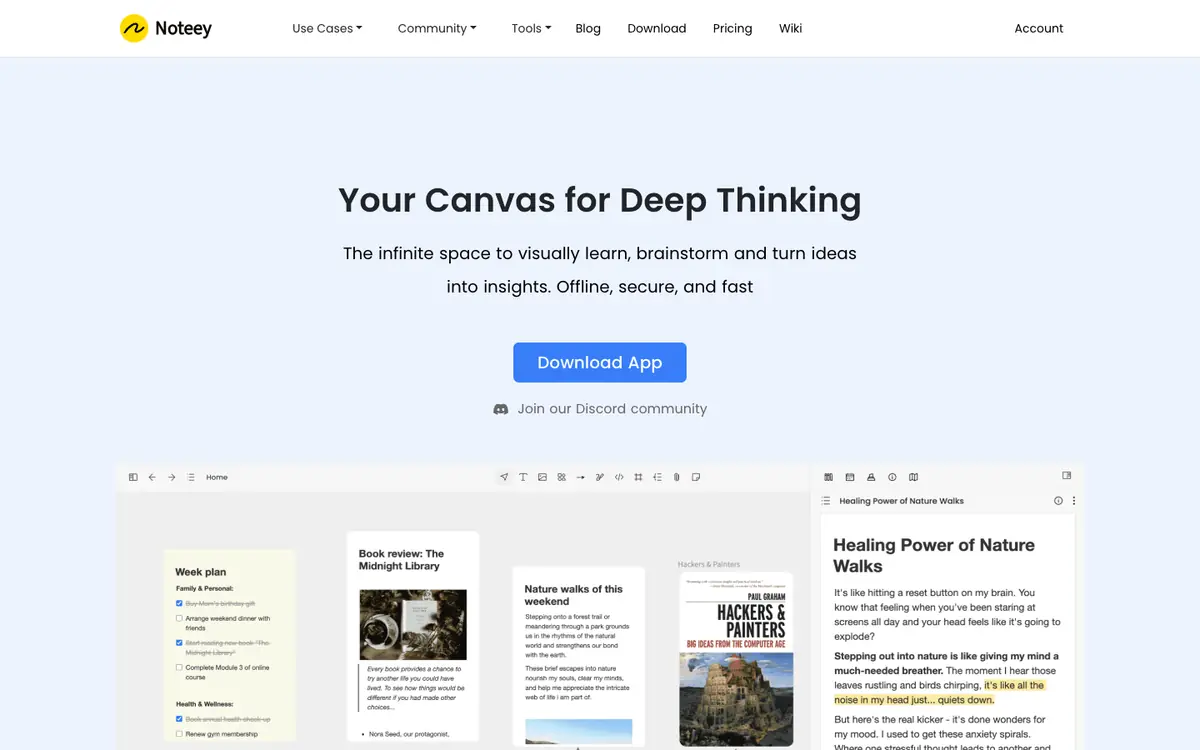
Take visual notes and organize ideas on an infinite canvas. Annotate PDFs, videos, and audio with timestamped notes. Build a personal knowledge base for research or study. Use presentation mode to share a canvas-based overview.

Tool profile · Publisher documentation
Noteey is a visual note-taking tool built around an infinite canvas, and it lets you annotate PDFs, videos, and audio while organizing a personal knowledge base. According to its public documentation, it supports visual notes, timestamped video and audio annotations, and a personal knowledge base, with presentation mode available. LE LABO IA has not tested the product, and this profile relies on the public documentation of its supplier. Use cases include research notes on an infinite canvas, course or meeting capture with timestamped media annotations, and presenting knowledge visually. Prices start at a free tier, then paid licenses and subscription plans; several conditions and availability details are not confirmed and should be checked with the supplier before committing.
Tool profile · Publisher documentation
The product points below come from publisher documentation. No common hands-on test is claimed. Documentary profile, sources checked October 7, 2026. LE LABO IA has not tested this product.
Take visual notes and organize ideas on an infinite canvas. Annotate PDFs, videos, and audio with timestamped notes. Build a personal knowledge base for research or study. Use presentation mode to share a canvas-based overview.
The supplier documents a free tier at $0 for up to 3 projects, 100 cards, annotation of 3 PDFs, and 3 videos and audios. Paid options include Desktop Pro at $99 as a lifetime license for 4 devices, Desktop Pro Plus at $159 as a lifetime license for 8 devices, Premium monthly at $10 per month, Premium annual at $90 per year, and a Lifetime Plan at $599 as a one-time payment. A limited offer with code OFF20, a 30-day money-back guarantee, and an announced move to a subscription-only model are not confirmed: check current terms and prices with the supplier.
LE LABO IA has not tested the product; details rely on public supplier documentation. Quotas, territorial availability, and usage terms are not covered in the pricing summary and are not confirmed. Pricing details and any limited offer, refund terms, or announced subscription-only change are not confirmed and should be checked with the supplier.
Before committing, check the current pricing page and confirm which plan matches your needs. Create a small canvas and test offline access to visual notes. Try annotating a PDF, a video, and an audio file to see whether timestamped annotations work as described. Confirm quotas, availability, refund terms, and any limited offer directly with the supplier.