
Logo MUSI-CO

Tool profile · Publisher documentation

MUSI-CO

MUSI-CO is a tool that generates high-fidelity MIDI rather than flat audio, letting you swap instruments, tweak velocities, rearrange notes, reprocess, and iterate. According to its supplier's public documentation, MUSI-CO can generate MIDI from videos, images, or emotional metadata, and it includes composition and performance tools. Documented features include high-fidelity MIDI generation, custom MIDI datasets, offline local processing, DAW integration, and a musical novelty measurement. The intended uses center on producing controllable MIDI material you can edit, rearrange, and reprocess in a music workflow, whether the input is video, image, or emotional metadata. LE LABO IA has not tested the product, and this profile relies on the public documentation of its supplier. Prices, quotas, availability, and exact usage terms are not confirmed, so check them with the supplier before committing. Availability by country and the exact conditions of use are not confirmed.

Read this page in:Français
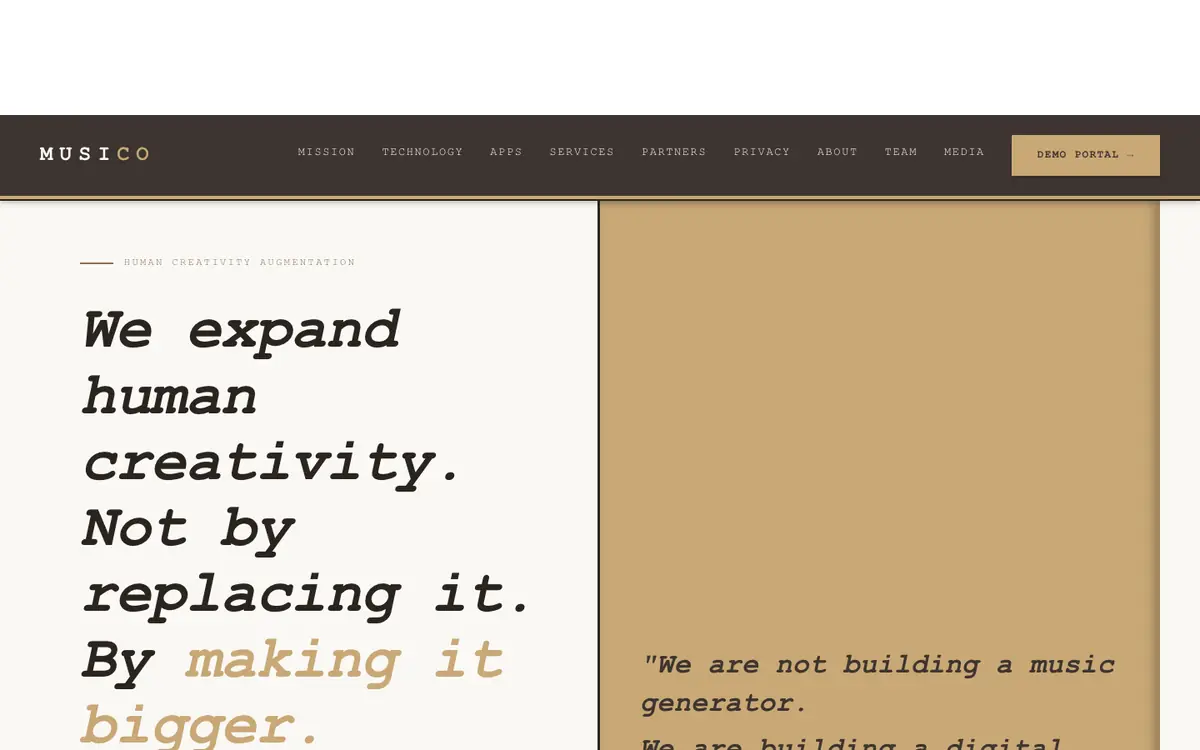
Screenshot of the MUSI-CO homepage

Tool profile · Publisher documentation

What to check before choosing

The product points below come from publisher documentation. No common hands-on test is claimed. Documentary profile, sources checked October 7, 2026. LE LABO IA has not tested this product.

Uses

Generate high-fidelity MIDI from videos so that musical ideas can be edited, rearranged, and reprocessed instead of being locked in flat audio. Generate high-fidelity MIDI from images where the supplier documents that an image input can be used as a source for MIDI generation. Generate high-fidelity MIDI from emotional metadata, using the supplier's documented approach to turn such metadata into editable musical material. Use the documented composition and performance tools to tweak velocities, swap instruments, and rearrange notes in a MIDI-based workflow.

Offer and pricing

Pricing is not confirmed. The exact prices, billing period, quotas, and whether a free tier exists have not been checked with the supplier. Consult the supplier's current offer; no amount and no free trial are guaranteed.

Limits to check

LE LABO IA has not tested MUSI-CO, so the practical results of generating MIDI from videos, images, or emotional metadata are not confirmed. Prices, quotas, territorial availability, and exact usage terms are not confirmed and should be checked with the supplier. Offline local processing and DAW integration are documented features, but the exact technical requirements and compatibility limits are not confirmed.

What to check yourself

On the supplier site, check which inputs are accepted for MIDI generation, such as video, image, or emotional metadata, and whether an offline local processing option is actually available. During a trial, generate a short MIDI file and try swapping instruments, tweaking velocities, and rearranging notes to see if the output fits your DAW workflow. Also verify the exact prices, quotas, availability for your country, and usage terms with the supplier before committing.

  • Prices, billing period, quotas, and whether a free tier exists are not confirmed.
  • Availability by country and exact usage terms are not confirmed.
  • The practical results of MIDI generation from videos, images, or emotional metadata are not confirmed because LE LABO IA has not tested the product.