Tool profile · Publisher documentation
The product points below come from publisher documentation. No common hands-on test is claimed. Documentary profile, sources checked October 7, 2026. LE LABO IA has not tested this product.
Uses
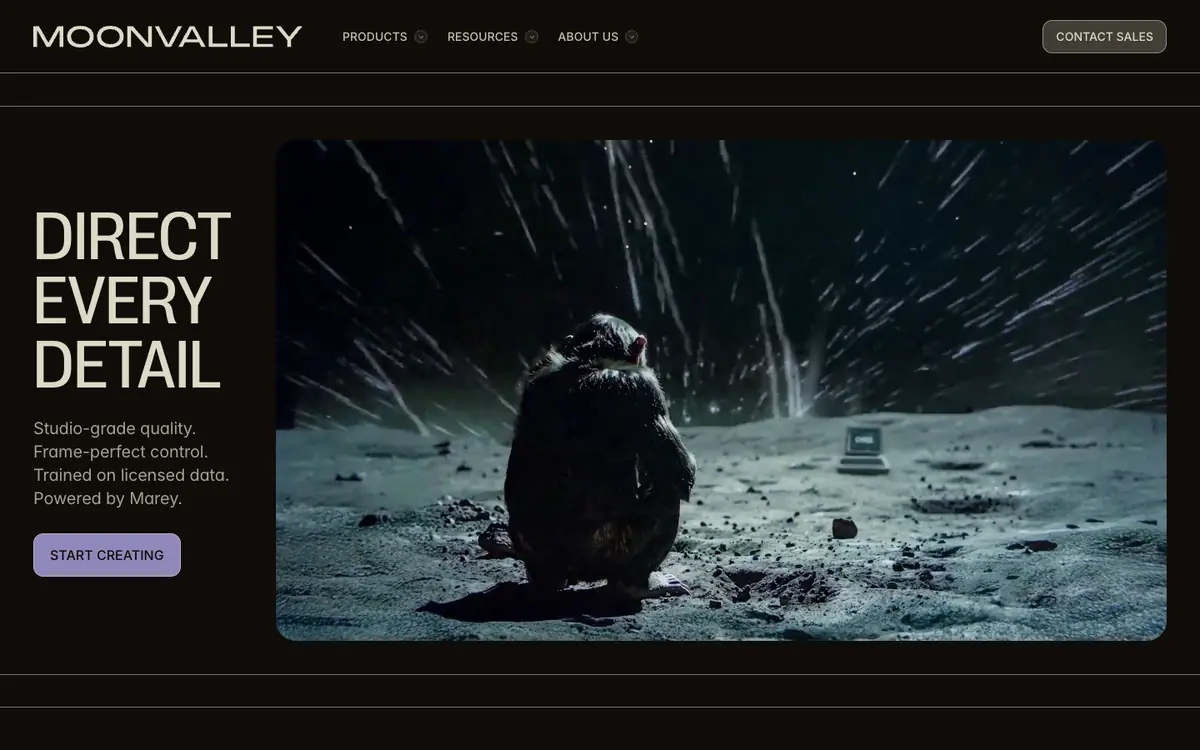
Turn a still image into a moving shot for a short narrative or mood piece. Generate a clip from a text prompt when you need a visual starting point for a scene. Use camera and trajectory controls to plan movements before a shoot or an edit. Apply motion transfer to reuse a movement from one clip in a new generation.
Offer and pricing
Moonvalley pricing is not confirmed: the exact amounts, billing period, quotas and whether a free tier exists are all unverified. Check the supplier's current offer for the entry price and the plan range before you rely on any number.
Limits to check
LE LABO IA has not tested Moonvalley, so the documented features remain unverified in practice. Prices, quotas, territorial availability and exact usage terms are not confirmed.
What to check yourself
Before you commit, open the supplier's official page and check the current plan names, the entry price and any stated quota. If a trial or free tier exists, run one image-to-video generation and one text-to-video generation, then note the output length, resolution and watermark. Also test the camera, motion transfer and trajectory controls to see whether they match your project. Read the usage rights and cancellation terms, and treat any figure you cannot confirm on the supplier page as unverified.
- Moonvalley pricing, billing period, quotas and free availability are not confirmed.
- Territorial availability and exact usage terms remain unconfirmed.