Tool profile · Publisher documentation
The product points below come from publisher documentation. No common hands-on test is claimed. Documentary profile, sources checked October 7, 2026. LE LABO IA has not tested this product.
Uses
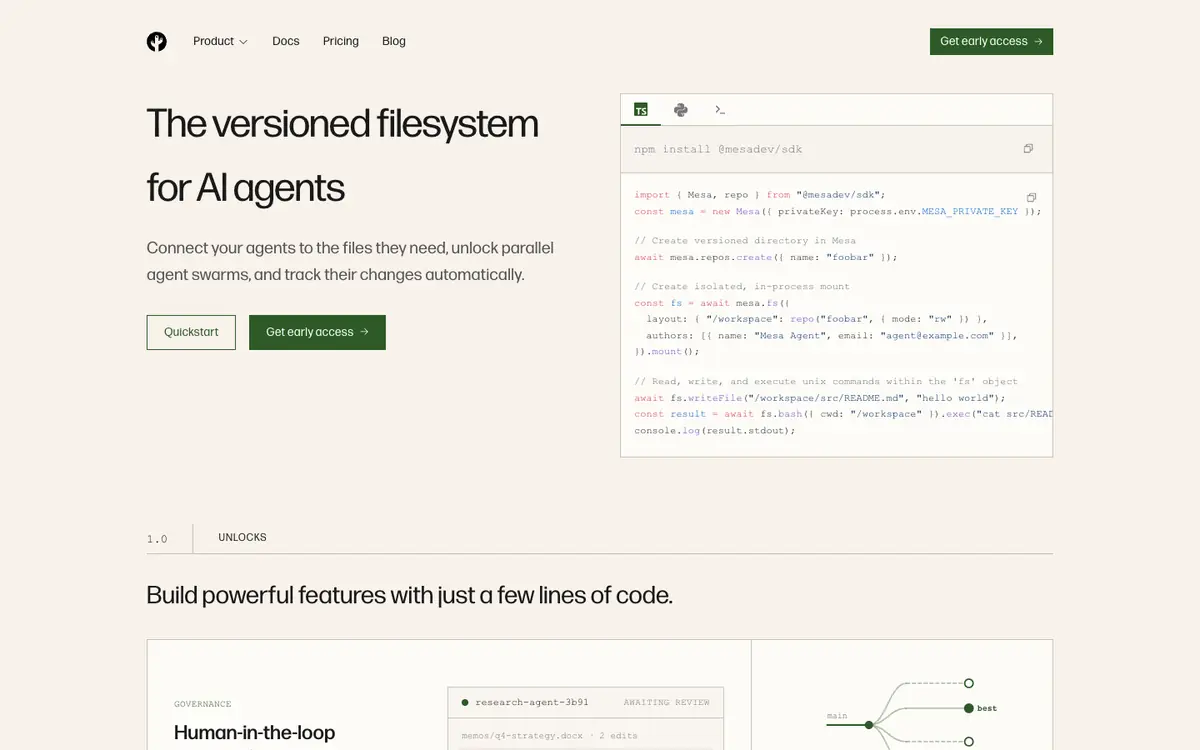
You can connect AI agents to a versioned filesystem so they read and write the same project files in a controlled way (mesa:c1). You can run parallel agents on isolated branches to keep each agent's work separate before merging it (mesa:c1). You can follow changes through an API, which is useful when agents need to track modifications automatically (mesa:c1). You can use restore points and rollbacks to return to an earlier state when an agent makes an unwanted change (mesa:pricing1).
Offer and pricing
The supplier documents three plans: a free tier at 0 dollars per month with 50 GB of storage, 1,000 repositories, 200 GB per month of egress and unlimited reads through the virtual filesystem; a Scale tier billed on usage at 0.20 dollars per GB per month for storage and 0.11 dollars per GB for egress over Git and the REST API, with the free tier included; and Enterprise at custom pricing by quote (mesa:pricing1). Monthly usage billing has no minimum or commitment, and the virtual filesystem is not billed for egress (mesa:pricing1). These prices are not confirmed and may change, so check current rates with the supplier before committing.
Limits to check
LE LABO IA has not tested the product, so the profile relies only on the supplier's public documentation (mesa:c1). Quotas, regional availability and terms of use are not confirmed, so check them with the supplier (mesa:pricing1). The documented prices should be rechecked with the supplier when you evaluate the tool (mesa:pricing1).
What to check yourself
Before committing, open the supplier's live pricing page and confirm the storage, egress and repository quotas you expect to use. During a trial, connect one small repository, create an isolated branch, let an agent make a tracked change and then roll it back. Check whether the API surfaces the revisions and approvals you need. Keep the results in mind because availability and terms are not confirmed.