
Uses
Generate sprites and textures for characters, environments or interfaces. Create game resources such as icons, music and video from AI tools. Prospect game asset ideas quickly from a documentary source.

Tool profile · Publisher documentation
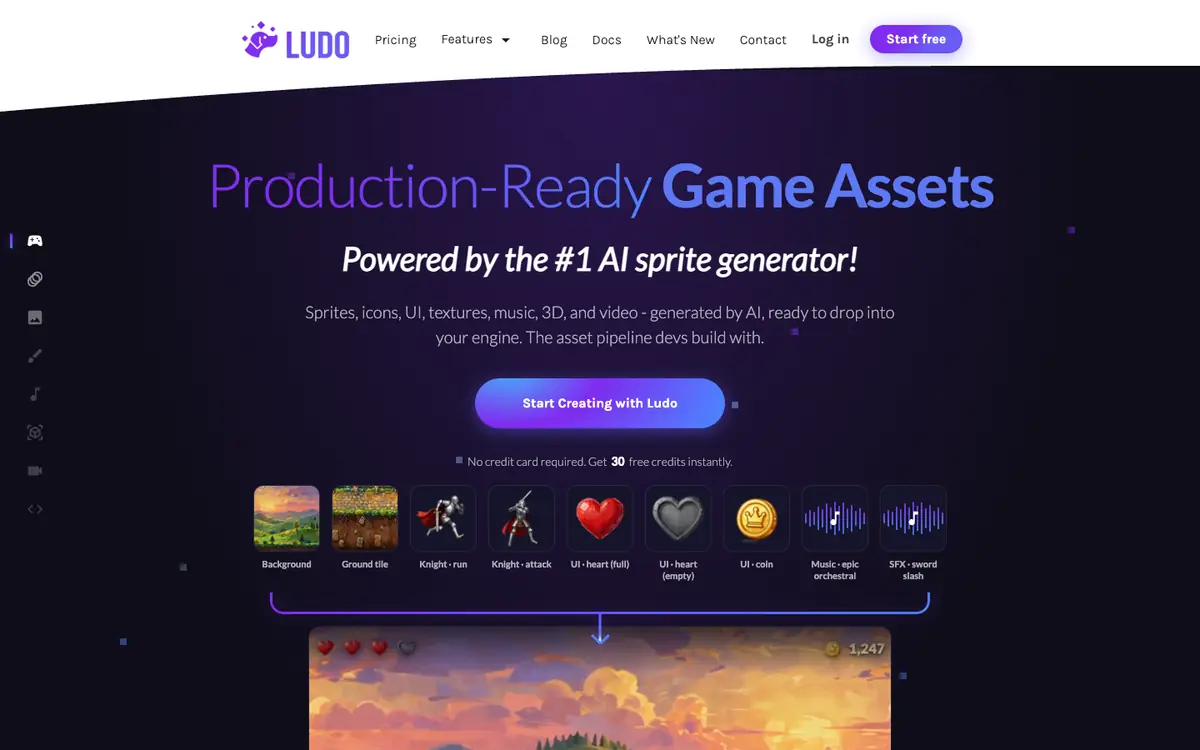
Ludo.ai is an AI tool for generating game assets such as sprites, icons, textures, music and video, according to its supplier. Its tools can support tasks like concept art and asset production to enrich a game project. LE LABO IA has not tested the product, and this profile relies on the public documentation of its supplier. The source material is a documentary summary checked on 2026-10-06. It mentions production-ready assets ready to drop in, but that should be checked in practice. Availability by country and actual account quotas are not confirmed. Before committing, check the current features, the pricing in effect, the free trial conditions and the usage rights for generated assets.
Tool profile · Publisher documentation
The product points below come from publisher documentation. No common hands-on test is claimed. Documentary profile, sources checked October 6, 2026. LE LABO IA has not tested this product.
Generate sprites and textures for characters, environments or interfaces. Create game resources such as icons, music and video from AI tools. Prospect game asset ideas quickly from a documentary source.
No free tier is listed. A free trial is announced on paid plans. Indie: 15 USD/month billed 180 USD/year, with 3,000 credits/year. Pro: 35 USD/month billed 420 USD/year, with 12,000 credits/year. Studio: 300 USD/month billed 3,600 USD/year, with 120,000 credits/year. Enterprise: quote only. These prices, quotas and terms are not confirmed and may change.
No hands-on test of the product was carried out; the information comes from the supplier's public documentation. Quotas, territorial availability and usage conditions are not confirmed. Check them with the supplier before use. The summary does not state whether generated assets are royalty-free or how commercial use is handled.
On the supplier site, compare the Indie, Pro and Studio plans to see which one fits your project. Then check the exact number of credits included and what counts as a credit. During a trial, generate a sprite, an icon and a short music loop, then verify export quality, file formats and commercial use rights before subscribing.