Tool profile · Publisher documentation
The product points below come from publisher documentation. No common hands-on test is claimed. Documentary profile, sources checked October 7, 2026. LE LABO IA has not tested this product.
Uses
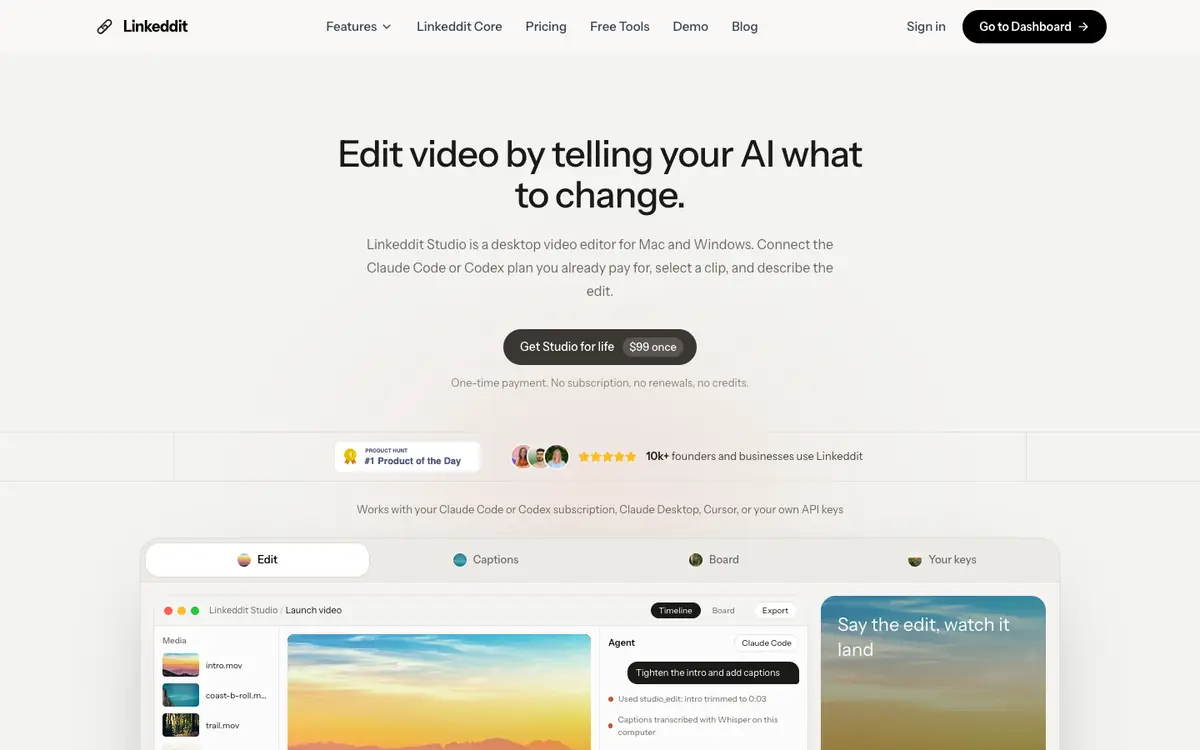
Describe the modifications you want to your own AI agent to edit video on Mac and Windows. Generate subtitles locally rather than sending the audio to an external service. Plan cuts with a planning table before applying them to the timeline. Use your personal API keys to connect the AI agent you already pay for.
Offer and pricing
The documentation read on the home page gives a Studio Lifetime licence at 99 USD as a one-time payment for Mac and Windows, up to 3 computers. This is the only price point available here. The pricing page that was consulted concerns Linkeddit Core and not Studio, so it does not confirm the Studio amount. Treat the price, the plan and its conditions as not confirmed and check them with the supplier before buying. No subscription, trial or free tier was documented in the sources read.
Limits to check
LE LABO IA has not tested the product. Quotas, territorial availability and terms of use are not covered by the pricing summary and remain not confirmed. The home page only shows the price; the pricing page consulted covers Linkeddit Core and not Studio.
What to check yourself
Before committing, open the supplier site and look for the Studio-specific pricing page rather than the page for Linkeddit Core. Check that the 99 USD one-time figure applies to Studio, and see what the licence allows across Mac and Windows on up to 3 computers. Then confirm the quotas, availability for your country and the terms of use with the supplier. If you can run a trial, verify that local subtitle generation works on your own footage before paying.
- The price and plan conditions are documented on the home page; the pricing page consulted covers Linkeddit Core and not Studio, so the 99 USD figure for Studio is not confirmed.
- Quotas, territorial availability and terms of use are not covered by the pricing summary and should be checked with the supplier.