Tool profile · Publisher documentation
The product points below come from publisher documentation. No common hands-on test is claimed. Documentary profile, sources checked October 7, 2026. LE LABO IA has not tested this product.
Uses
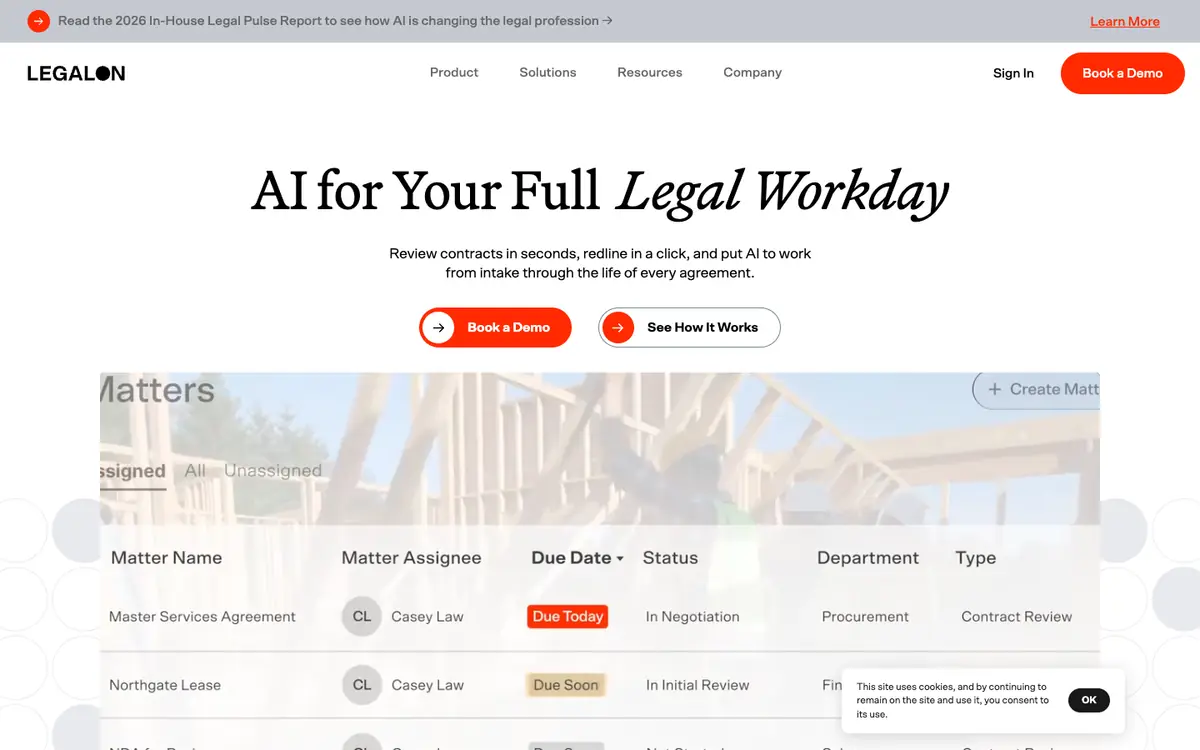
Reviewing contracts against a defined set of positions and flagging clauses that need attention. Redlining contract changes directly in Word instead of switching between separate editing and review tools. Drafting or adjusting clauses with the help of playbooks prepared by lawyers. Searching signed contracts to find how a term was handled in earlier agreements.
Offer and pricing
The exact pricing is not confirmed. Current information about plans, billing periods, quotas and any free tier is not confirmed, and no amount or free trial should be assumed. The supplier's current offer is the only reliable place to check these points. Compare the published plans with your expected contract volume and the number of people who will need access.
Limits to check
LE LABO IA has not tested the product. This profile relies on the public documentation of its supplier. Exact prices, quotas and contract volumes, availability by country and terms of use are not confirmed and should be checked with the supplier. The documentation describes contract work with AI, but it does not establish that results are legally correct or suitable for every contract type.
What to check yourself
Before committing, ask the supplier for a trial or demonstration on one of your own contracts, ideally a standard agreement with a few known problem clauses. Check whether the Word redlining works with your document format, whether the playbooks match your negotiation positions and how contract search handles your existing files. Ask the supplier to confirm the current price, billing period, usage quotas, available countries and conditions in writing. Make sure the output still goes through your own legal review before it is used.
- Pricing, billing period, quotas and any free tier are not confirmed.
- Availability by country is not confirmed.
- The exact terms of use are not confirmed.