Tool profile · Publisher documentation
The product points below come from publisher documentation. No common hands-on test is claimed. Documentary profile, sources checked October 7, 2026. LE LABO IA has not tested this product.
Uses
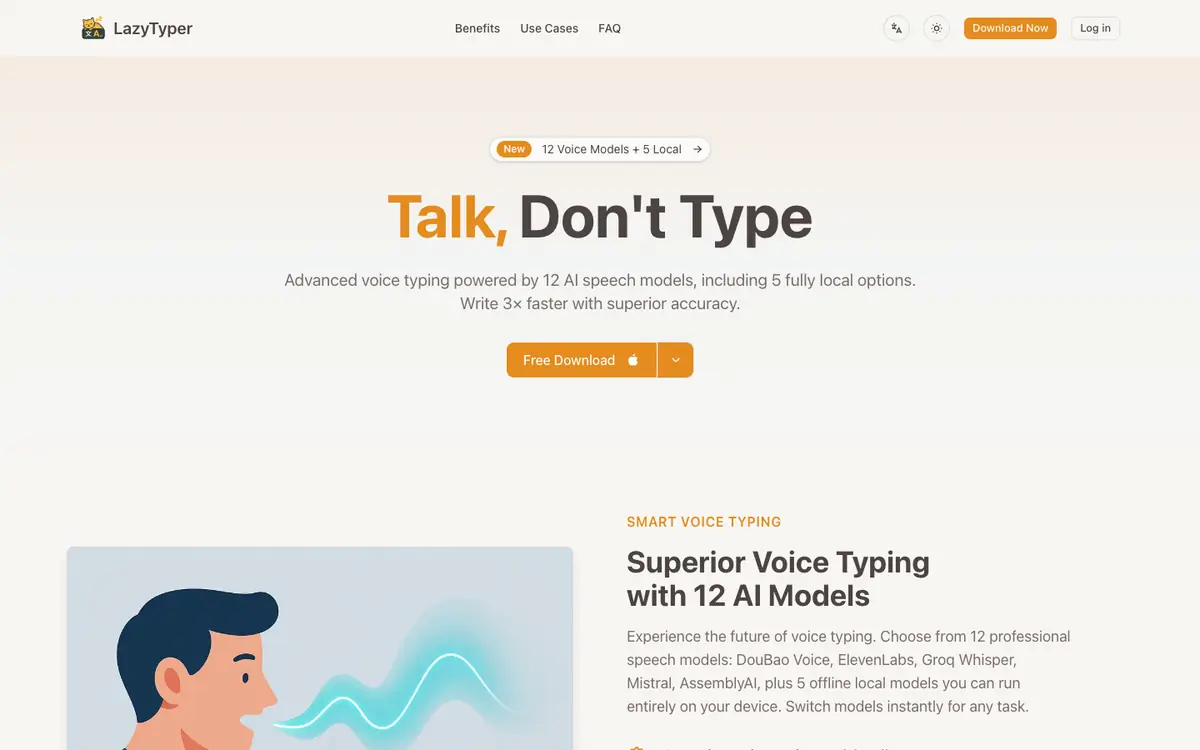
Dictate text by voice and have the application turn your speech into written words. Choose among 12 speech recognition models to match the dictation situation. Run dictation with one of 5 local models when you want offline use. Dictate in more than one language with multilingual input.
Offer and pricing
The application is presented as free, covering all voice typing features and the 12 models, with no advertising. No figure-based price appears in the public documentation, so this is a stated positioning rather than a confirmed price. Check the current terms with the supplier before committing.
Limits to check
LE LABO IA has not tested the product, and the profile relies on the public documentation of its supplier. Quotas, territorial availability and terms of use are not settled by what is published; check them with the supplier. No figure-based price appears in the public documentation, and the application is presented as free; check the pricing the day you commit.
What to check yourself
Open the supplier site and check which voice typing features are presented as free, and whether any quota or account condition applies. Try dictation with one of the 12 models and, if offline use matters to you, with one of the 5 local models. Test multilingual dictation in your own languages and note the output quality on your accent. Before committing, confirm the current price, availability and terms with the supplier.
- Quotas, territorial availability and terms of use are not confirmed and should be checked with the supplier.
- No figure-based price appears in the public documentation, and no price is confirmed.