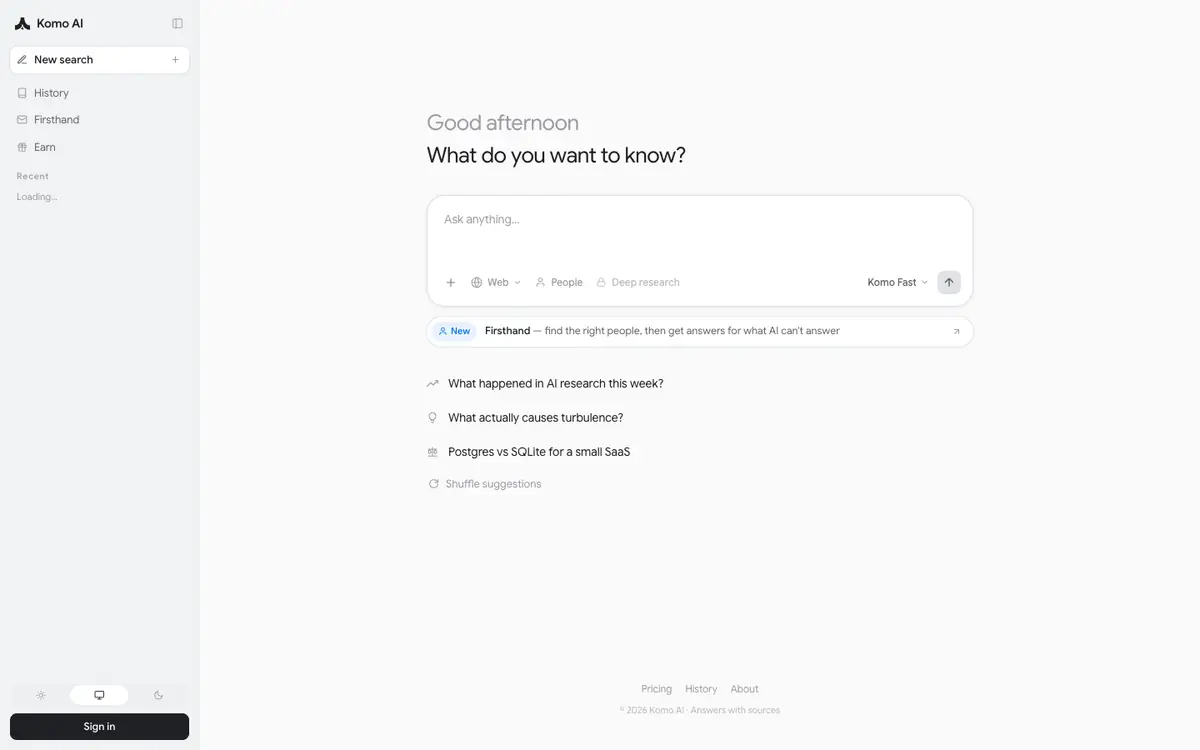
Tool profile · Publisher documentation
The product points below come from publisher documentation. No common hands-on test is claimed. Documentary profile, sources checked October 7, 2026. LE LABO IA has not tested this product.
Uses
Looking up information with an AI search engine, which is the documented function described by the supplier. Keeping track of previous lookups through a search history feature, subject to what the current product actually offers. Comparing an AI search approach with a classic search engine when you want a differently framed answer. Checking how a supplier describes its search tool before deciding whether its scope matches the kind of information you look up.
Offer and pricing
Pricing is not confirmed. No exact amount, billing period, free tier or usage quota could be verified from the public documentation, so no entry price or price range can be given here. Check the current offer on the supplier's site to see whether a free tier exists, what it includes and what the paid plans cost before you commit.
Limits to check
LE LABO IA has not tested the product, so what is stated here rests on the supplier's public documentation. Pricing, billing period, quotas, free access and exact terms of use are not confirmed and should be checked with the supplier. Availability by country is unconfirmed, so the tool may not be offered or usable in every location.
What to check yourself
Before committing, open the supplier's site and confirm the current pricing page, including whether a free tier exists and what any paid plan includes. Check whether the search history feature is available and whether it is part of the free or paid offer. Confirm the countries where the service is offered and the exact terms of use that apply to your account. Keep a note of the quotas attached to your plan so you know what usage is covered.
- Pricing, billing period, quotas and free access are not confirmed.
- Availability by country is not confirmed.
- The exact terms of use are not confirmed.