Tool profile · Publisher documentation
The product points below come from publisher documentation. No common hands-on test is claimed. Documentary profile, sources checked October 7, 2026. LE LABO IA has not tested this product.
Uses
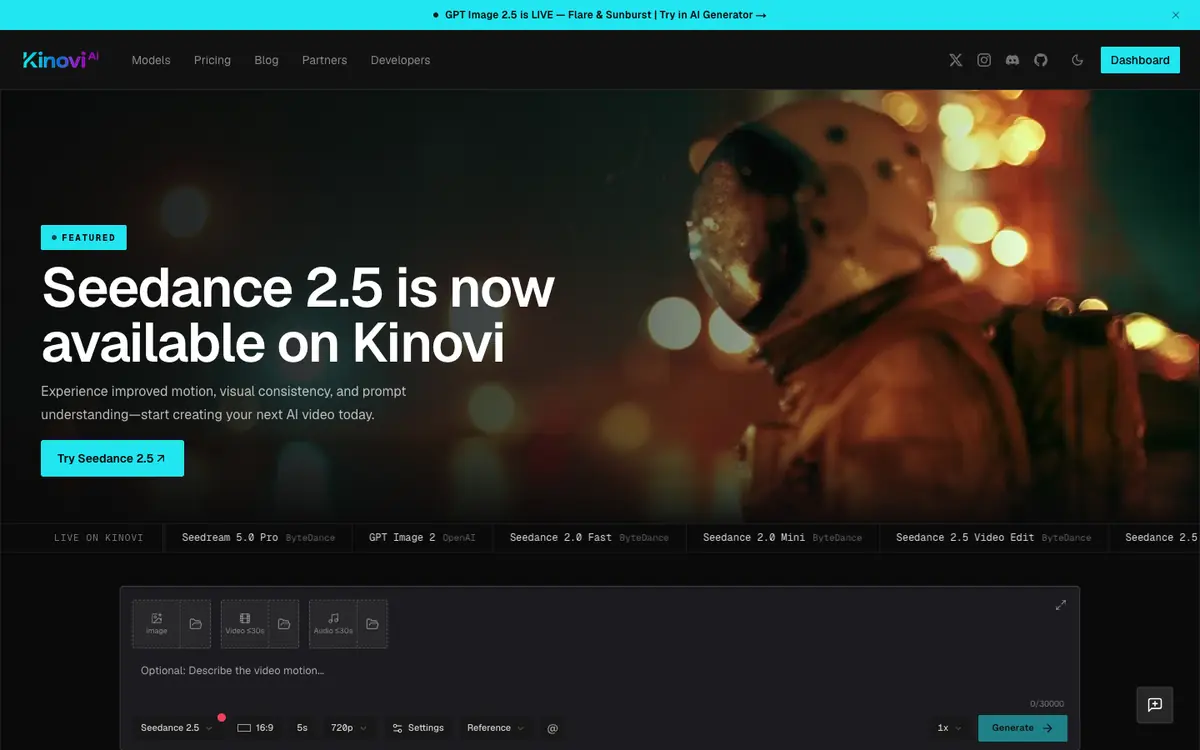
Call video, image, and audio generation models from your own application through the public REST API. Generate the same model types from the optional Studio when you prefer a graphical workspace. Receive asynchronous event notifications through webhooks for generation workflows. Manage API and Studio usage from one shared credit balance.
Offer and pricing
Credits are presented as one-time purchases. Starter costs 9.99 USD for 2,150 credits, XL costs 99.90 USD for 21,500 credits, and Studio costs 999.90 USD for 215,000 credits. Purchased credits do not expire, and consumption varies by model. These prices are not confirmed; check current rates with the supplier before buying.
Limits to check
LE LABO IA has not tested Kinovi; usage quotas, territorial availability, and terms are not confirmed and should be checked with the supplier. Prices are not confirmed; the supplier's current rates should be checked on the day of use. Purchased credits do not expire, but consumption varies by model.
What to check yourself
Before committing, open the supplier's API documentation and confirm which model IDs and rates apply to your video, image, or audio use case. Check whether webhooks are available for your workflow and whether API and Studio share one credit balance as described. Ask the supplier to confirm current prices, quotas, territorial availability, and usage terms. Then run a small paid generation to measure actual credit consumption.
- Account test not performed; quotas and territorial availability unconfirmed.
- Prices documented but not confirmed; check with the supplier.