Tool profile · Publisher documentation
The product points below come from publisher documentation. No common hands-on test is claimed. Documentary profile, sources checked October 7, 2026. LE LABO IA has not tested this product.
Uses
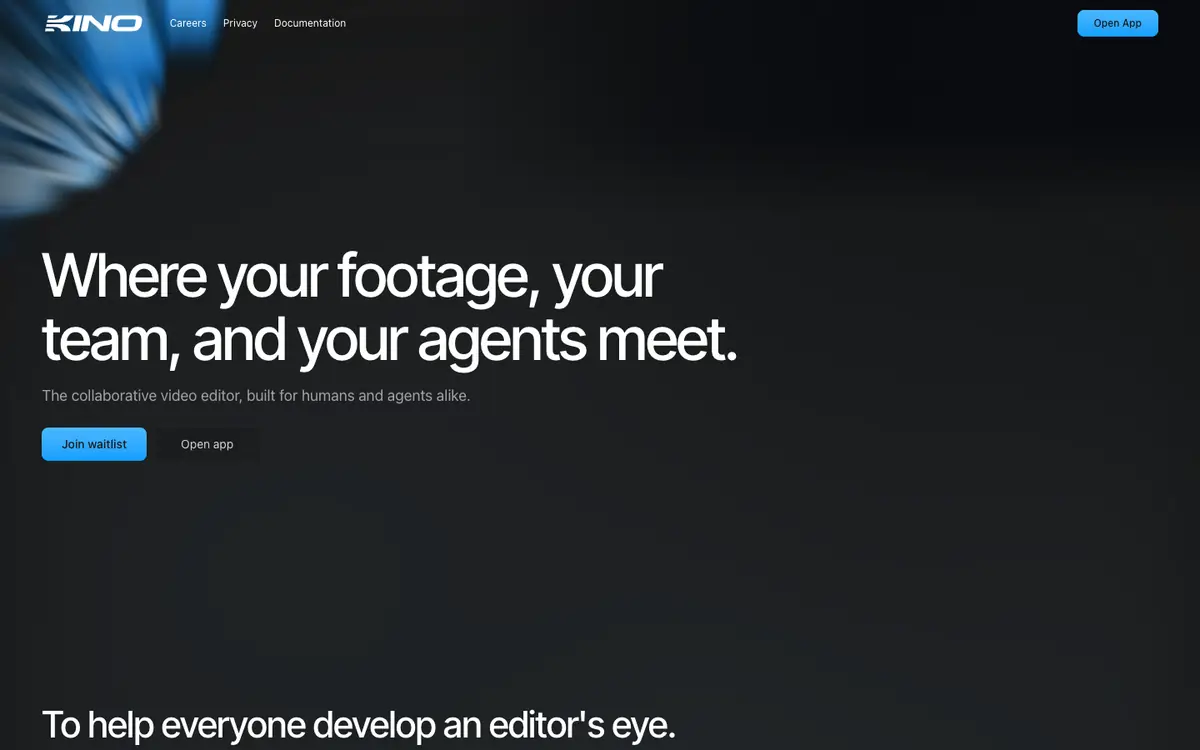
Editing and collaborating on videos with an editor that assists the cut and supports shared work. Finding footage by meaning rather than by filename or exact keyword, which suits long or loosely labelled libraries. Assembling edits faster using AI-assisted placement of selected sequences. Collaborating in real time with other editors on the same timeline.
Offer and pricing
Pricing for Kino is not confirmed. The exact prices, billing period, quotas, and free availability are not confirmed, and no amount or free trial is guaranteed. The supplier's current offer should be checked directly before deciding.
Limits to check
LE LABO IA has not tested the product, so actual behavior and limits in real projects remain unknown. Pricing, quotas, country availability, and exact terms are not confirmed and should be checked with the supplier.
What to check yourself
Visit the supplier site and check the current offer: pricing, billing period, quotas, and whether a free tier exists. If you can start a trial, import a real project with unlabeled footage and try the meaning-based search. Also test real-time collaboration with a second editor, and check whether a shared timeline URL works for your team. Confirm any country restriction or usage term that could affect you before committing.
- Pricing, billing period, quotas, and free availability are not confirmed.
- Country availability and exact usage terms are not confirmed.