
Uses
Drafting and rewriting text in any macOS application through AI models. Correcting spelling and grammar in messages or documents. Preparing replies to Slack messages and emails. Chatting with documents to extract or discuss their content.
Tool profile · Publisher documentation
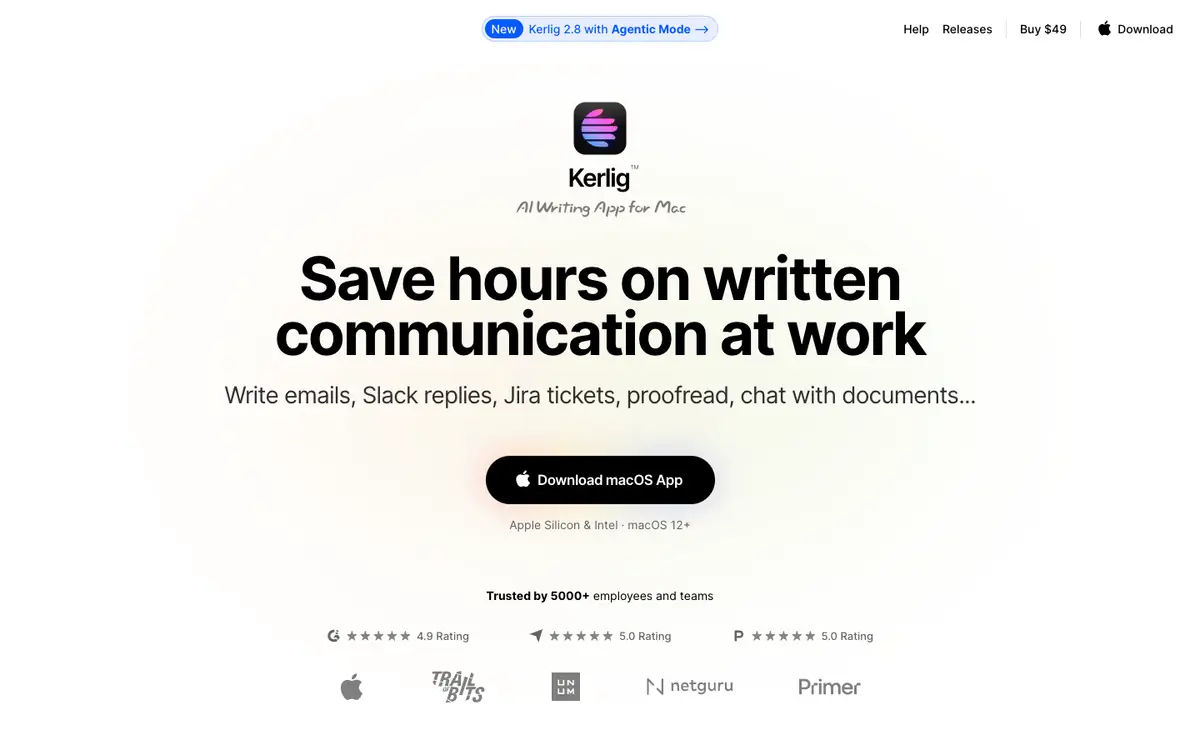
Kerlig is a macOS tool that brings AI assistance into any application, so you can draft, correct, and summarize text without leaving the app where you work. Its supplier documents a set of features including spelling and grammar correction, replies to Slack and emails, chat with documents, an Agentic Mode with MCP servers, and access to more than 350 AI models. LE LABO IA has not tested the product, and this profile relies on the public documentation of its supplier. The tool is presented as a way to save time on written communication at work. Some details, such as prices, quotas, territorial availability, and terms of use, are not confirmed and should be checked with the supplier before you commit. The sections below cover what the tool is meant to do, the prices documented by the supplier, and the limits of those claims.
Tool profile · Publisher documentation
The product points below come from publisher documentation. No common hands-on test is claimed. Documentary profile, sources checked October 7, 2026. LE LABO IA has not tested this product.
Drafting and rewriting text in any macOS application through AI models. Correcting spelling and grammar in messages or documents. Preparing replies to Slack messages and emails. Chatting with documents to extract or discuss their content.
The supplier documents three one-time licenses in USD: Basic at 49 USD for one Mac and one seat, Pro at 79 USD for two Macs and two seats, and Team at 297 USD for ten Macs and ten seats. A 14-day money-back guarantee is mentioned. Prices are in USD and taxes may apply. The Pro license is presented with a stated saving of 19 USD. These amounts come from the homepage only, and quotas, territorial availability, and terms of use are not confirmed, so check current prices and conditions with the supplier.
The product has not been tested by LE LABO IA, and this profile relies only on the supplier's public documentation. Quotas, territorial availability, and terms of use are not confirmed and should be checked with the supplier. Prices were read from the homepage only; the Pro license is presented with a stated saving of 19 USD, and current prices should be checked on the day you commit.
Before you commit, check the supplier's site for the current license prices, the number of Macs and seats each license covers, and whether taxes apply. If you can start a trial or use the money-back guarantee, test the correction, reply, and summarization features in the macOS apps you actually use. Also confirm which AI models are included and whether any usage quotas or territorial restrictions apply to your account. Those checks will show whether the documented features match your daily writing needs.