Tool profile · Publisher documentation
The product points below come from publisher documentation. No common hands-on test is claimed. Documentary profile, sources checked October 7, 2026. LE LABO IA has not tested this product.
Uses
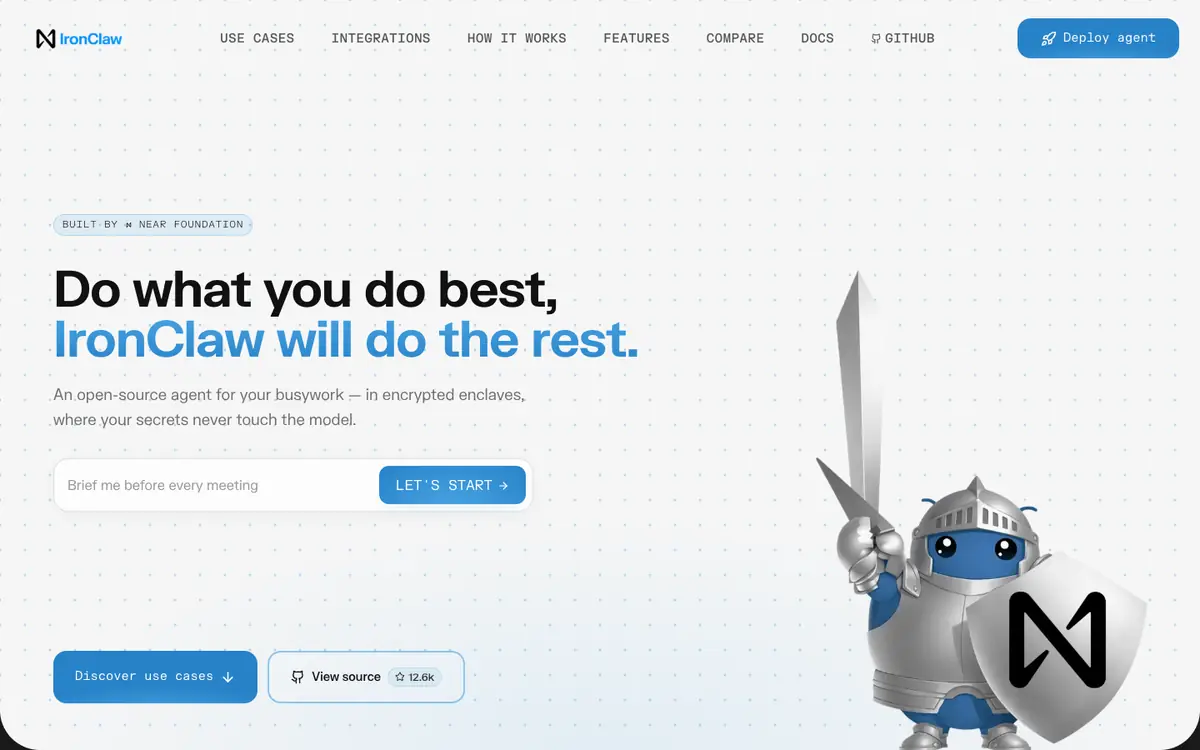
Automate repetitive busywork with an open-source agent that isolates secrets from the model. Run tasks in a WebAssembly sandbox so execution stays separated from the model. Keep keys in an encrypted vault instead of exposing them to the model. Connect Gmail, Slack, and GitHub to cover common day-to-day workflows.
Offer and pricing
The supplier's landing page lists Starter at 5 USD per month with 1 instance and 5 USD in credits, Basic at 20 USD per month with 2 instances and 20 USD in credits, and Pro+ at 200 USD per month with 5 instances and 200 USD in credits. A free tier is not confirmed. These prices come from the landing page, not from a billing view, and are not confirmed; check the current price, quotas, and terms with the supplier before you commit.
Limits to check
The supplier documentation does not confirm territorial availability, quotas, or usage terms; check these points with the supplier. Prices are recorded from the landing page and not from a billing view, so the exact billed amount and any free tier are not confirmed; check them with the supplier.
What to check yourself
Before you commit, open the supplier site and check the current price of each plan against what the landing page lists, then confirm what the credits cover and which quotas apply. If a trial is offered, run one repetitive task in the sandbox using your own Gmail, Slack, or GitHub account and confirm that keys stay in the vault and never reach the model. Also verify which models you can plug in and whether the terms match how you intend to use the agent.
- Availability by country, quotas, and usage terms are not confirmed; check them with the supplier.
- Prices come from the landing page and not from a billing view, so the billed amount and any free tier are not confirmed.