Tool profile · Publisher documentation
The product points below come from publisher documentation. No common hands-on test is claimed. Documentary profile, sources checked October 7, 2026. LE LABO IA has not tested this product.
Uses
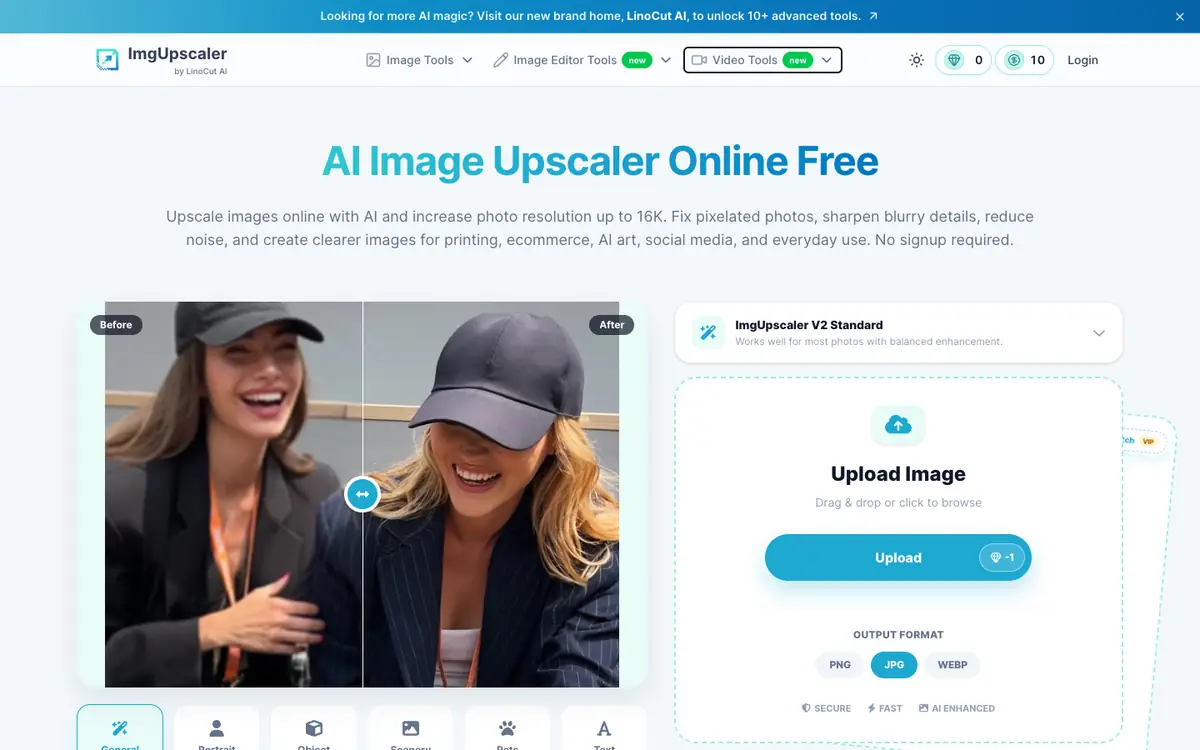
Enhance portrait photos and faces that appear too small or slightly blurred. Prepare low-resolution images for print or large displays by increasing them up to 16K. Process batches of PNG, JPG or WEBP files instead of editing each image manually.
Offer and pricing
The supplier's public pricing page lists a free tier at $0 with free credits renewed periodically. Paid options are mentioned: subscription plans and one-time credit purchases. Subscription examples include 50 credits at $3.90 per month and 1,000 credits at $16.90 per month, with intermediate tiers. One-time purchase examples include 50 credits at $4.99 and 30,000 credits at $330, with intermediate packs. The displayed per-credit prices, $0.026 for subscription and $0.075 for one-time purchase, correspond to example tiers. These amounts are not confirmed and may change; check current prices, credits and terms directly with the supplier.
Limits to check
The supplier's public documentation does not confirm quotas, territorial availability or usage terms. Pricing details are not confirmed: the listed amounts are examples of tiers and should be checked with the supplier on the day of use. No hands-on test of the product is available, and the supplier's public documentation does not state every limitation.
What to check yourself
Visit the supplier's pricing page and check the current price of the credit pack or subscription that fits your volume. Before committing, try one representative image and compare the result with your original at the intended final resolution. During a trial, also check whether batch processing works with your file formats, then verify the applicable quota and usage terms with the supplier.
- Quotas, territorial availability and usage terms are not confirmed and should be checked with the supplier.
- Pricing amounts are not confirmed and should be checked with the supplier.