Tool profile · Publisher documentation
The product points below come from publisher documentation. No common hands-on test is claimed. Documentary profile, sources checked October 7, 2026. LE LABO IA has not tested this product.
Uses
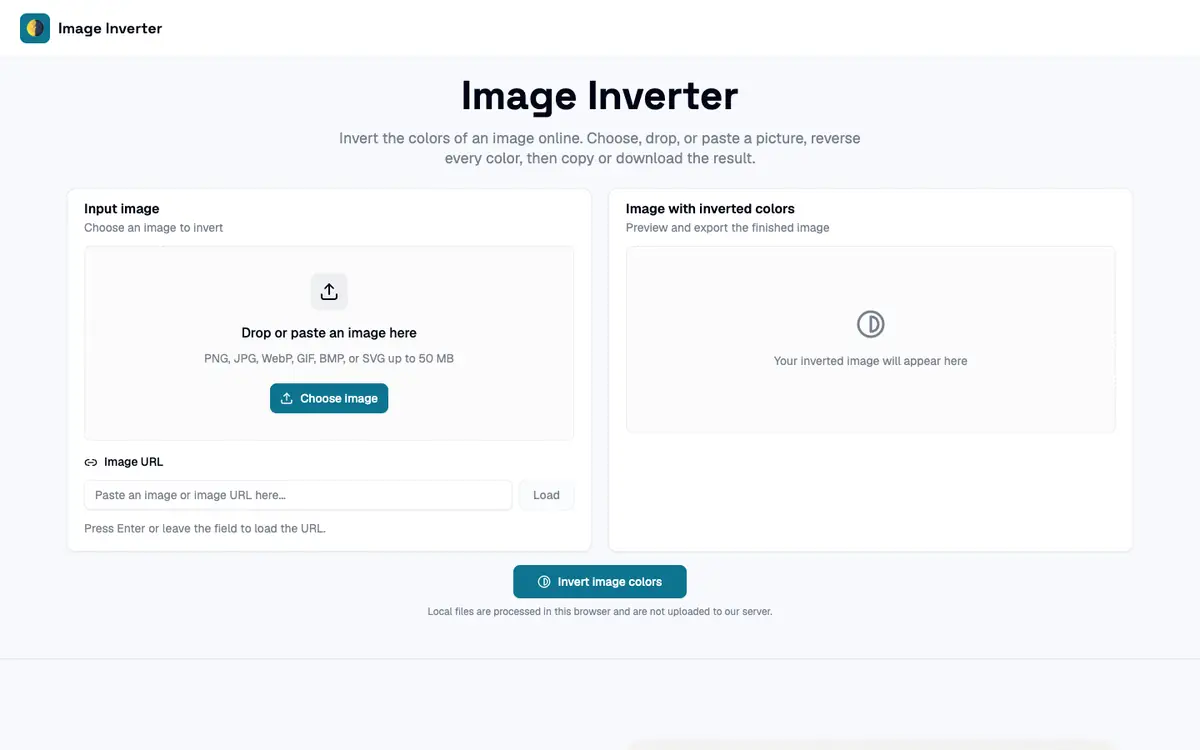
Invert the colors of a photo in your browser and download the result as PNG, JPG, BMP or WebP. Load an image by file, paste or URL and copy the inverted result without saving it first. Keep transparency intact when inverting logos, icons or other images with transparent areas. Reverse RGB colors for quick visual experiments, mockups or design tests.
Offer and pricing
Pricing is not confirmed. Exact prices, billing periods, quotas and whether a free tier exists have not been confirmed from the supplier. Check the supplier's current pricing page or plan details before paying, and treat any amount, free access, usage limit or billing period as something to confirm with the supplier.
Limits to check
LE LABO IA has not tested the product, so functionality, output quality and performance are not confirmed. Exact prices, free access, quotas, billing periods and terms of use are not confirmed and should be checked with the supplier. Availability by country is unconfirmed, and the product may not be available everywhere. Output formats listed here come from public documentation and should be confirmed on the supplier site.
What to check yourself
Open the supplier site and load a photo with transparency, then invert it and download the result as PNG. Check whether transparency is preserved and whether the output matches what the documentation says. Look at the current pricing page to confirm whether any free use, quotas or subscription terms apply before you rely on the tool. Keep a copy of your original file and compare the inverted output with another editor if color accuracy matters to you.
- Exact prices, billing periods and quotas are not confirmed.
- Free access or a free tier is not confirmed.
- Availability by country is not confirmed.
- Terms of use and legal rights are not confirmed.