Tool profile · Publisher documentation
The product points below come from publisher documentation. No common hands-on test is claimed. Documentary profile, sources checked October 7, 2026. LE LABO IA has not tested this product.
Uses
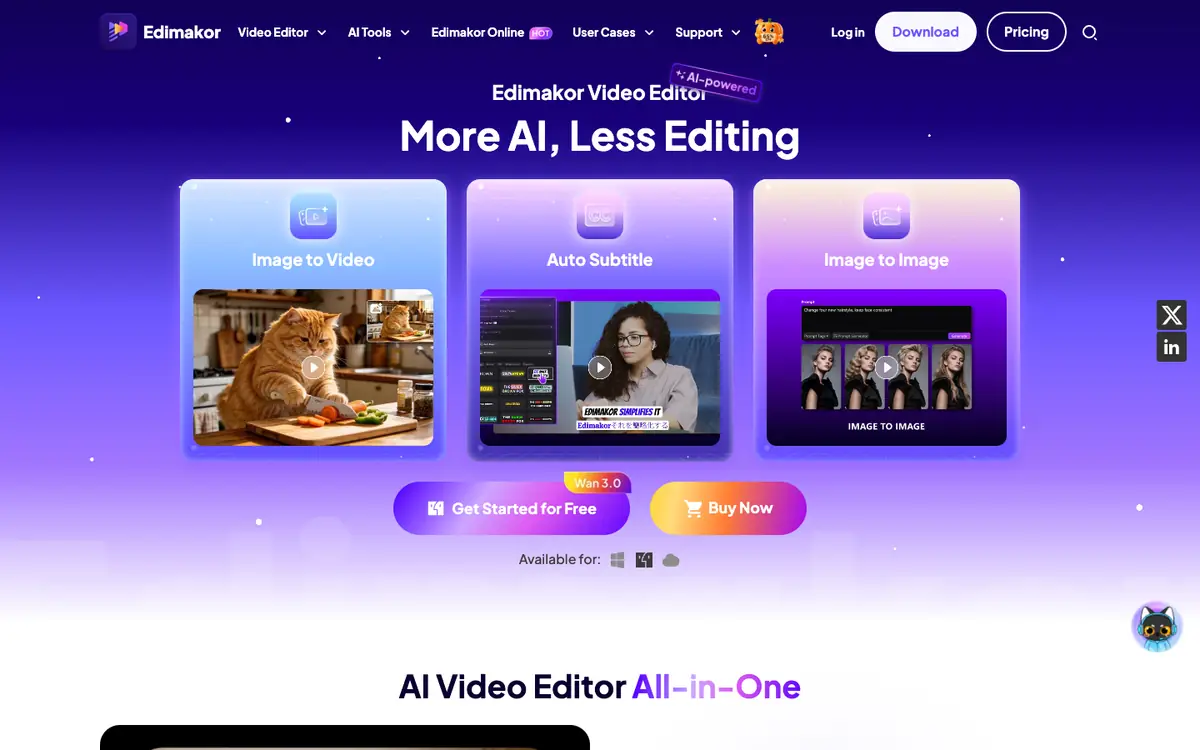
Generate and edit videos with an AI editor that the supplier documents as supporting subtitles, translation and dubbing. Add automatic subtitles to spoken content so videos can be followed without sound. Translate and dub videos to prepare versions for audiences that speak other languages. Produce videos featuring AI avatars when a presenter-led format is wanted but filming is not practical.
Offer and pricing
Pricing is not confirmed. The exact price, billing period, quotas and availability of any free tier have not been confirmed, and no amount or free trial is guaranteed. Check the supplier's current offer directly before relying on it.
Limits to check
No hands-on test of the product was carried out, so the profile depends on public supplier documentation. Exact prices, quotas, territorial availability and terms of use are not confirmed and should be checked with the supplier. The documented features describe intended uses only, with no measured results on output quality, speed or limits.
What to check yourself
On the supplier site, check the current price, billing period, quotas and any free access before paying. During a trial, upload a short clip and verify subtitle accuracy, translation, dubbing, avatar output and the conversion of a long video into a short clip. Confirm how exported files may be used and whether the supplier sets territorial restrictions. These points remain not confirmed until you see them in your own account.
- Prices, billing periods, quotas and free access are not confirmed.
- Territorial availability and exact terms of use are not confirmed.
- Output quality, processing speed and practical limits were not tested.