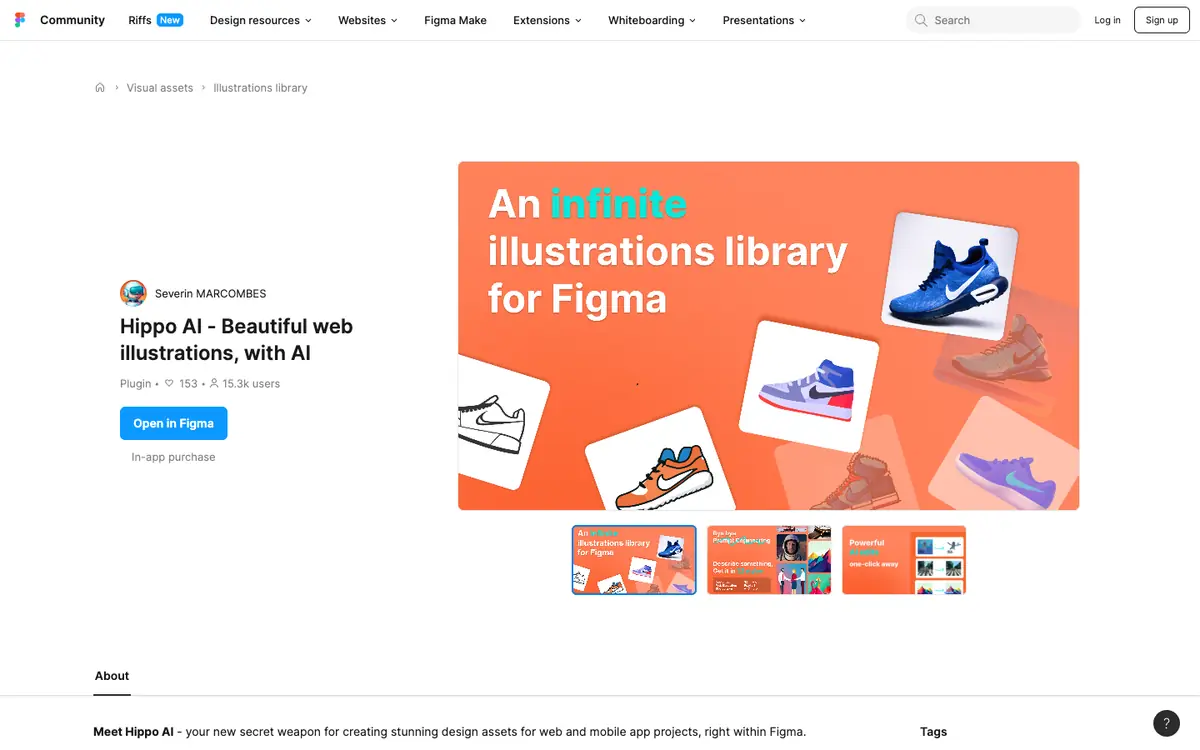
Tool profile · Publisher documentation
The product points below come from publisher documentation. No common hands-on test is claimed. Documentary profile, sources checked October 7, 2026. LE LABO IA has not tested this product.
Uses
Generate vector illustrations for a website interface, then adjust them inside the Figma file. Create visual assets for a mobile application project without leaving the design environment. Apply predefined web styles to illustrations so they match a page's visual direction. Remove a background or enlarge an image as part of preparing a design asset, per the supplier's documentation.
Offer and pricing
The exact prices, billing period, quotas and availability of a free tier are not confirmed. Consult the supplier's current offer before relying on any figure. No amount or free trial is guaranteed by this profile.
Limits to check
LE LABO IA has not tested Hippo AI, so the described behaviour comes from the supplier's public documentation only. Prices, quotas, territorial availability and exact usage terms are not confirmed and should be checked with the supplier.
What to check yourself
On the supplier's page, check which Figma plan is required, what the current price and quota are, and whether a free option exists. During a trial, generate one illustration for a real page and try the style, background removal, enlargement and text removal features to see if the output fits your project. Then confirm the usage rights attached to the visuals before using them in production. Keep notes on what the supplier states versus what the plugin actually produces.
- Exact prices and billing period
- Usage quotas
- Free tier availability
- Territorial availability of the plugin